Seaglass is a highly customizable glassmorphism theme.
Install
# from npm (prebuilt)
dsh plugin --profile web add dsh-client-ui-seaglass
# from GitHub (first run asks for allowBuilds approval — follow the hint, retry)
dsh plugin --profile web add github:xiyunyunyun/dsh-client-ui-seaglass
Any plugin you install runs third-party code with your own permissions — it can read your files, use your credentials, and reach the network, and tool approvals don’t sandbox it. GitHub-sourced plugins also run build scripts at install time — pnpm blocks those until you allow them, so an install can stop with ERR_PNPM_GIT_DEP_PREPARE_NOT_ALLOWED or ERR_PNPM_IGNORED_BUILDS; dsh prints the exact key to add under allowBuilds in your profile’s pnpm-workspace.yaml, and the install works on the next run. Allowing a build is a trust decision: only install sources you trust, and pin a commit (github:owner/repo#sha).
README
English | 中文
Compatibility — DSH
0.1.5-rc.1· Updated 2026-09-11 · Plugin v1.6.7
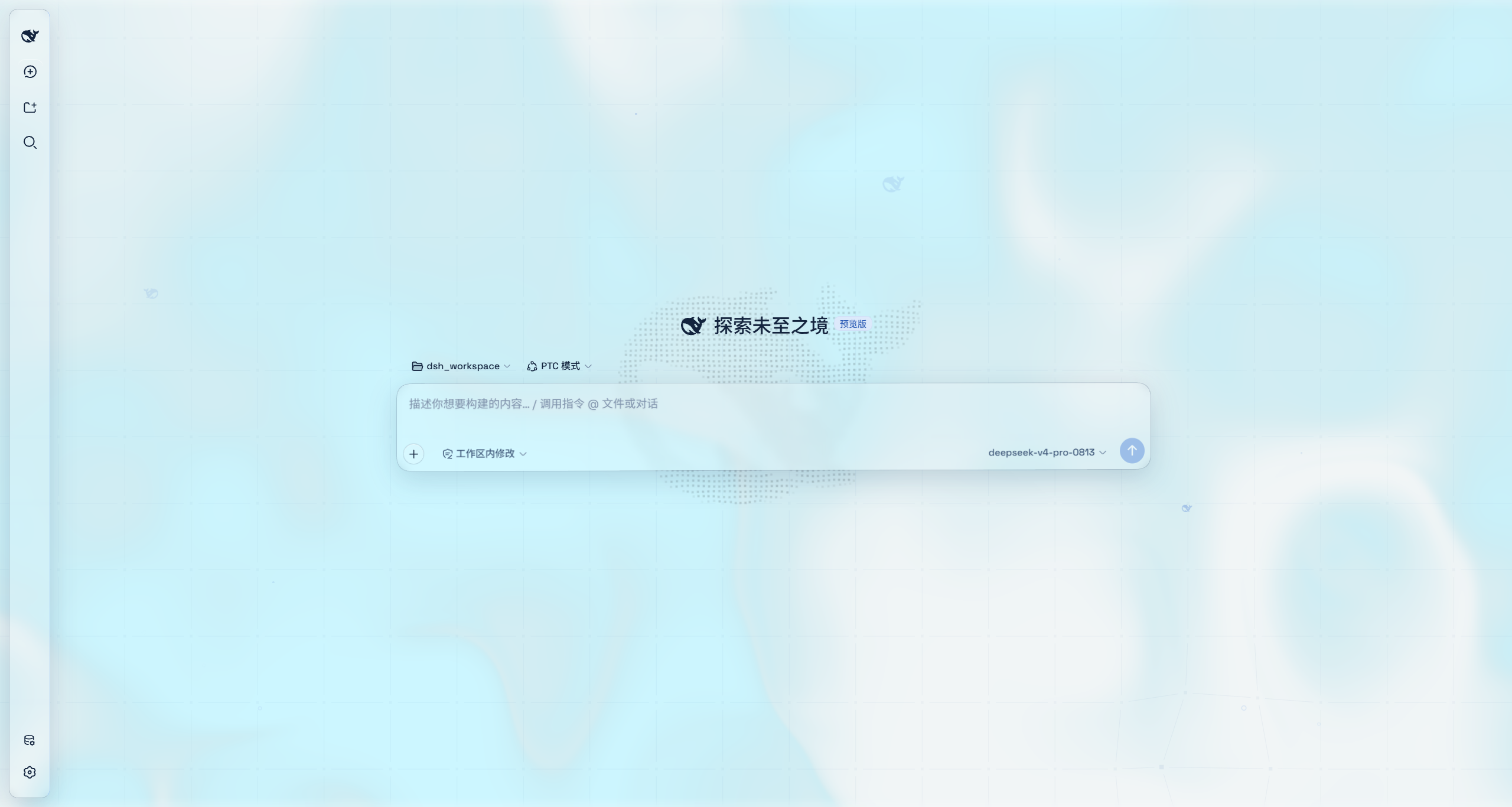
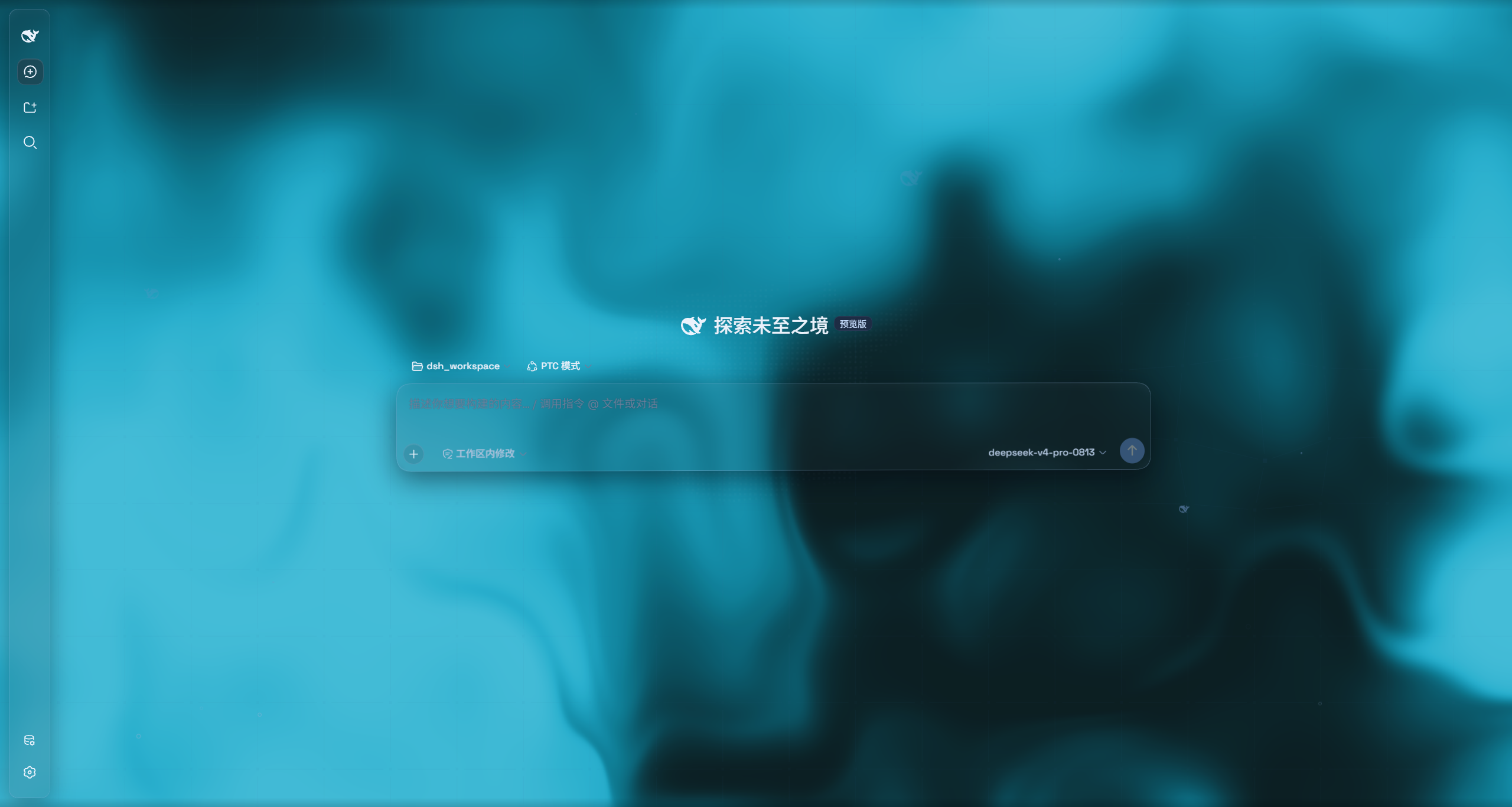
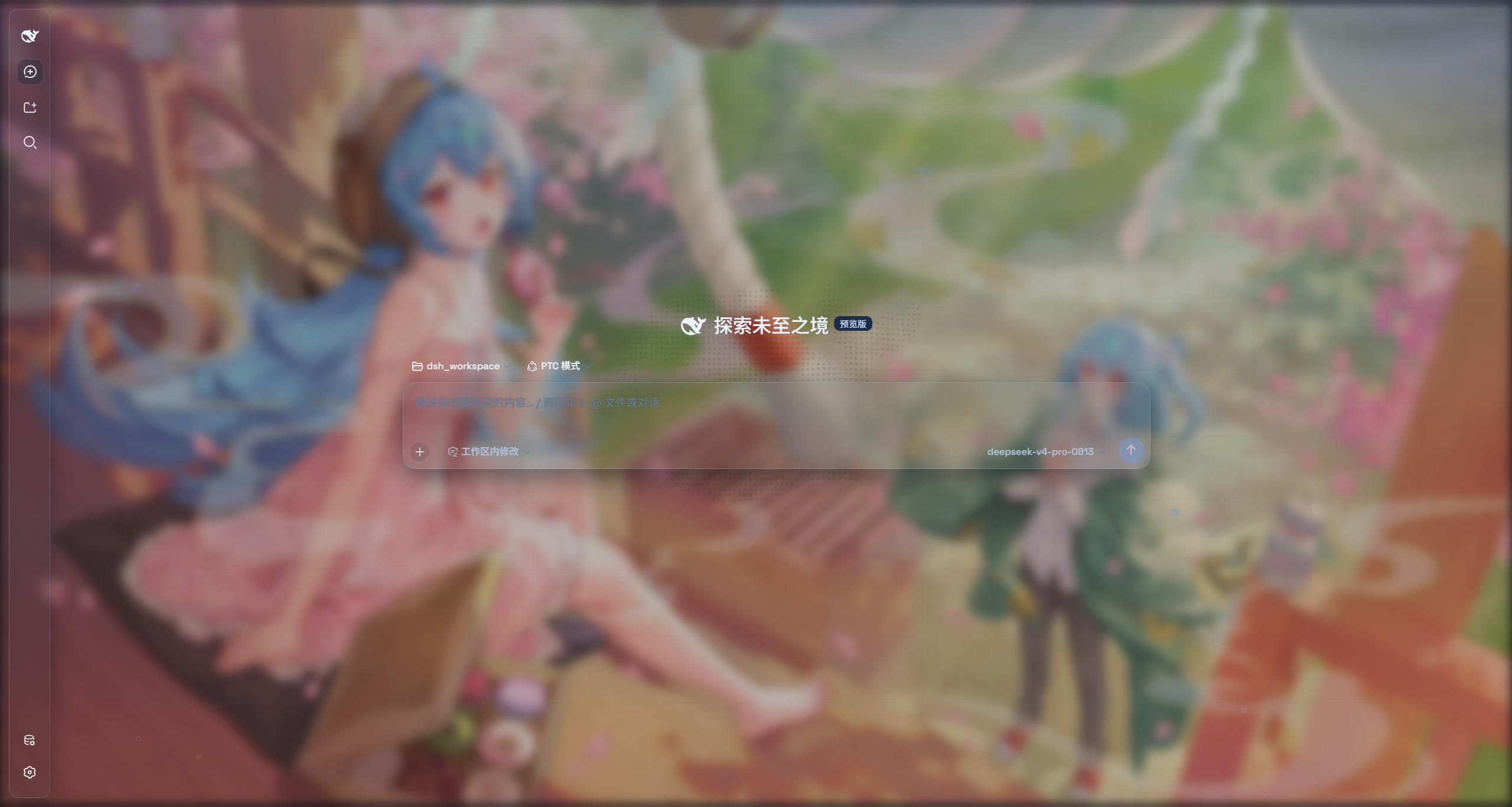
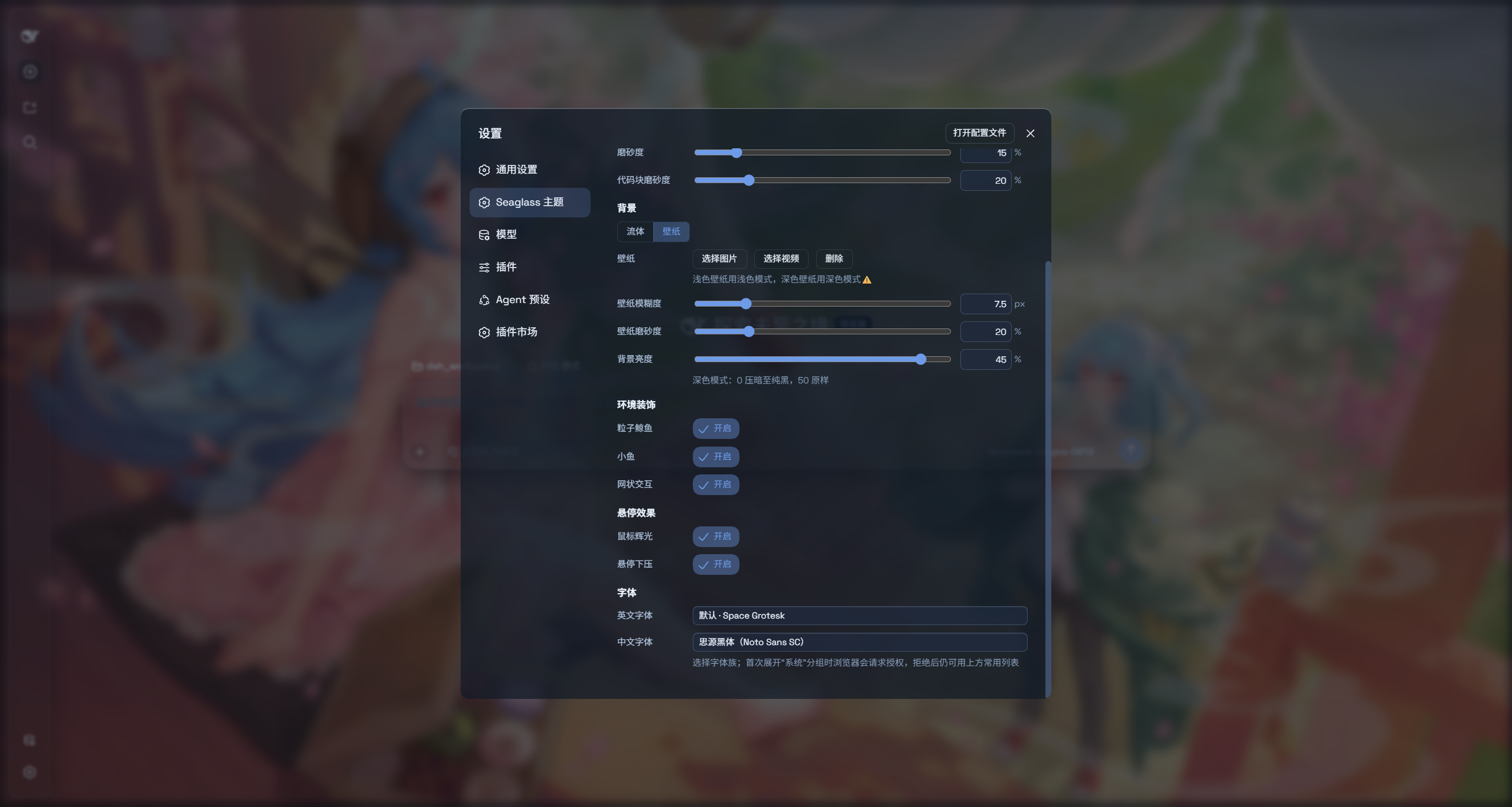
Seaglass is a highly customizable glassmorphism theme: it turns many surfaces into frosted-glass panes, and you can use your own images or videos as the backdrop. Switch the theme off and you are back to the stock UI — without changing a single line of DSH source. If you like the theme, feedback and PRs are welcome.
Features
- Two modes: Mica restyles the layout into floating glass cards; Compatibility Mode keeps the stock layout byte-for-byte and only swaps the material to generic glass
- Free backdrop: switch freely between an image or a video background
- One switch: off restores the stock UI exactly
- Per-script font customization (Chinese/English)
Installation
Option 1: npm one-liner (recommended)
dsh plugin --profile web add dsh-client-ui-seaglass
Installs the latest version from npm and registers it as a profile plugin layer (the dsh.bundle patch) — works on every platform. Reload the web UI and it is on.
Option 2: Local folder install (recommended if you want to hack on / modify the theme source)
Clone the repo anywhere, then hand the local folder straight to dsh plugin add — it links the folder into the profile and registers the layer for you, no manual cordis.patch.yml edits. The repo ships its build output, so it works right after installing; no npm release needed.
git clone https://github.com/xiyunyunyun/dsh-client-ui-seaglass.git
npm install
dsh plugin --profile web add "C:\\path\\to\\dsh-client-ui-seaglass"    # your actual clone path (absolute path recommended)
Links
More in this category
Small-tailqwq/dsh-deep-whale#maid-atelier★ 2773
Whale-girl skin series for the DSH Web UI (maid-atelier).
elysia395/dsh-wallpaper-engine★ 1792
Requires DeepSeek Harness 0.1.5-rc.1+ (DSH Desktop >= 2.0.7) and dsh-better-sidebar >= 0.19.0 - update both before installing or updating this plugin. Plays local Wallpaper Engine Video/Web wallpapers behind the chat, renders Scene wallpapers as extracted static frames, and adds content-rating/type filters, custom uploads and an iOS-style liquid-glass settings window.
d-dev0101/open-sea-skin★ 402
Realtime WebGPU ocean skin with quick controls for waves, daylight, glass opacity, and an automatic day cycle.
kingOfSoySauce/dsh-liang-skin★ 284
Adaptive reasoning slider skin that maps each model's available reasoning efforts onto a 0–30 visual intensity scale, with synchronized portraits, background, and interface colors.
Nwflower/dsh-claude-style★ 268
Claude Code Desktop look-and-feel for the DSH Web GUI — ivory/warm-black dual canvas, clay accent, three-font typography, permission segmented control and brand switcher, via CSS overrides and client DOM overrides.
RevolutionLA/dsh-dream-skin★ 265
One-command skin plugin: 8 original themes, translucent wallpaper with opacity/blur, per-user accent, and shareable theme-pack import/export, favorites and surprise-me — purely native on DSH's token system.
Community comments
Comments are public GitHub Discussions. Loading them connects to GitHub and Giscus; a GitHub account is required to post.