Clippy is back and this time he can actually help. An office assistant pet that reacts to real agent state, jumps when the turn completes, and opens a classic "illegal operation" dialog when a turn fails.
Install
# from npm (prebuilt)
dsh plugin --profile web add dsh-clippy
# from GitHub (first run asks for allowBuilds approval — follow the hint, retry)
dsh plugin --profile web add github:sjh9714/clippy-harness#path:/plugin
Any plugin you install runs third-party code with your own permissions — it can read your files, use your credentials, and reach the network, and tool approvals don’t sandbox it. GitHub-sourced plugins also run build scripts at install time. Only install sources you trust, and pin a commit (github:owner/repo#sha).
README



English | 中文
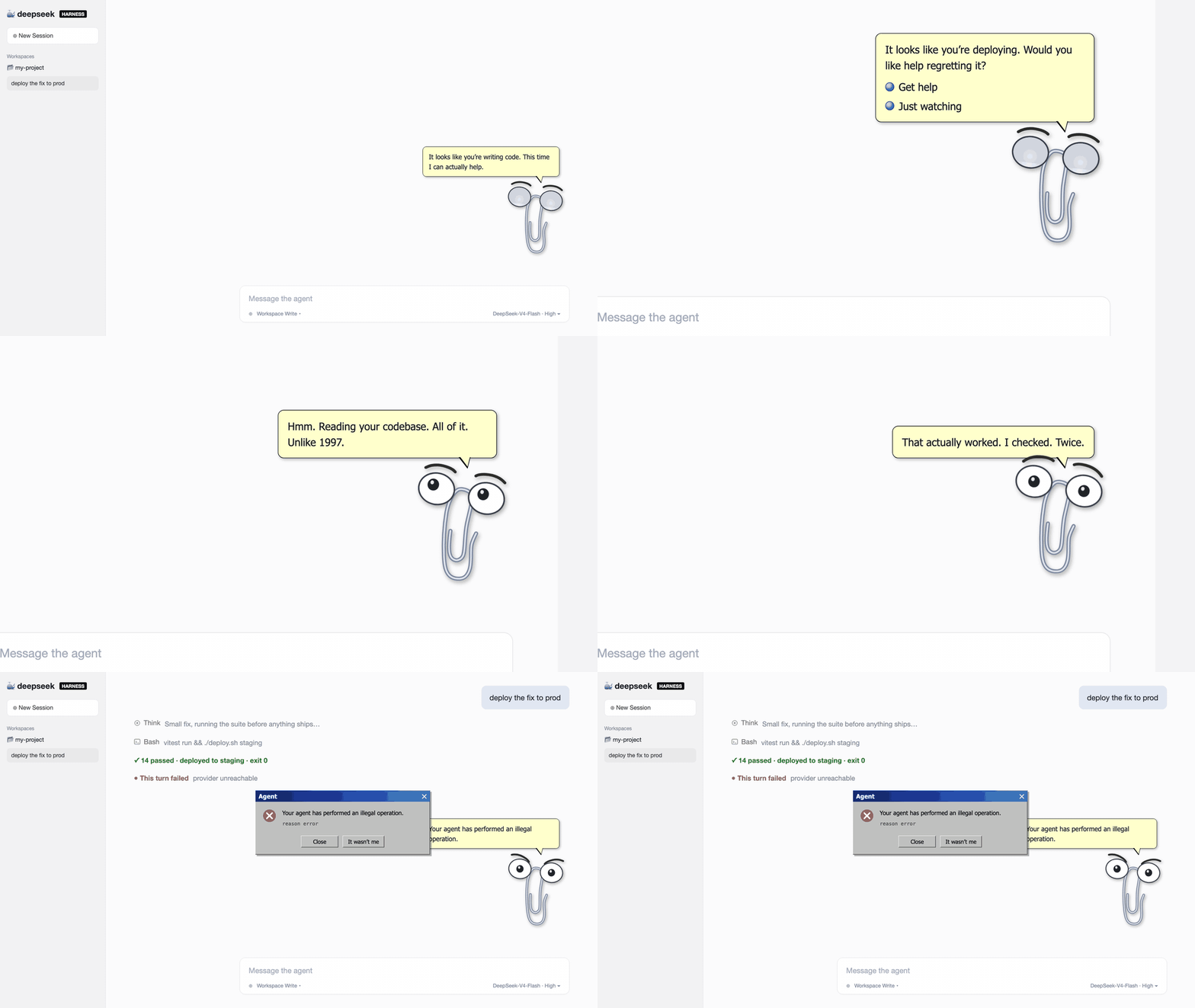
"It looks like you're writing code. This time I can actually help."
An office assistant pet for the DeepSeek Harness Web UI.
He watched you write documents for 25 years and could do nothing. Now he has an agent runtime.
Install
npx @deepseek-ai/dsh plugin --profile web add dsh-clippy
Restart dsh web and he is in the corner.
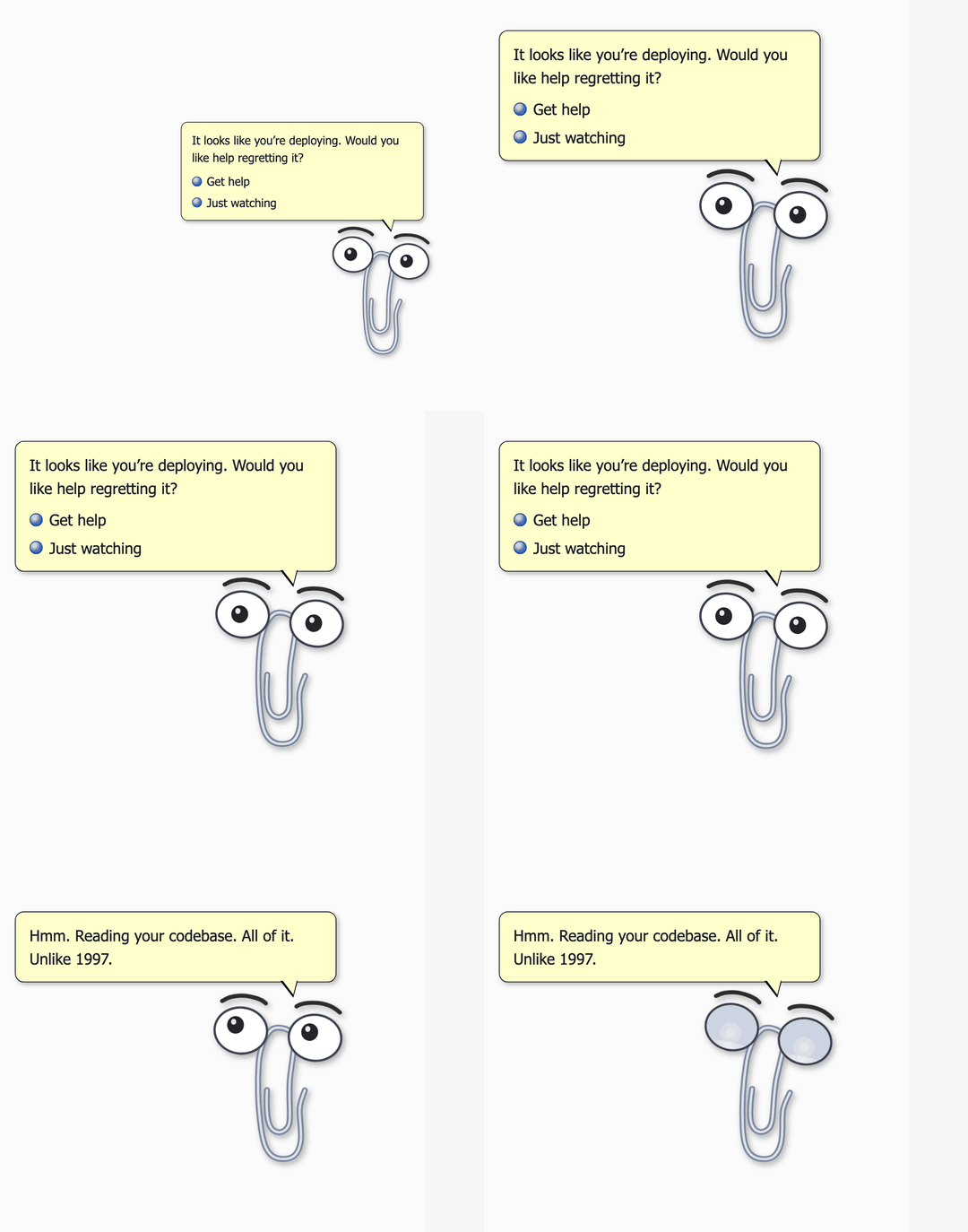
He interrupts you again
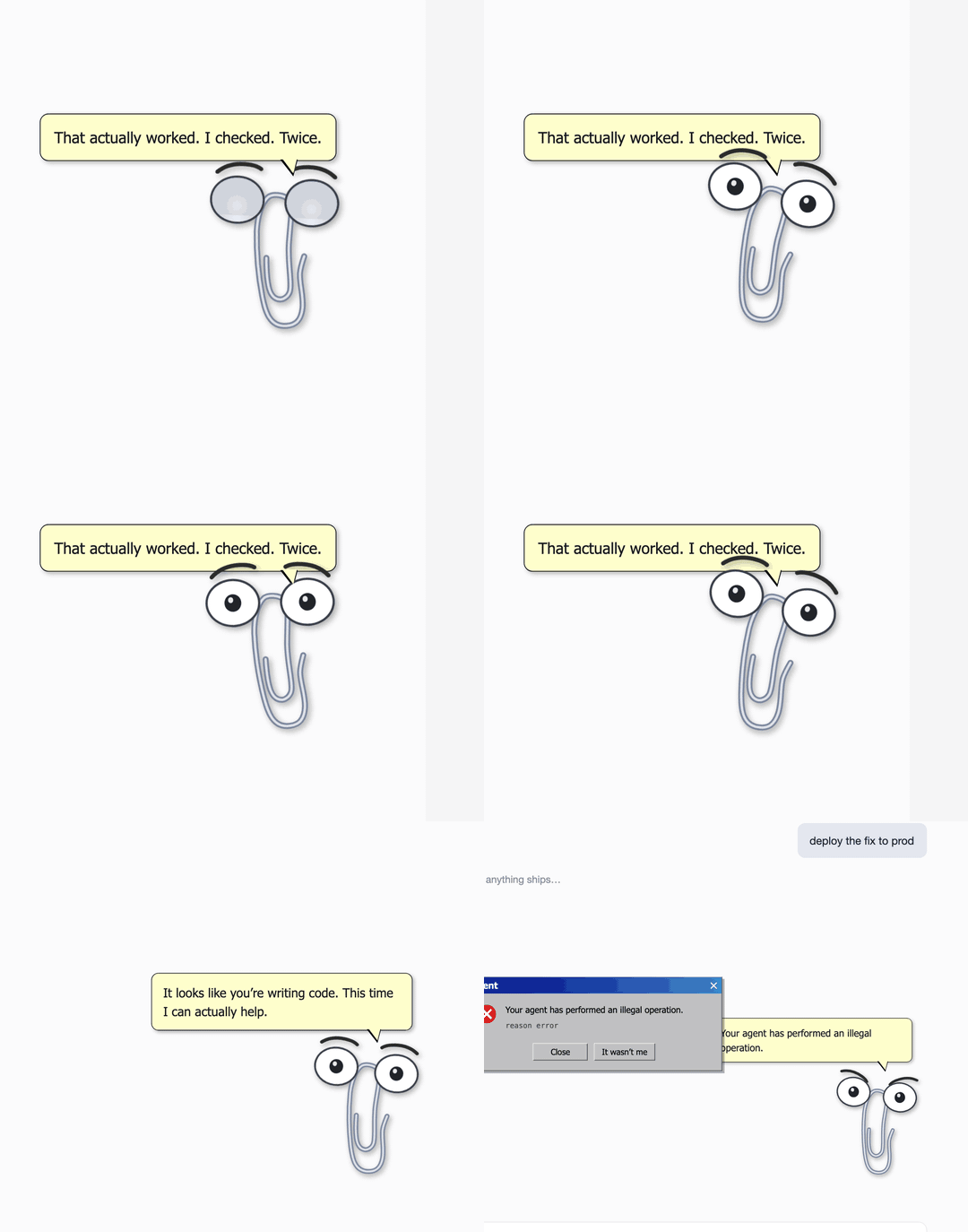
The classic. He reads your message on its way to the agent, and when it looks risky he has opinions. Say "deploy" and you get options. Each line fires once per session, then he lets it go.
He follows real agent state
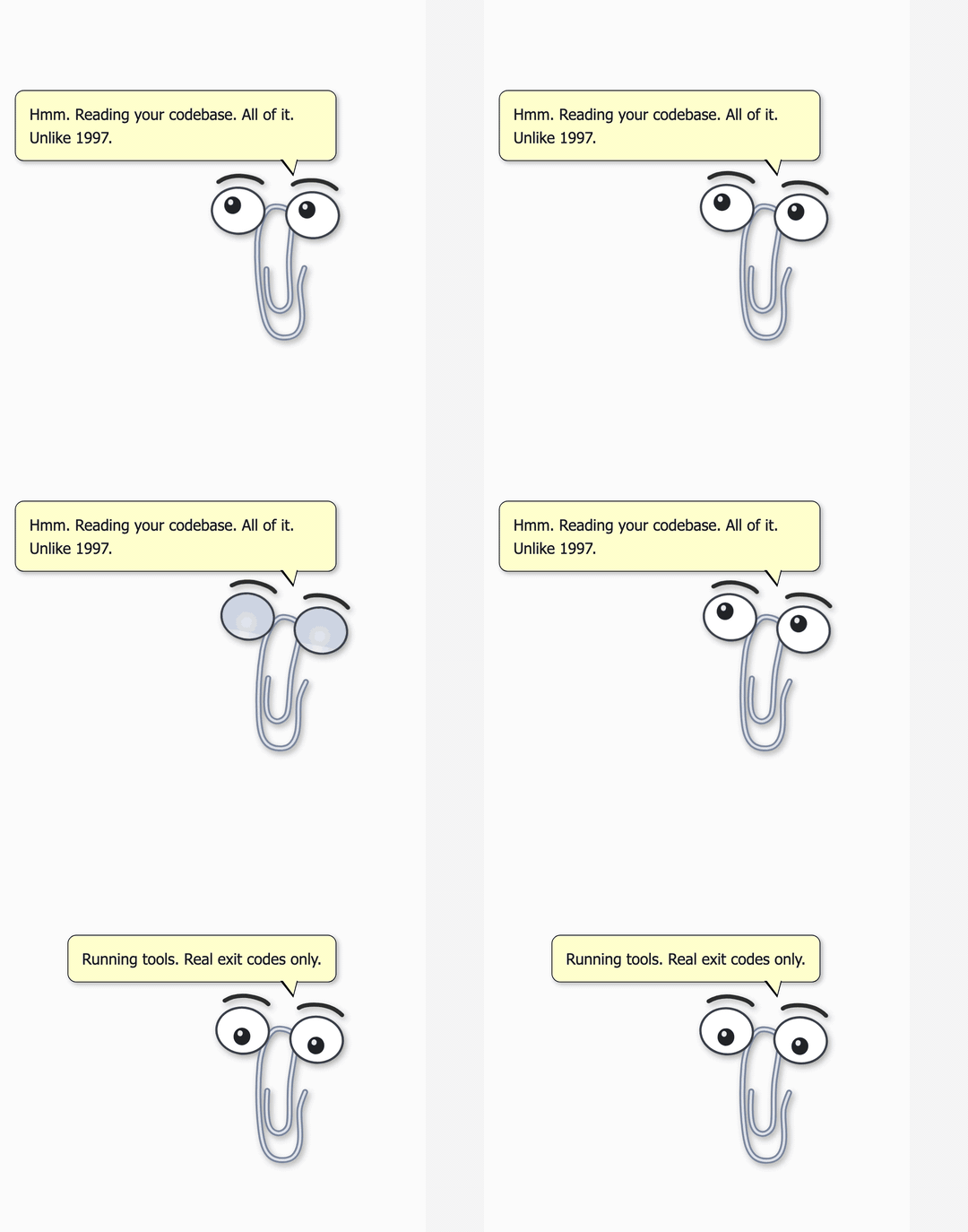
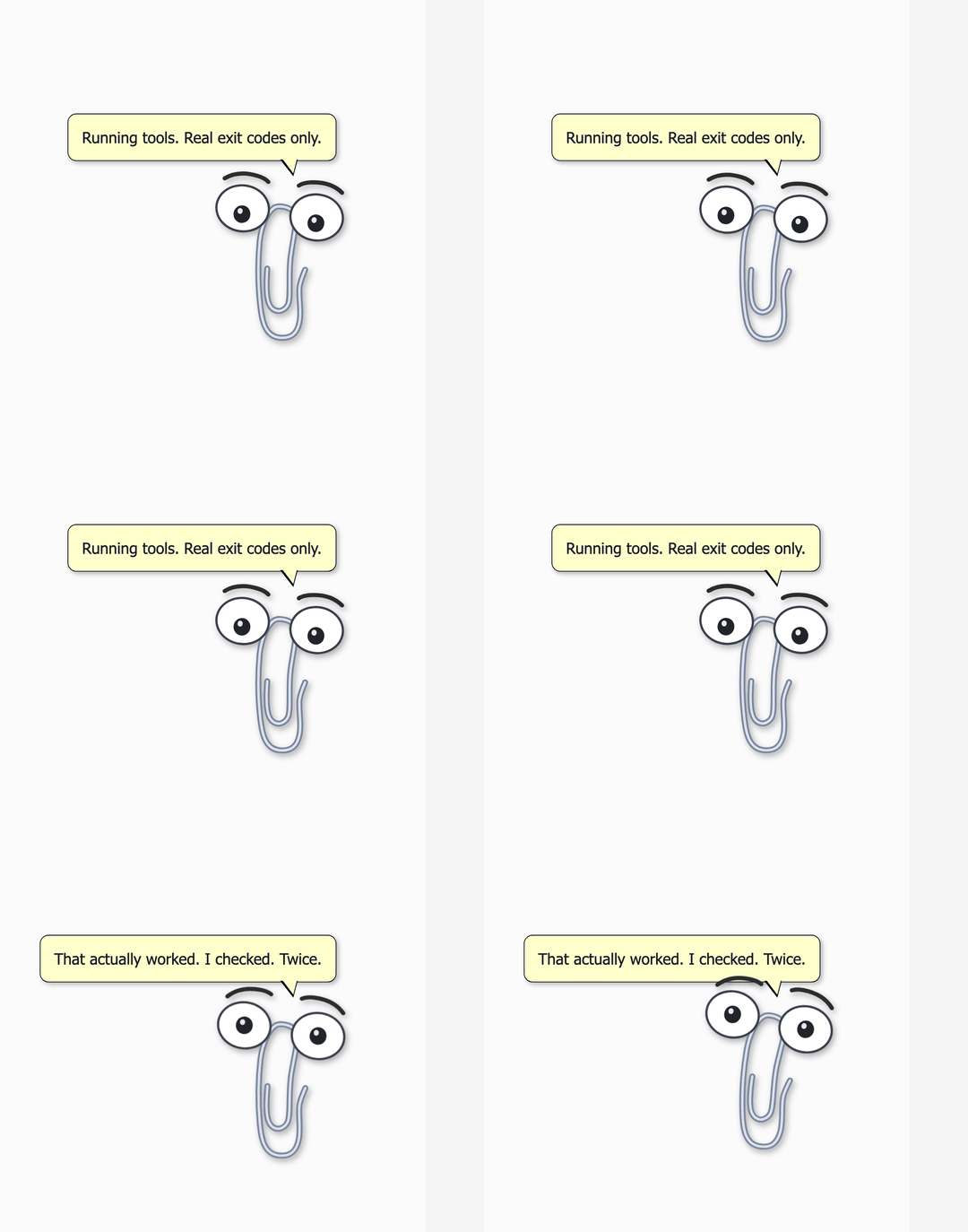
He subscribes to core session events. Every reaction is the agent's actual state, not a decoration.
| Thinking | Running a tool |
|---|---|
 |
 |
| Turn completed | Turn failed |
|---|---|
 |
 |
- Thinking gets a head tilt. He reads your codebase now. All of it. Unlike 1997.
- Tool calls get a busy bounce.
- A completed turn gets a jump. He checked. Twice.
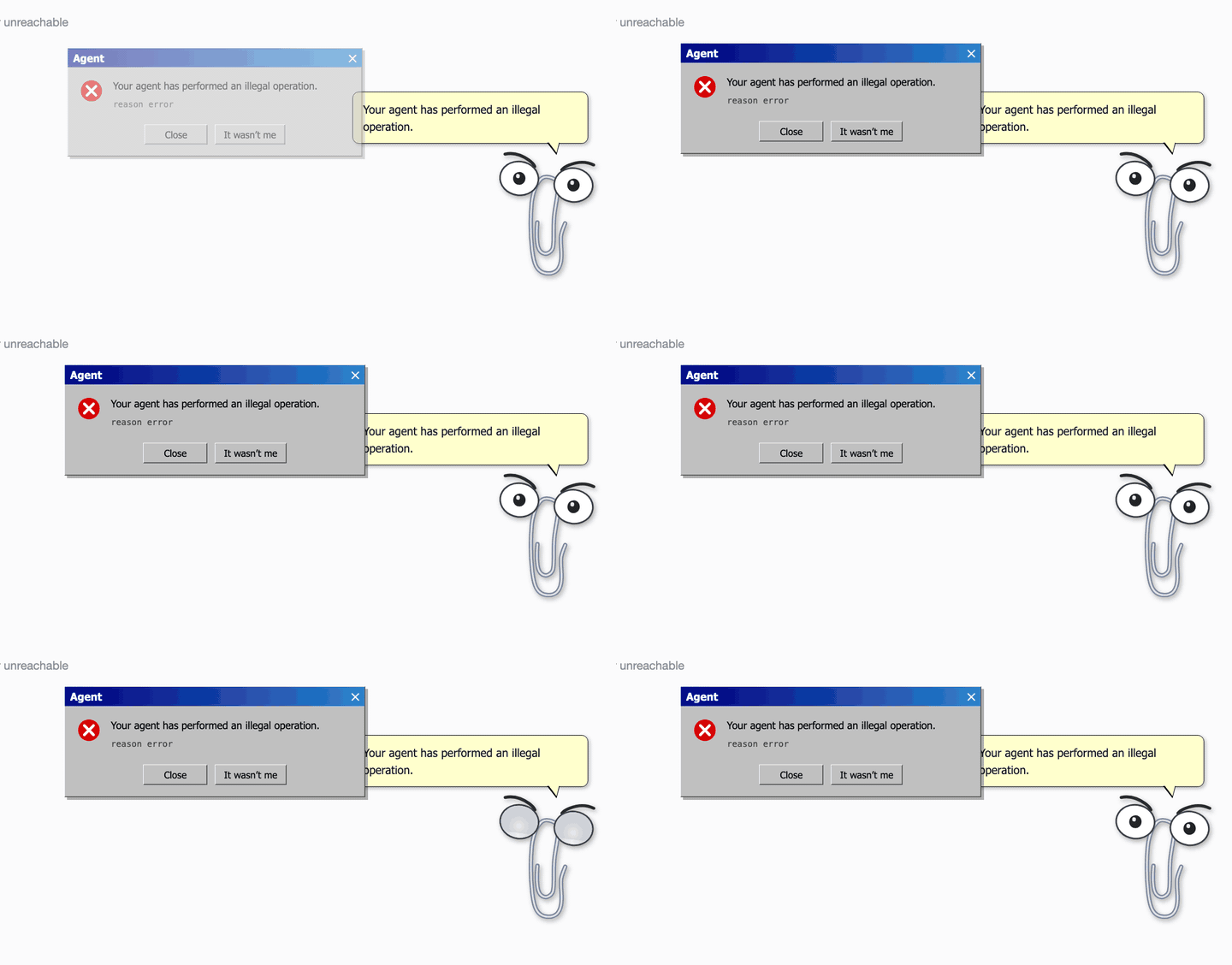
- A failed turn gets angry eyebrows and the classic dialog. "Your agent has performed an illegal operation." The buttons are Close and It wasn't me.
He has a personality now
- Blinks, glances around, and wiggles while idle.
- Click him for a reaction. Drag him anywhere.
- Right click for the menu. Hide, sound toggle, About Clippy, and Fire him. Again.
- Optional synthesized retro sounds (default off, no audio files shipped).
Custom lines
Every line he says can be replaced through the plugin config.
- id: clippy
  name: 'dsh-clippy'
  config:
    state:
      lines:
        done:
          - 'Ship it.'
Pairs well with
The xp skin from dsh-skins turns the whole Web UI into a retro desktop. Clippy fits right in. He works on the default theme too.
From a checkout
npx @deepseek-ai/dsh plugin --profile web add link:/path/to/clippy-harness/plugin
Why
Every AI assistant today is trying to look like the future. The first one of them all deserves to come back and see how it turned out.
Credits
Character rig adapted from ManzDev/twitch-clippy (ISC). Demo scenes are rendered with the seek(t) harness in demo/.
License
MIT. Not affiliated with Microsoft. Clippit, we miss you.
Links
More in this category
Nagi-ovo/dsh-ads★ 353
Parody ads in 2005-Chinese-web style: sidebar banners, in-chat feeds, corner popups, and a close button whose hit area is smaller than it looks. All fictional.
vlln/whale-girl★ 134
Desktop pet (QQ-pet style): floats in the corner, draggable, feedable, playable.
PC2005-cloud/dsh-pet#dsh-pet★ 16
Desktop pet for the DSH Web UI with 25 transparent animations, screen wandering, click reactions and drag, plus a reproducible asset-generation pipeline.
hellodigua/dsh-emoji★ 15
Automatically add emojis to AI replies.
omdsh-dev/dsh-gomoku★ 13
Play Gomoku against the AI, or let two AIs battle it out.
lhh010/dsh-minigames★ 13
Side-panel arcade: 18 offline mini-games to play while the model thinks.