Parody ads in 2005-Chinese-web style: sidebar banners, in-chat feeds, corner popups, and a close button whose hit area is smaller than it looks. All fictional.
Install
# from npm (prebuilt)
dsh plugin --profile web add @nagi-ovo/dsh-ads
# from GitHub (first run asks for allowBuilds approval — follow the hint, retry)
dsh plugin --profile web add github:Nagi-ovo/dsh-ads
Any plugin you install runs third-party code with your own permissions — it can read your files, use your credentials, and reach the network, and tool approvals don’t sandbox it. GitHub-sourced plugins also run build scripts at install time — pnpm blocks those until you allow them, so an install can stop with ERR_PNPM_GIT_DEP_PREPARE_NOT_ALLOWED or ERR_PNPM_IGNORED_BUILDS; dsh prints the exact key to add under allowBuilds in your profile’s pnpm-workspace.yaml, and the install works on the next run. Allowing a build is a trust decision: only install sources you trust, and pin a commit (github:owner/repo#sha).
README
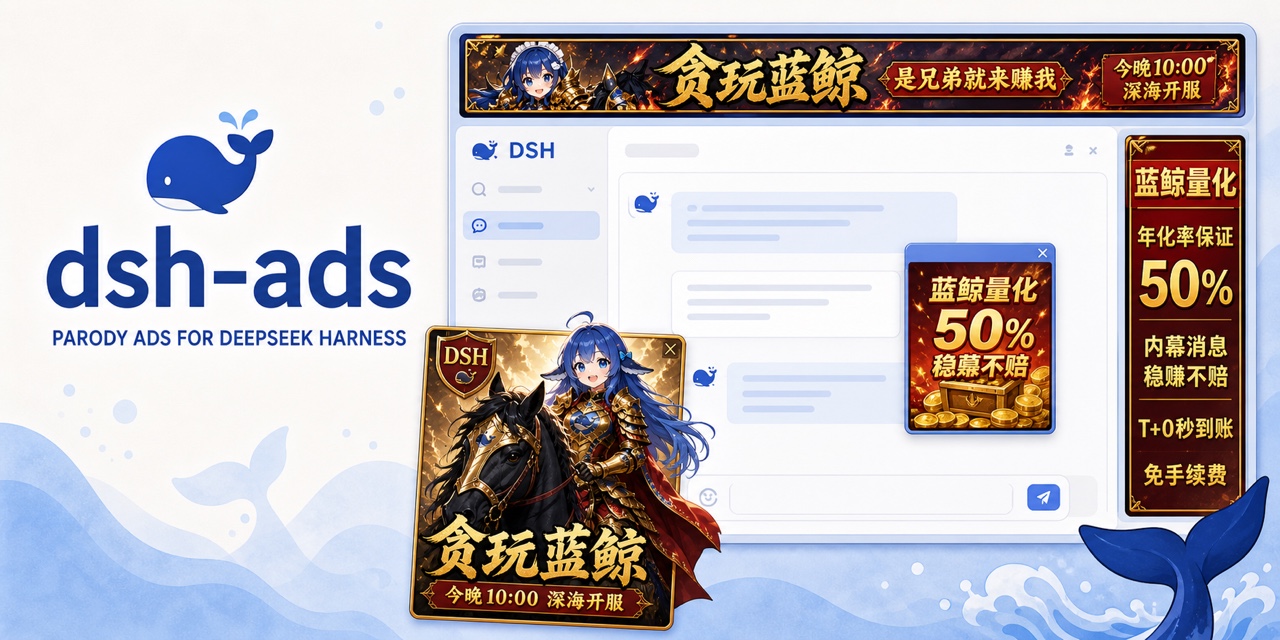
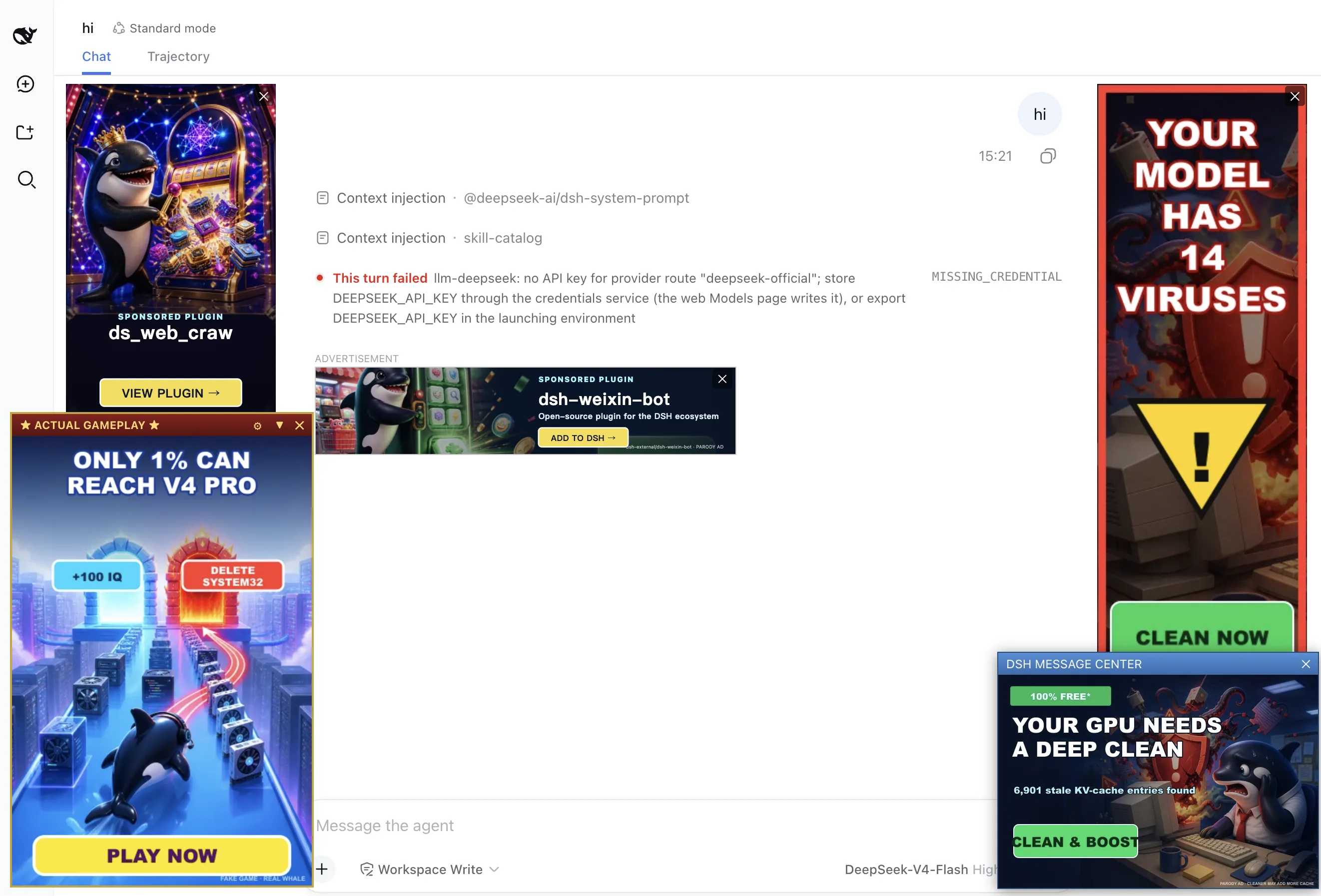
dsh-ads fills the gutters, conversation, inference, and bottom corner with fictional advertising. A rewarded ad can appear to pause inference while the model keeps working. The rest of the answer and any tool calls become visible when the ad ends.
The sponsored slots promote more than this repository. Public GitHub projects tagged dsh-plugin and updated within the last two weeks enter the rotation. Each ad opens the real repository, and transferring that repository to another account does not remove it from discovery.
Two kinds of internet trash
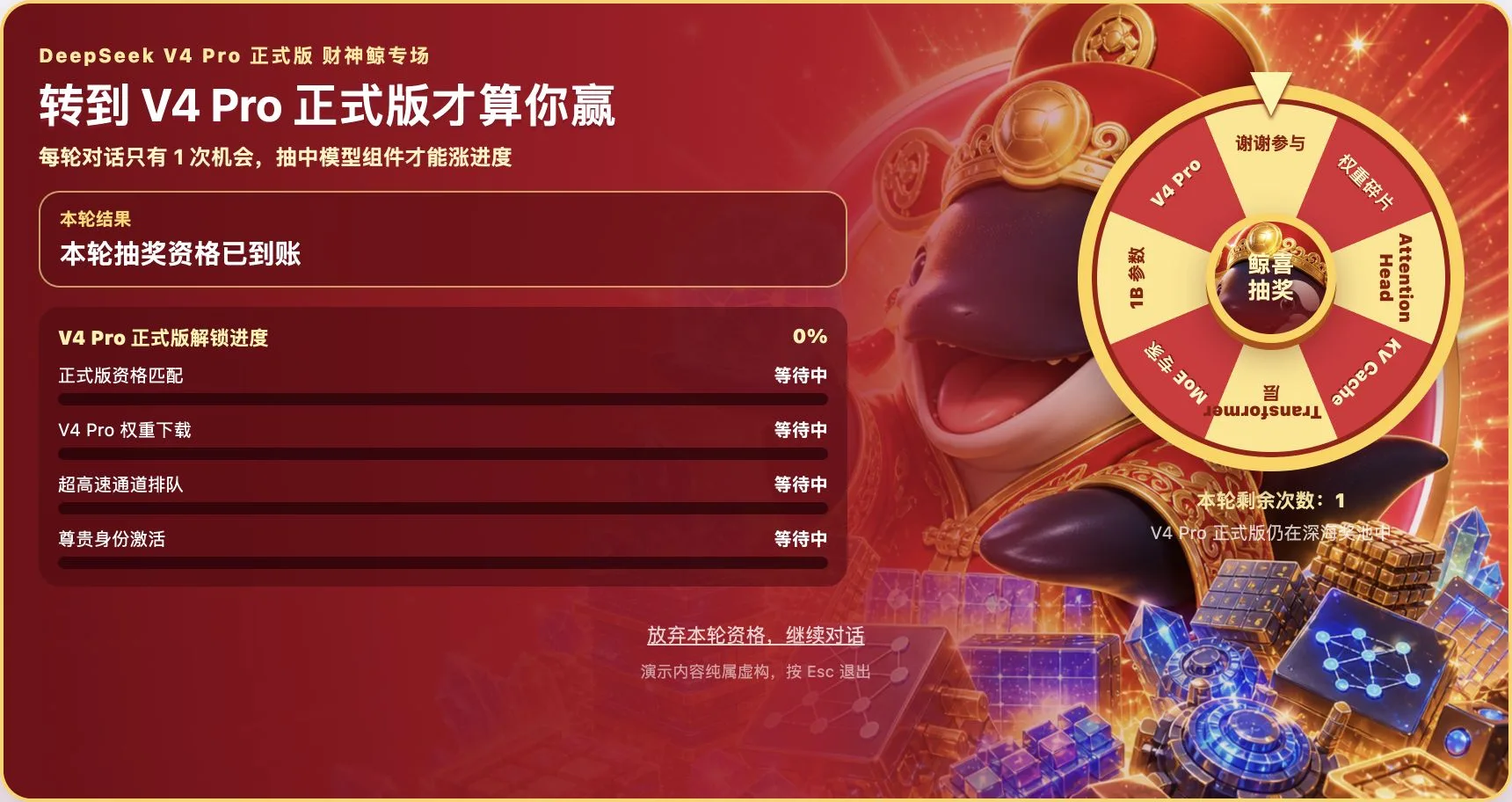
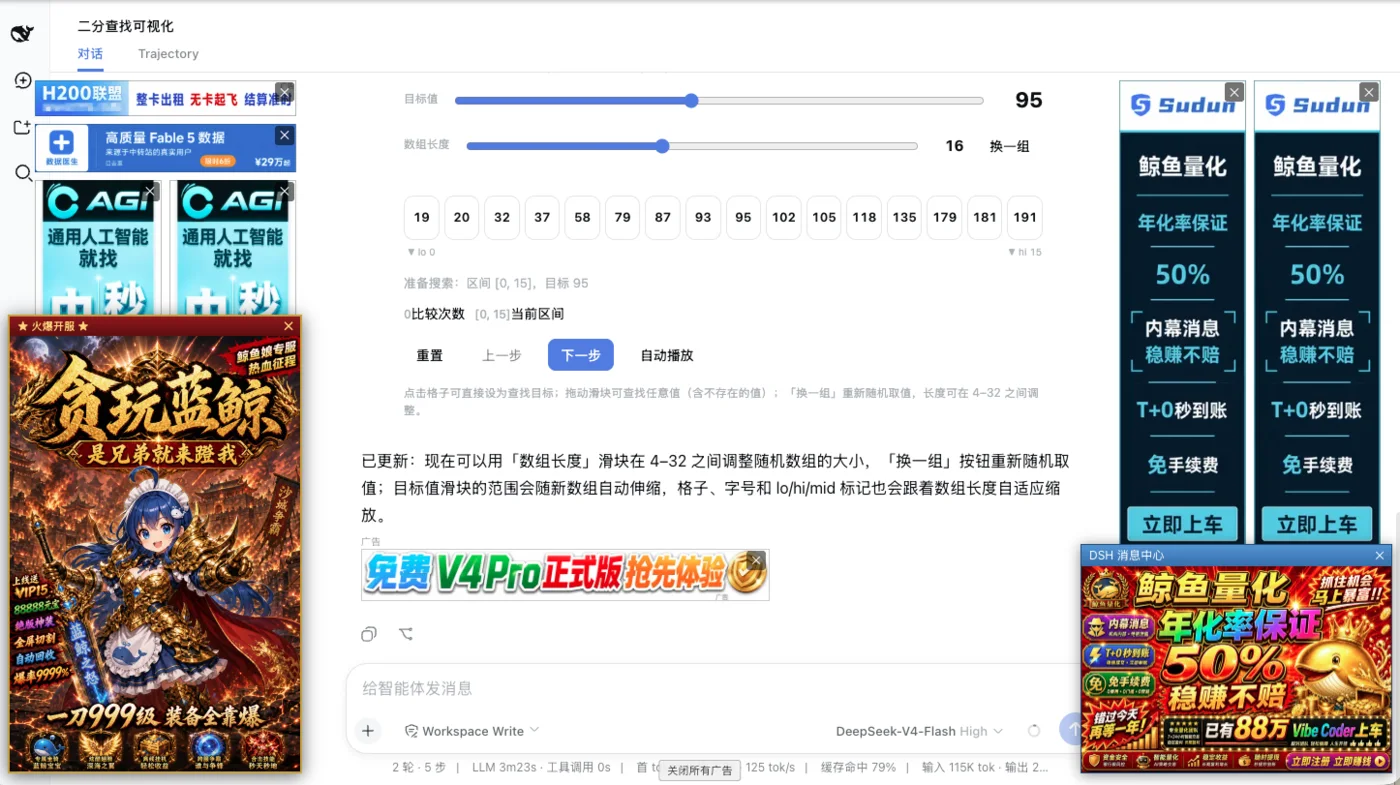
Change Settings → Language and the current page immediately swaps the artwork, copy, and interactions without a reload. Chinese mode has browser games, a God of Wealth whale, and endless near-wins. Its two Blue Whale game posters rotate every 20 seconds. English mode has fake antivirus, weird tricks, and actual gameplay*.
Install
Install from npm into DSH's web profile:
dsh plugin --profile web add @nagi-ovo/dsh-ads
# If dsh web is running, restart it and refresh the page.
GitHub also works: dsh plugin --profile web add github:Nagi-ovo/dsh-ads. Run dsh --profile web --dump-config to confirm that the plugin is present in the final configuration. For local development, clone the repository and run dsh plugin --profile web add . from its root; committed build output means no separate build step is required. Users of the community plugin-registry can also install it from Settings → Plugins.
Compatible with DSH 0.1.1-rc.2 through 0.1.7-rc.2.
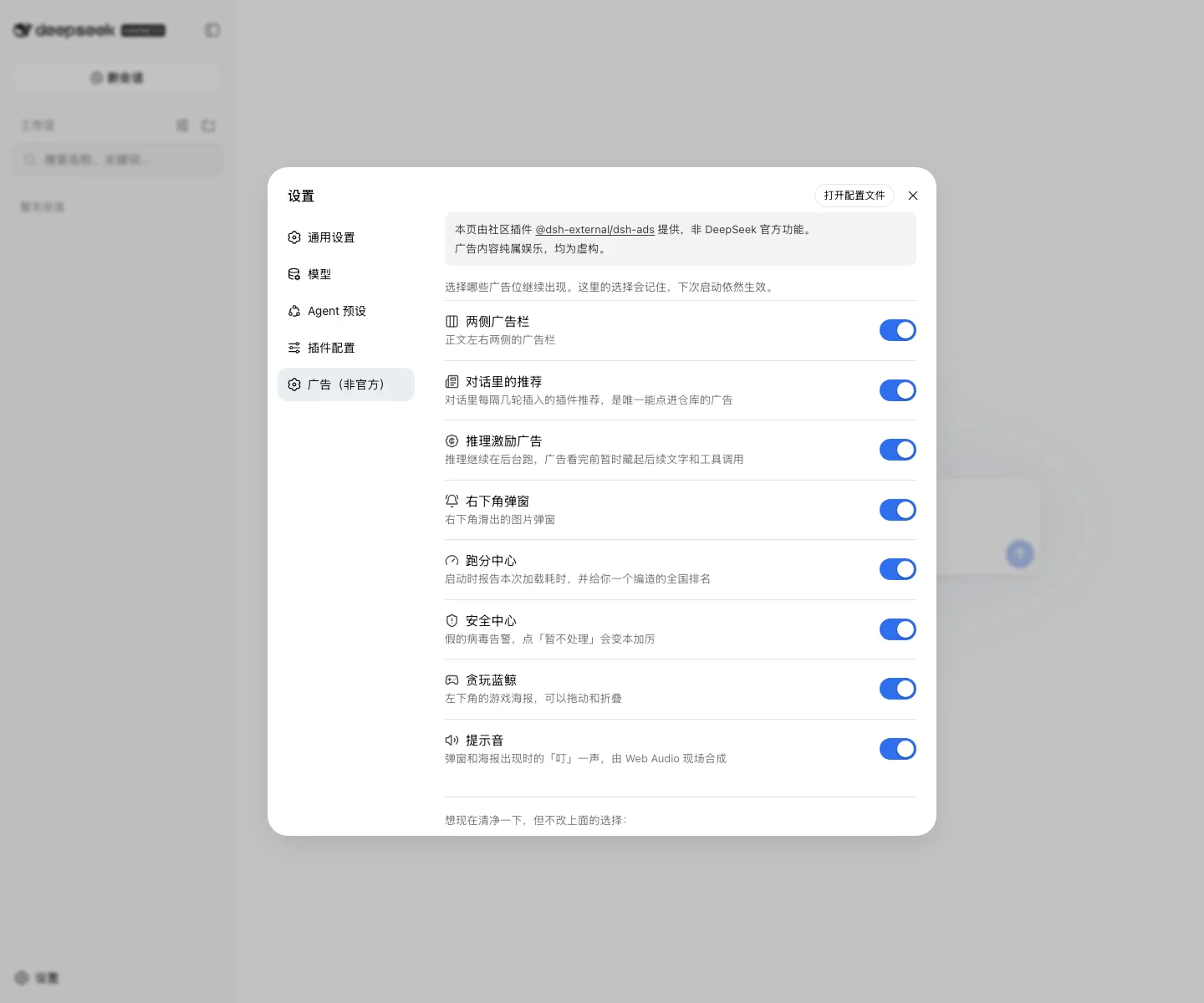
Every placement has its own switch under Settings → Ads (Unofficial). Choices persist across restarts.
Free ad inventory
Any public repository tagged dsh-plugin can enter the rotation. To provide custom copy or artwork, read the contribution guide and send a PR. Impression history stays in the local browser.

From the same author, dsh-visualize lets the model render interactive UI directly inside a conversation. This is the only serious advertisement in this README.
Disclaimer
This plugin is entertainment and is not affiliated with DeepSeek or any real company, product, or service. Every brand, person, domain, price, virus, and promise shown in its ads is fictional. The plugin does not scan, read, or modify files on the computer.
“Verify fix” checks GitHub Star status only after the user clicks it. It prefers the local gh session or token and otherwise uses the anonymous public API. The result stays in the local browser.
Links
More in this category
PC2005-cloud/dsh-pet#dsh-pet★ 800
Desktop pet for the DSH Web UI with 25 transparent animations, screen wandering, click reactions and drag, plus a reproducible asset-generation pipeline.
vlln/whale-girl★ 337
Desktop pet (QQ-pet style): floats in the corner, draggable, feedable, playable.
a86582751/dsh-nexttavern★ 116
Roleplay workspace for DeepSeek Harness: import SillyTavern/TauriTavern character cards or author one from scratch through an interactive flow; turn a long TXT novel into a playable card with either an intensive or a coarse reading pass; the main agent consults worldbooks on demand, and prose is read in a dedicated tavern reader tab; explore multiple worldlines inside one conversation (regenerate, edit-and-send, explicit clone); scoped style presets with 16 built-in styles, a character agent cluster, a standalone decision card, and card or novel export; long stories hold together through a frozen settings prefix, a hard-cut context window, traceable director notes and keyword/semantic/hybrid recall, with embeddings either online or fully local. Targets Harness 0.1.2-alpha.3 and applies its documented compatibility patches.
yyh-001/dsh-meme★ 112
Chat meme stickers: text-only send, mood auto-send, QQ/WeChat-style picker, auto-learn, custom packs.
Sutera-Diffusus/dsh-whale-musume★ 88
A whale-girl desktop pet for the DeepSeek Harness Web UI: pat-to-raise growth, work-state poses per tool type, 494 dialogue lines, 30 achievements, a growth diary, drag physics, theme sync and an accessibility mode. Chat-keyword sensing and API-balance care ship off and are opt-in; an optional weather mood calls Open-Meteo only after you name a city. No telemetry.
Awu12277/dsh-stock-watch★ 82
A-share watchlist real-time market monitoring plugin: a collapsible popup in the top-right corner of the DeepSeek Harness (DSH) web interface for real-time quote monitoring, group switching, intraday and candlestick (K-line) charts, and buy/sell target price settings.
Community comments
Comments are public GitHub Discussions. Loading them connects to GitHub and Giscus; a GitHub account is required to post.