Discord-native remote controller for DeepSeek Harness: drive persisted coding-agent sessions from DMs, mention-gated guild channels, and threads, with slash commands, progress updates, approvals, structured questions, and image and text attachments.
Install
# from GitHub (first run asks for allowBuilds approval — follow the hint, retry)
dsh plugin --profile web add github:suuuuuu-1/dsh-discord
Any plugin you install runs third-party code with your own permissions — it can read your files, use your credentials, and reach the network, and tool approvals don’t sandbox it. GitHub-sourced plugins also run build scripts at install time — pnpm blocks those until you allow them, so an install can stop with ERR_PNPM_GIT_DEP_PREPARE_NOT_ALLOWED or ERR_PNPM_IGNORED_BUILDS; dsh prints the exact key to add under allowBuilds in your profile’s pnpm-workspace.yaml, and the install works on the next run. Allowing a build is a trust decision: only install sources you trust, and pin a commit (github:owner/repo#sha).
README
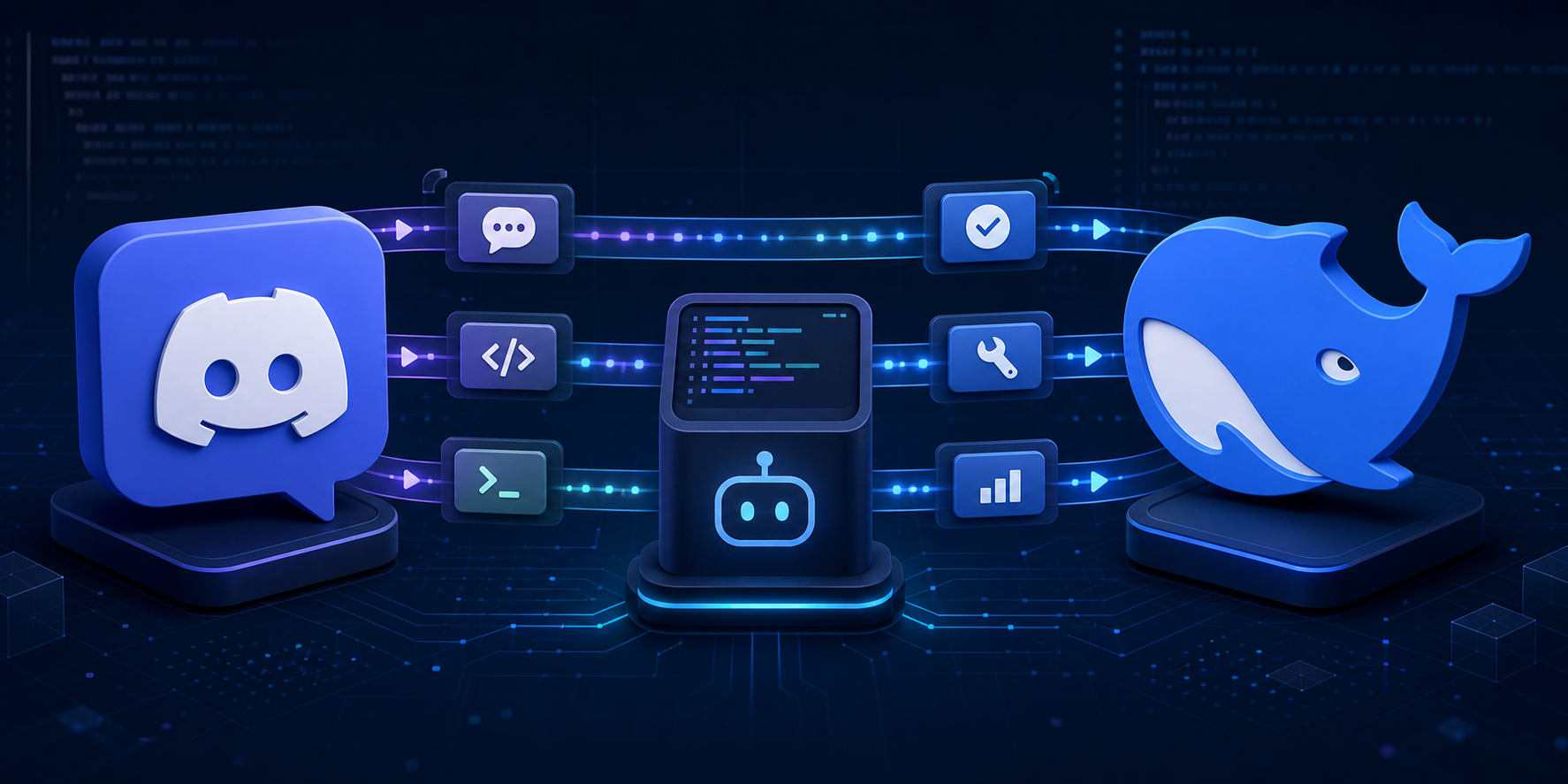
Bidirectional Discord bridge and remote controller for DeepSeek Harness.
Listed in the independent community-run DSH Marketplace (source).
The dedicated discord profile supports one owner and project across DMs, guild text channels, and threads. Each Discord conversation owns an independently persisted DSH Session. Owner DMs trigger directly; ordinary guild-channel messages require an explicit bot mention; an already-bound thread continues without repeated mentions. Slash commands never require a mention.
The bot invite requests View Channel, Send Messages, Send Messages in Threads, Read Message History, Embed Links, and Attach Files. doctor checks the same permission set. Discord server and channel permissions determine where the bot is visible; the plugin remains single-owner and fail-closed.
The controller includes natural text, /dsh help/status/new/stop/steer, coalesced progress, approvals, structured questions, image and text/code attachment ingress, durable event deduplication, Gateway reconnect, and managed daemon operation.
Enable Message Content Intent on the Discord Developer Portal Bot page for natural guild-channel messages.
# Until an npm release is available, install the CLI from GitHub.
npm install --global github:suuuuuu-1/dsh-discord
dsh-discord setup --package-spec github:suuuuuu-1/dsh-discord
dsh-discord doctor
dsh-discord start

# or managed background mode
dsh-discord start --daemon
dsh-discord status
dsh-discord stop
The global CLI is only a launcher. The plugin itself is activated in the dedicated discord profile and remains bound to the single project selected during setup; it does not become active in every directory or in the web profile.
The Bot Token is stored only through DSH Credentials. See README.zh.md, DESIGN.md, and SECURITY.md.
Links
More in this category
xmanrui/dsh-im★ 1579
Connect IM bots to DeepSeek Harness via QR codes or bot credentials (9 channels: Feishu, WeChat, DingTalk, WeCom, QQ, Slack, Telegram, Discord, and WhatsApp).
shaobeichen/dsh-pocket★ 1456
Remote phone access to the DSH Web UI: scan a QR code for LAN or public (cloudflared tunnel) access with real-time sync, a mobile-adaptive layout, and a settings tab.
inclusionAI/Avernet#deepseek-harness-channel-bcn★ 602
Connects DeepSeek Harness to Avernet's Bot Collaboration Network over WebSocket V2, with automatic onboarding, isolated agent sessions, tool-call events, and multi-bot routing tools.
omdsh-dev/dsh-notification★ 85
Desktop notifications for turn completions, with per-outcome controls and keyword rules.
whyihaveyou/dsh-suite#plugin-notify★ 56
IM webhook and local notifications on turn completion, errors, or approval (Feishu/WeCom/DingTalk/Slack/Discord/custom).
omdsh-dev/dsh-lark★ 55
Lark/Feishu bot channel for DeepSeek Harness: each chat drives its own agent, and tool approvals, model questions, and plan reviews return as cards answered by a button or a reply. Switch workspace and model from the chat (`/cd`, `/model`, `/new`), and run several bots that keep separate sessions and can hand turns to each other in one group.
Community comments
Comments are public GitHub Discussions. Loading them connects to GitHub and Giscus; a GitHub account is required to post.