Disk, CPU/memory/GPU, listening-port and token-usage cards with a full-page zoom; the port card works on Windows only and the GPU card needs nvidia-smi.
Install
# from npm (prebuilt)
dsh plugin --profile web add @philomelcc/dsh-status-monitor
# from GitHub (first run asks for allowBuilds approval — follow the hint, retry)
dsh plugin --profile web add github:philomelcc/dsh-workbench#path:/packages/status-monitor
Any plugin you install runs third-party code with your own permissions — it can read your files, use your credentials, and reach the network, and tool approvals don’t sandbox it. GitHub-sourced plugins also run build scripts at install time — pnpm blocks those until you allow them, so an install can stop with ERR_PNPM_GIT_DEP_PREPARE_NOT_ALLOWED or ERR_PNPM_IGNORED_BUILDS; dsh prints the exact key to add under allowBuilds in your profile’s pnpm-workspace.yaml, and the install works on the next run. Allowing a build is a trust decision: only install sources you trust, and pin a commit (github:owner/repo#sha).
README
This plugin publishes its README in Chinese only.
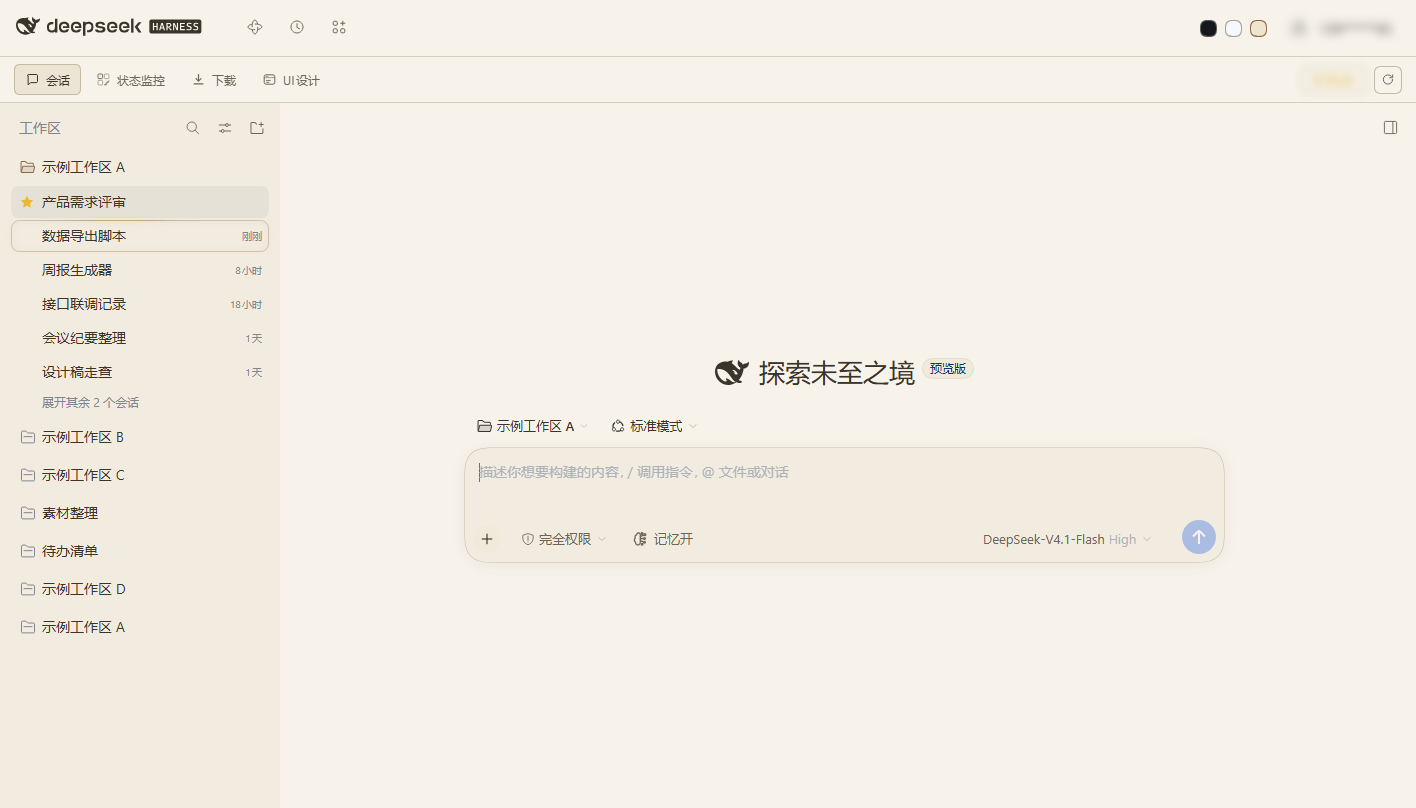
工作台模块:四张实时卡片——磁盘、CPU/内存/GPU、端口、会话用量,每张都能放大到整个中央区域。
安装
dsh plugin --profile web add @philomelcc/dsh-workbench
dsh plugin --profile web add @philomelcc/dsh-status-monitor
重启 Web UI,模块会加出状态监控标签。
数据来源
| 卡片 | 来源 |
|---|---|
| 磁盘 | 逐卷 fs.statfs |
| CPU / 内存 | os 采样,2 秒一拍 |
| GPU | 有 nvidia-smi 时读取,没有就静默跳过 |
| 端口 | 自己的 /wb/status/ports 快路径(不走端口监控模块的慢扫描) |
| 用量 | 从本地会话日志折叠出的 token / 成本 |
采样都在 Host 半、Windows 上完成;端点挂在 /wb/status/... 下,只允许回环访问。
要求
完整功能需要 Windows(进程/磁盘遥测)。页面按卡片降级:某个端点挂了,只有那张卡显示「未接入」。
MIT。
Links
More in this category
DayuanJiang/next-ai-draw-io#dsh-plugin★ 36802
Draws draw.io diagrams in DeepSeek Harness through the next-ai-drawio MCP server: the link in the reply opens a live preview in the right sidebar, you can edit the diagram by hand, and each AI change is a version you can restore. Node.js 18+; npx downloads the MCP server on first use.
Tencent/WeKnora#dsh-weknora★ 36302
Four read-only tools over a WeKnora knowledge base: list knowledge bases, hybrid passage search, reassemble one document's chunks in order, and WeKnora's own cited RAG or ReAct-agent answer with a resumable session id.
superdesigndev/treg★ 7042
Tool catalog for agents: search ~2,600 external endpoints (SEO and SERP, backlinks, social, people and company enrichment, ad libraries, scraping) by the task you want done, read each one's parameters and per-call price, then call it with the credential injected server-side. Ships the skill plus an MCP row that stays disabled until TREG_TOKEN is set.
T-Auto/dsh-ops★ 5074
Provides bash, PowerShell 7, and high-performance Rust tools for DSH on Windows to reduce token usage.
sixtysevenlf/dsh-blender-plugin★ 1575
Lets a DSH agent drive a local Blender over a direct TCP channel with 15 tools: viewport frames, custom-angle renders, Python execution, headless and job offload, transaction rollback, and a planning layer of 228 ops across 34 families.
TencentCloudBase/CloudBase-AI-Toolkit#dsh-plugin★ 1155
Tencent CloudBase backend for DeepSeek Harness — scaffold and deploy full-stack apps from chat, render query results as table cards with paging, sorting and CSV export, preview a deployment on its domain, and call the CloudBase MCP toolset (`mcp__cloudbase__*`) with device-code login.
Community comments
Comments are public GitHub Discussions. Loading them connects to GitHub and Giscus; a GitHub account is required to post.