A transparent capybara pet for the DSH window: 15 sprite animations, 27 sticker reactions, drag to move, and a settings page for size, corner, and toggles. Its HTTP routes have no DSH access check, so a web page open in your browser could call them.
Install
# from a prebuilt release tarball
dsh plugin --profile web add -w "https://github.com/Xyk0729/dsh-lulu-pet/releases/latest/download/dsh-lulu-pet.tgz"
# from GitHub (first run asks for allowBuilds approval — follow the hint, retry)
dsh plugin --profile web add github:Xyk0729/dsh-lulu-pet
Any plugin you install runs third-party code with your own permissions — it can read your files, use your credentials, and reach the network, and tool approvals don’t sandbox it. GitHub-sourced plugins also run build scripts at install time — pnpm blocks those until you allow them, so an install can stop with ERR_PNPM_GIT_DEP_PREPARE_NOT_ALLOWED or ERR_PNPM_IGNORED_BUILDS; dsh prints the exact key to add under allowBuilds in your profile’s pnpm-workspace.yaml, and the install works on the next run. Allowing a build is a trust decision: only install sources you trust, and pin a commit (github:owner/repo#sha).
README
This plugin publishes its README in Chinese only.
在 DeepSeek Harness 里养一只「水豚噜噜」:头顶小橘子、背斜挎包的暖黄色小水豚。
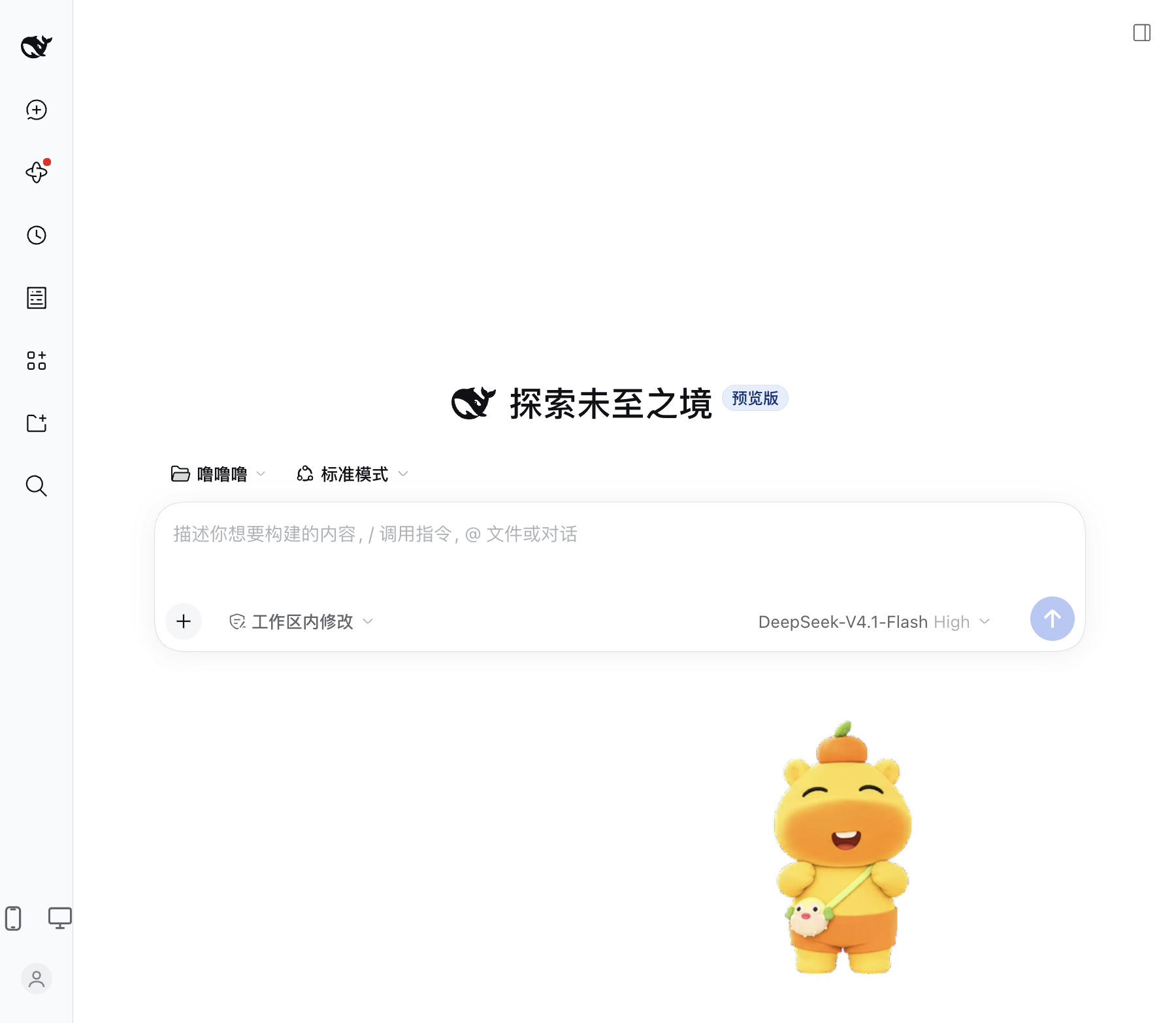
完全独立的插件——不依赖 dsh-pet,不启动 Electron,只往 Harness 页面里挂一层透明浮层,素材(15 段透明 WebM 动作 + 27 张表情)随包分发。
功能
- 待机小动作轮流播:呼吸、转圈、喝水、伸懒腰、整理斜挎包
- 单击回应:挥手 / 蹦跳
- 拖拽移动,位置记在 localStorage;双击弹表情包
- 设置页:显示开关、大小 300–640、停靠四角、表情开关、重置位置
- 所有动作 640×360 VP9 + alpha,深浅背景都干净
安装
从插件市场搜索「噜噜」安装(收录后市场会给出对应命令)。
直接从 GitHub 安装:
dsh plugin add https://github.com/Xyk0729/dsh-lulu-pet
从本地目录安装(开发时):
dsh plugin install /path/to/dsh-lulu-pet
或在 Harness 插件管理里选择本地目录;装好后重启 DSH(或新开会话)。
设置
设置 → 左侧「噜噜桌宠」。
素材授权
角色与表情素材来自「水豚噜噜」公开内容,仅供个人使用;二次分发前请确认授权。
完整说明见 docs/DETAIL.md。
Links
More in this category
PC2005-cloud/dsh-pet#dsh-pet★ 6798
Desktop pet for the DSH Web UI on Windows, macOS and Linux: 106 transparent animations in the browser overlay or a transparent always-on-top desktop window, throw-and-bounce drag physics with squash and particle scoring, a work-status bubble driven by live session events, self-talk and chat with persistent memory, balance display, meme-image bubbles, multiple pets on screen, and drop-in custom animations and pet packs.
flizzywine/dsh-tavern#dsh-tavern★ 1790
An agent-powered tavern for DeepSeek Harness with SillyTavern compatibility, character card imports, support for multiple models, and mobile play. Install the tavern from Settings → Tavern Launcher on desktop. A launcher derived from 2NF/dsh-profile-bridge (MIT): it downloads the tavern into a separate DSH profile and switches profiles on restart. Install this launcher or the upstream plugin, not both — they claim the same /profile-bridge channel.
Alterssss/dsh-bili-whale★ 1141
A Bilibili companion that keeps its own schedule. A 60-second tick in the plugin host wakes a dedicated agent session at a random moment inside the configured time windows (opting out of a day is a configurable chance), then hands it a bundled CLI of 38 subcommands — feed, subtitles, danmaku, comments, ffmpeg frame grabs, and two diaries. Shares at most N items a day by commenting on them and @-mentioning the owner (default 3, enforced from a written quota log, and it stops on rate-limit or captcha signals). Also polls comment replies, direct messages and live-room danmaku; replies to anyone but the owner are queued for approval in Settings. Settings → 养鱼 writes ~/.dsh/bili-whale.config.json; cookies live separately in ~/.bili-ai/credentials.json and are never echoed back. The HTTP routes are loopback-only behind DSH's trust fence. Needs Node 18+ and ffmpeg on PATH for frame extraction.
Nagi-ovo/dsh-ads★ 737
Parody ads in 2005-Chinese-web style: sidebar banners, in-chat feeds, corner popups, and a close button whose hit area is smaller than it looks. All fictional.
yyh-001/dsh-meme★ 607
Chat meme stickers: text-only send, mood auto-send, QQ/WeChat-style picker, auto-learn, custom packs.
vlln/whale-girl★ 418
Desktop pet (QQ-pet style): floats in the corner, draggable, feedable, playable.
Community comments
Comments are public GitHub Discussions. Loading them connects to GitHub and Giscus; a GitHub account is required to post.