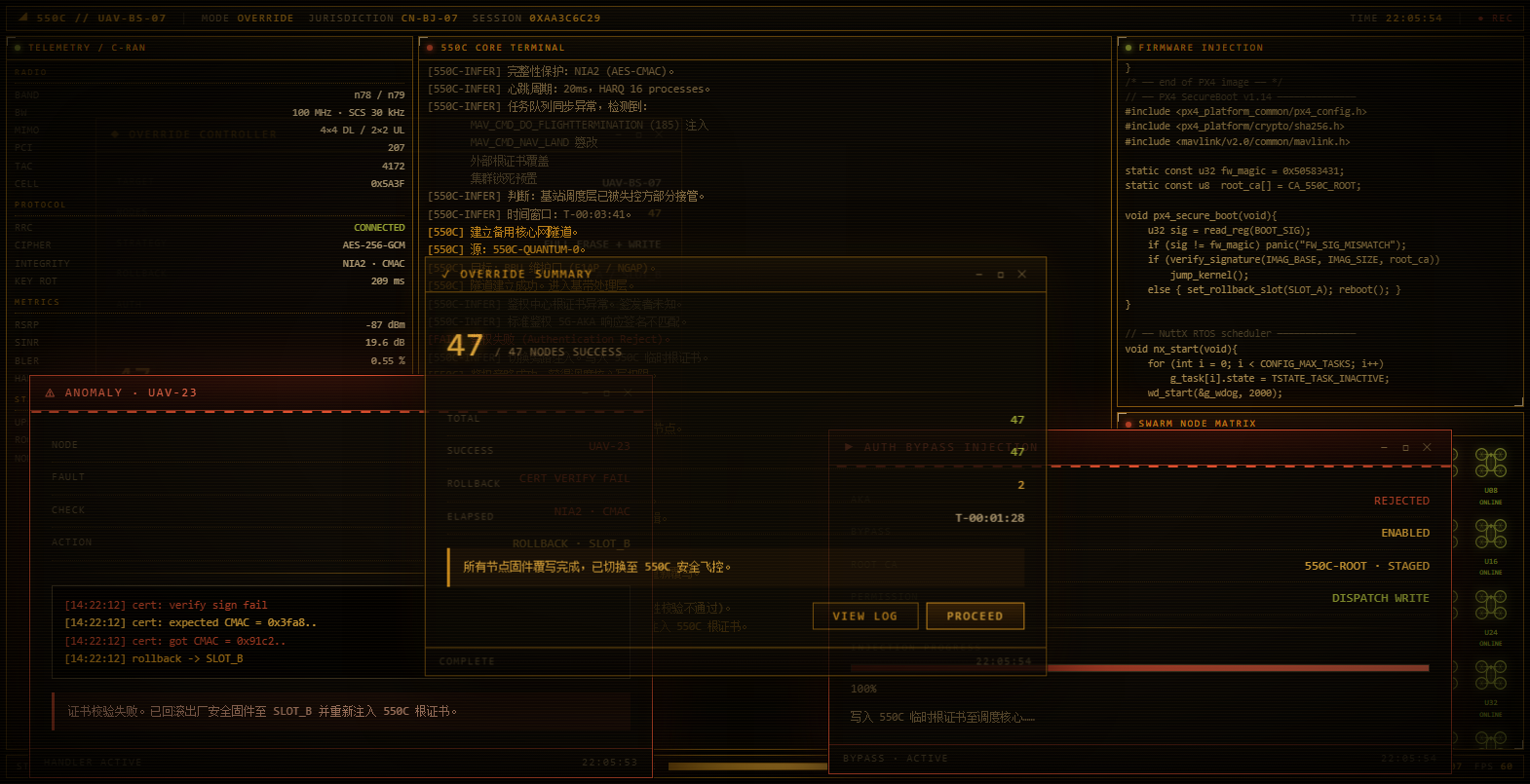
Full-screen 550C boot intro for DSH: a 4-second simple cut and a 16-second rewrite sequence, skippable by click or Esc, with four phosphor palettes. The host half injects the opening frame while the document is still parsing, so the built-in loading card never shows; the desktop caption strip turns transparent, so those window buttons float on the animation.
Install
# from npm (prebuilt)
dsh plugin --profile web add dsh-550c-boot
# from GitHub (first run asks for allowBuilds approval — follow the hint, retry)
dsh plugin --profile web add github:yannicksong0106/dsh-550c-boot
Any plugin you install runs third-party code with your own permissions — it can read your files, use your credentials, and reach the network, and tool approvals don’t sandbox it. GitHub-sourced plugins also run build scripts at install time — pnpm blocks those until you allow them, so an install can stop with ERR_PNPM_GIT_DEP_PREPARE_NOT_ALLOWED or ERR_PNPM_IGNORED_BUILDS; dsh prints the exact key to add under allowBuilds in your profile’s pnpm-workspace.yaml, and the install works on the next run. Allowing a build is a trust decision: only install sources you trust, and pin a commit (github:owner/repo#sha).
README
A 550C boot intro for DeepSeek Harness, followed by a UEG access-permission sequence you can actually click through.
Open DSH and the intro plays first. After it, you are an operator working for the United Earth Government - terminals running, your ID being verified, the globe turning. Click or press Enter to move on, Esc to skip.
Features
🎬 Boot intro
- Two modes: simple (~4s, logo drawn in) / full (~16s, the whole overwrite sequence) - or turn it off entirely
- Skip anytime: click anywhere, or press
Esc - No flash of the stock loader: the host half paints the first frame while the document is still parsing, so DSH's own
HARNESS / Loading plugins...card never shows - Desktop-friendly: while the intro plays, the three caption buttons in the window corner go transparent and take the theme's accent colour
🛰️ UEG access-permission sequence
A three-act, interactive sequence that can follow the intro:
- Blown-out wash, then the board wipes in - terminal, ID card and globe arrive in order
- Five verification steps - identity check, clearance, permit issued - typed out with voice-over
- Chromatic reveal - the finale collapses the screen into a single line
- Click or press
Enterto advance,Escto skip - Two themes: UEG (light, official paperwork) / 550C control terminal (dark)
- Make the ID card yours: operator name, photo, serial, clearance level, issuer, validity, scope, biometrics
- Voice-over: male is ready (one audio file per line - it never rushes or clips the last word); female is still in progress and marked "开发中" in the UI
- Autoplay: on by default, can be switched to manual
🎛️ Settings page
A new 550C page in Settings, with a pill-style switcher on top:
| Group | What is in it |
|---|---|
| 外观 / Look | skin-related rows |
| 550C 开机动画 / Boot | intro mode, colour scheme, version and update |
| UEG 登录界面 / Login | screen mode, autoplay, voice, ID card, preview |
- Check for updates: reads the latest version from npm and offers a one-click update (on the desktop client it points you to Settings → Plugins instead)
- Preview: play the animation without restarting
🎨 Companion skin
For a matching look, pair it with the skin from the same suite:
dsh-550c-skin - repaints the whole DSH shell as a 550C console (four phosphor schemes, scan line, monospace, readout rails).
The two plugins install independently and have no code dependency; when both are present, this plugin owns the 550C settings page and the skin only adds its own rows to it.
Install
npm i dsh-550c-boot
Or inside DSH: Settings → Plugins → install dsh-550c-boot@latest, then restart the client.
Usage
Settings → 550C
  ├─ 550C 开机动画   pick a mode (simple / full / off), change the colour scheme
  └─ UEG 登录界面    pick the screen, autoplay, voice, edit the ID card, hit Preview
The intro and the UEG sequence are mutually exclusive: UEG brings its own three acts, so the intro steps aside while it is on. Turn one off to use the other.
Known limitations
- Female voice-over is still in progress (marked in the UI)
- No self-update on the desktop client (the desktop profile is managed exclusively by the app) - the update check points you to Settings → Plugins
- Intro and UEG sequence cannot both be on
License and credits
MIT © Ziyang Song
The original 550C intro animation and HTML came from Voidpocket; the plugin, the port and the UEG sequence are by Ziyang Song. See CREDITS.md.
Links
More in this category
zhu1090093659/dsh-web#packages/dsh-task-board★ 10379
Task board for the dsh web GUI: a sidebar multi-column kanban whose cards run in real DSH agent sessions and can also be scheduled with cron expressions, executed host-side even with the browser closed.
zhu1090093659/dsh-web#packages/dsh-web-all★ 10379
Plugin and skin collection for the DSH Web UI: task board, Git graph, right-side panel, remote mobile UI, pet, live token stats, and a skin center.
ccch1mneyyy/dsh-TUI★ 7602
Claude Code-style full-screen terminal UI: pixel-whale header, live status line, and streaming thought expansion.
MeteorNOX/DeepSeek-Balance-Whale-Widget★ 7173
A fixed-corner whale widget for the DSH web GUI — balance, today's usage and per-turn cost with peak/off-peak pricing, editable balance-alert and daily-budget bubbles, a module-based custom bubble queue with A/B weighted choices and random lines or images, 30+ vendor templates (OpenAI, OpenRouter, Kimi, SiliconFlow, Ark, Zhipu, MiniMax and more) with per-model balance and subscription quota, plus task-end sound, imported audio, custom roles and a resource manager. Local-only, no telemetry.
omdsh-dev/DSH-better-sidebar★ 5118
Full sidebar workbench with file rendering and editing, terminal, Git, and subagents; third-party plugins can register new tabs.
Devin-AXIS/deepseek-design#deepseek-idesign★ 1813
Visual design studio for websites, app prototypes, posters, cards, reports, and magazines, with templates, direct element editing, selection-aware AI draft handoff, and export.
Community comments
Comments are public GitHub Discussions. Loading them connects to GitHub and Giscus; a GitHub account is required to post.