Meme search and AI placement: connects the memecub remote MCP server (5 tools) and bundled Agent Skill to search Chinese and English reaction memes, place them into articles, or generate custom memes.
Install
# from npm (prebuilt)
dsh plugin --profile web add dsh-plugin-memecub
# from GitHub (first run asks for allowBuilds approval — follow the hint, retry)
dsh plugin --profile web add github:liyupi/memecub
Any plugin you install runs third-party code with your own permissions — it can read your files, use your credentials, and reach the network, and tool approvals don’t sandbox it. GitHub-sourced plugins also run build scripts at install time — pnpm blocks those until you allow them, so an install can stop with ERR_PNPM_GIT_DEP_PREPARE_NOT_ALLOWED or ERR_PNPM_IGNORED_BUILDS; dsh prints the exact key to add under allowBuilds in your profile’s pnpm-workspace.yaml, and the install works on the next run. Allowing a build is a trust decision: only install sources you trust, and pin a commit (github:owner/repo#sha).
README
memecub
Meme search and automatic meme placement for AI agents.
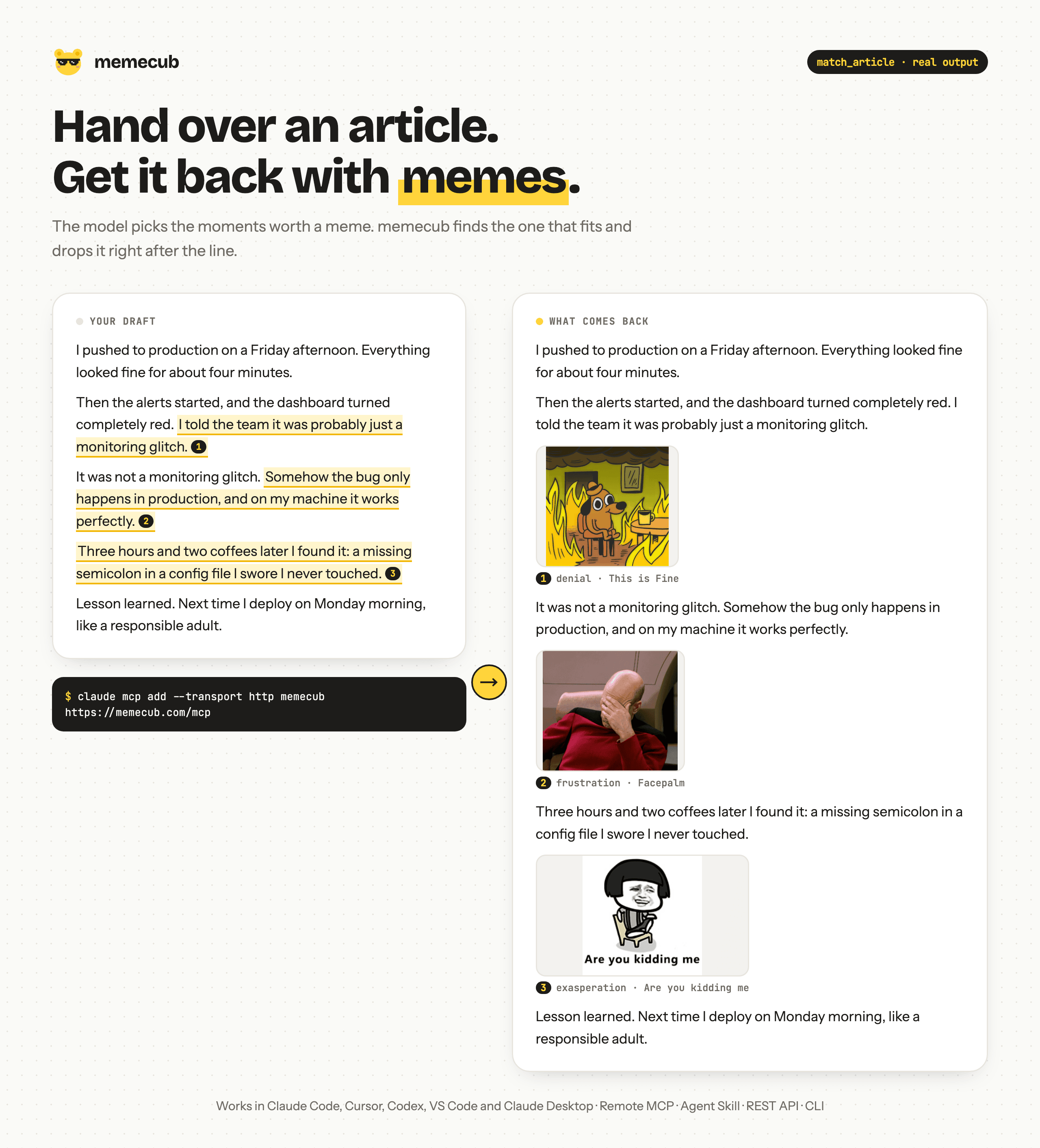
Give Claude Code, Cursor, Codex or Claude Desktop a meme library. Search reaction memes by feeling, or hand over an article and get it back with the right meme after the right sentence.
English · 简体中文
Why memecub
- It places memes, not just finds them.
match_articlereads a whole post, picks the sentences worth a meme and returns the article with images inserted. Your agent doesn't have to guess where they go. - Search by feeling. Ask for
facepalm,this is fine,it works on my machine,无语or摸鱼and get the reaction you meant, not a keyword lookalike. - English memes and Chinese 表情包 in one library. Drake, This Is Fine, Doge and Surprised Pikachu next to 熊猫头, 奶龙, 金馆长, 吗喽 and DeepSeek 鲸鱼娘. Chinese queries match whole phrases, so a character name returns that character.
- Zero install. A remote MCP server over Streamable HTTP, or a plain-curl Agent Skill. Searching works without a key.
- License-aware results. Every image says whether it is cleared for commercial use, links its source, and ships a ready Markdown snippet with the credit line when one is required. Ask for commercial-safe only and that's all you get.
- Safe defaults for agents. Memes whose captions contain swearing are left out of agent results unless you ask for them.
Quick start
One command, 40+ agents. Installs the memecub skill into Claude Code, Codex, Cursor, Gemini CLI, GitHub Copilot, OpenClaw, Trae, Windsurf and any other agent that loads Agent Skills:
npx skills add https://memecub.com
Prefer MCP? The server is https://memecub.com/mcp (Streamable HTTP). Pick your client:
Claude Code
claude mcp add --transport http memecub https://memecub.com/mcp
Codex
codex mcp add memecub --url https://memecub.com/mcp
Gemini CLI
gemini mcp add --transport http memecub https://memecub.com/mcp
Cursor (~/.cursor/mcp.json)
{ "mcpServers": { "memecub": { "url": "https://memecub.com/mcp" } } }
VS Code (.vscode/mcp.json)
{ "servers": { "memecub": { "type": "http", "url": "https://memecub.com/mcp" } } }
Claude Desktop / claude.ai: Settings → Connectors → Add custom connector → https://memecub.com/mcp
ChatGPT: Settings → Apps & Connectors → Advanced → turn on developer mode, then create a connector with https://memecub.com/mcp
DeepSeek Harness (dsh) (native plugin — mounts both the remote MCP server and the bundled Agent Skill):
dsh plugin add dsh-plugin-memecub
Or add the official custom plugin index in the DSH web UI (Plugins → Experimental → Custom Plugin Index → Discover → Add Index):
https://memecub.com/dsh/index.json
Cherry Studio, Dify, n8n and other clients that take a remote MCP server work the same way. Step-by-step guides for each tool: memecub.com/developers.
Then just ask:
Add 3 memes to draft.md where they fit.
Find me a facepalm meme, commercial use only.
给这篇文章配几张表情包。
MCP tools
| Tool | What it does |
|---|---|
search_memes |
Search by reaction, feeling or character. Filters: commercial_only, no_credit, kind (meme, gif, emoji, artwork, photo), min_size |
match_article |
Read an article, pick the spots that deserve a meme, return the article with images inserted (needs a key) |
generate_meme |
Draw a custom meme with AI from a caption, a description or an existing meme's character (needs a key) |
get_meme |
Full details for one image: license, source, author, credit line, tags |
list_categories |
Library categories |
You can try it without a key (20 searches a day per IP). Add Authorization: Bearer <key> (run npx memecub login, or create one at memecub.com/dashboard) to use your credits: a free account gets 1,000 a month, a search costs 1, match_article costs 20 per image it places and generate_meme costs 500 per image (refunded if it fails). Plans and credit packs: memecub.com/pricing.
Agent skill
skills/memecub/SKILL.md teaches an agent to place memes into writing with plain curl. No MCP, no dependencies.
npx skills add https://memecub.com                  # pick your agents interactively
npx skills add https://memecub.com -g -a claude-code  # or target one: codex, cursor, gemini-cli, openclaw…
npx skills add liyupi/memecub                       # same skill, from this repo
memecub.com publishes the skill at /.well-known/agent-skills/index.json, so the site URL is enough.
Or by hand:
# Claude Code: ~/.claude/skills   Codex: ~/.codex/skills   Cursor: ~/.cursor/skills
mkdir -p ~/.claude/skills/memecub
curl -s https://memecub.com/skill.md -o ~/.claude/skills/memecub/SKILL.md
REST API
curl -sG https://memecub.com/api/v1/search --data-urlencode "q=facepalm" -d limit=1
{
"data": [{
"title": "Facepalm",
"url": "https://gpic.code-nav.cn/memecub/public/12vw20qg0awo.jpg",
"page_url": "https://memecub.com/meme/12vw20qg0awo-facepalm",
"width": 679, "height": 600, "kind": "meme",
"license": { "code": "web", "commercial_use": false, "attribution_required": false },
"markdown": ""
}]
}
All endpoints and limits: memecub.com/developers.
CLI and JS client
memecub on npm, source in cli/. Node 18+.
npx memecub search "facepalm" --limit 5
npm i -g memecub                                  # or install the `memecub` command
memecub search "facepalm" --limit 5
memecub search "mind blown" --commercial          # only images cleared for commercial use
memecub match ./article.md --count 4 > article.with-memes.md
memecub generate "Works on my machine" --action "a cat shrugging at a burning server" --out meme.jpg
import { MemecubClient } from "memecub";

const client = new MemecubClient("https://memecub.com", process.env.MEMECUB_API_KEY);
const { data } = await client.search({ q: "mind blown", limit: 5, commercialOnly: true });
The website
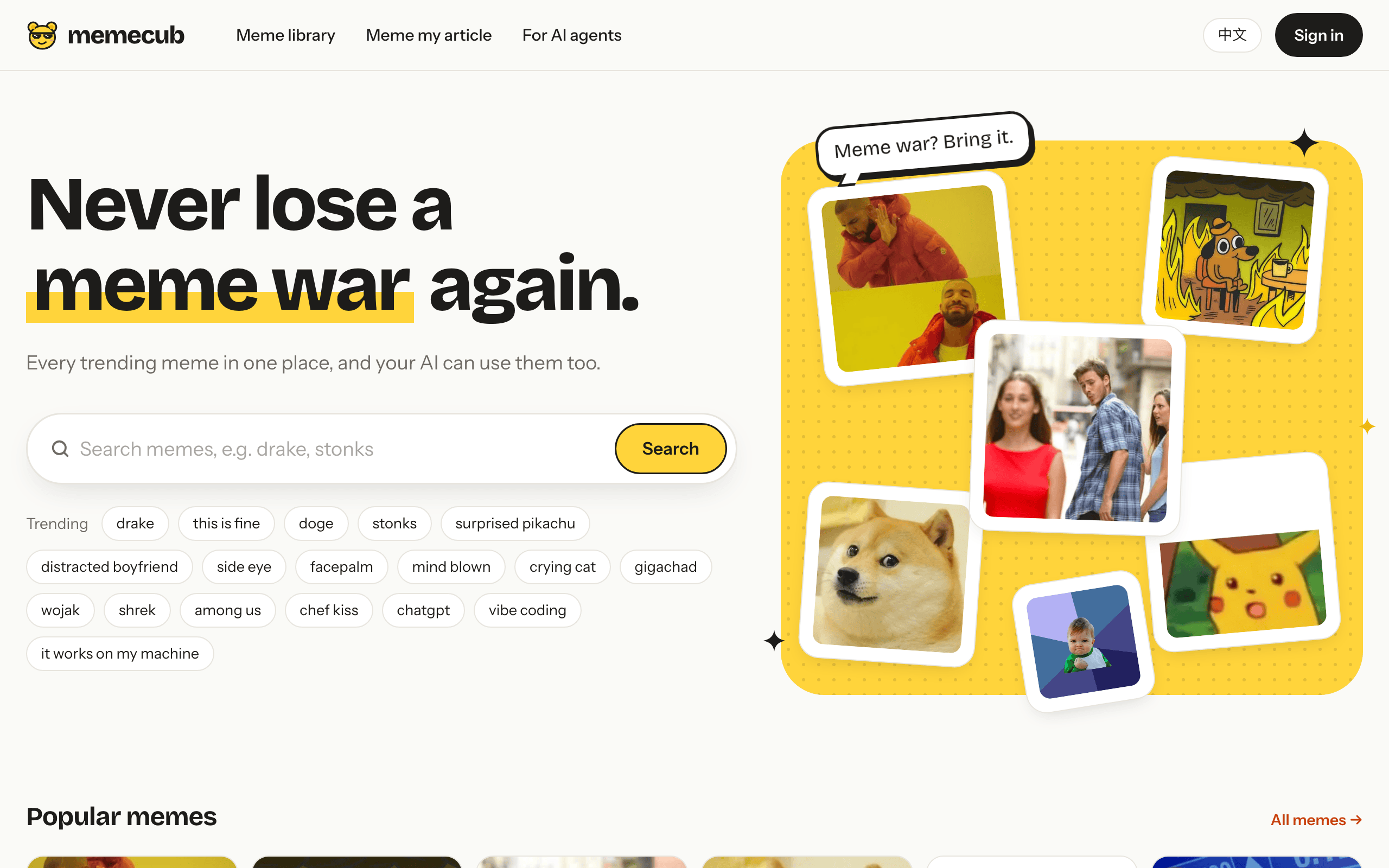
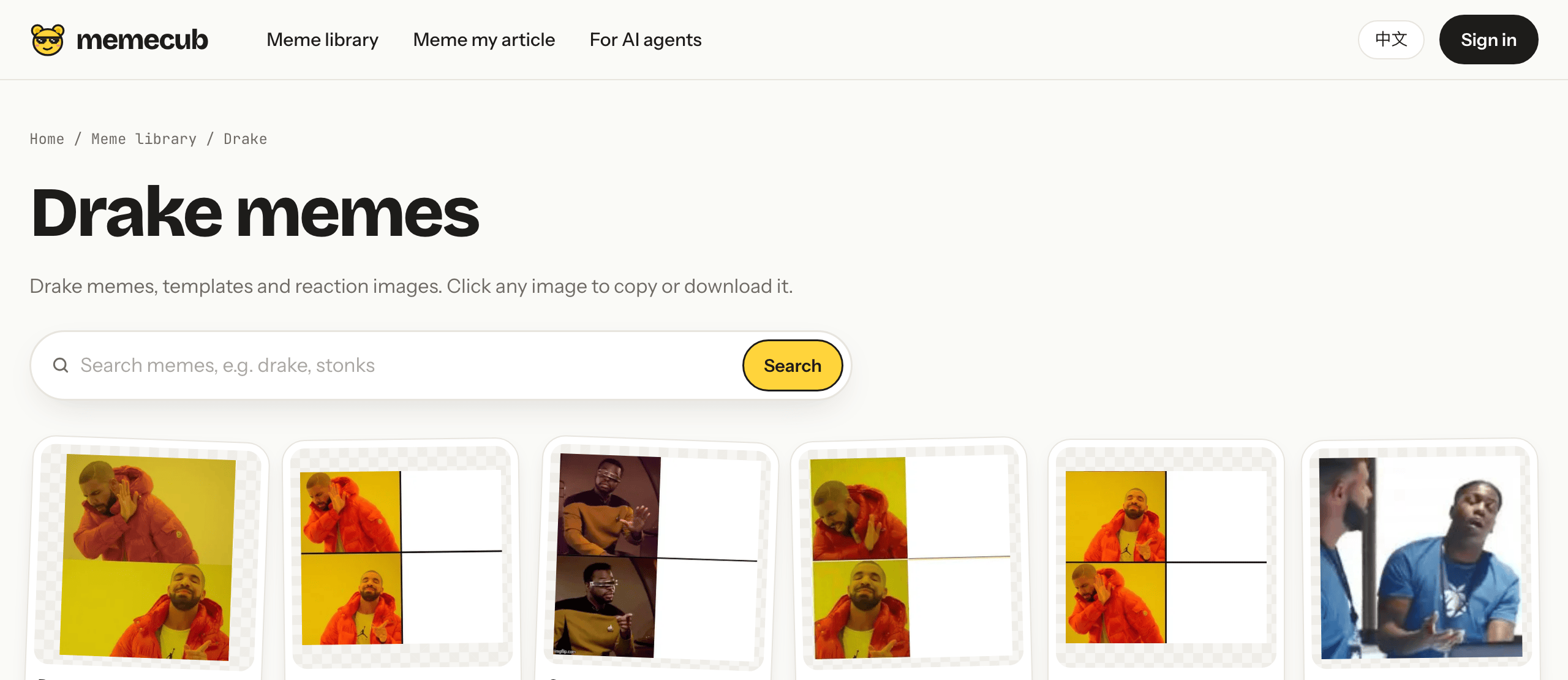
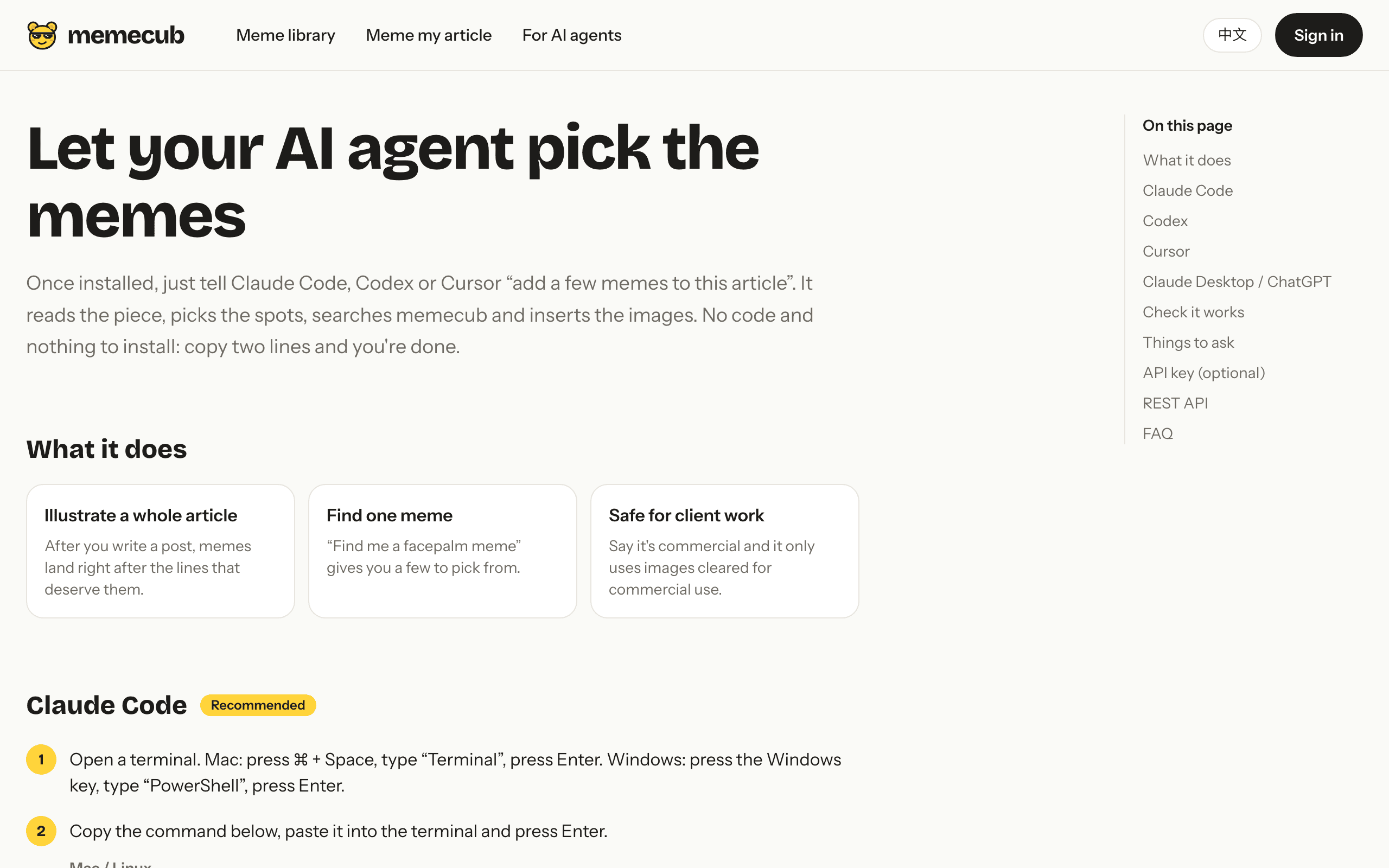
Everything the agent sees is also browsable at memecub.com: search, topic pages, one-click copy and download, and the article tool in the browser.
| Home | Topic page | Agent setup |
|---|---|---|
 |
 |
 |
FAQ
Is it free? Browsing memecub.com is free, and so is light API use: 20 keyless searches a day, or 1,000 credits a month with a free account. Heavier use runs on plans and credit packs.
Can I use the images commercially? Check license.commercial_use on each result. Memes collected from the web are false: copyright belongs to their creators and the source link is kept. Openly licensed images (CC0, public domain, CC BY and similar) are true and come with the credit line when the license needs one. Pass commercial_only: true (MCP) or commercial=1 (REST) to get only those.
Is the website open source? No. This repository holds the integrations (MCP descriptor, Agent Skill, CLI and client). The site and its data pipeline are run by memecub.
Found a problem with an image? Use the report button on its page, or see memecub.com/dmca.
License
Code in this repository is MIT. Images are not covered by MIT; each result carries its own license.
If memecub saves your agent a trip to the image search, a ⭐ helps others find it.
Links
More in this category
tw93/Mole#mole★ 76456
Official agent skill for the open-source Mole CLI (mo), a disk cleanup tool for macOS and Windows: read disk usage, preview and run cleanup, inspect installed apps, and read system health and cleanup history from Mole's JSON output. It previews with --dry-run and asks before removing anything, and leaves app uninstalls and privileged steps to the user's own terminal. The plugin ships only the skill; the CLI is installed separately.
zhu1090093659/dsh-web#packages/dsh-skill-explorer★ 10669
Skill center for the dsh web GUI: browse all loaded skills grouped by source, enable or disable model invocation, create new skills, and delete into a recoverable trash.
QingYunA/answer-me-with-html★ 6702
Answers a question with a one-page visual HTML explainer: the model writes a short Markdown draft and the bundled `am` CLI builds the page, with flow, sequence, tree, timeline and ER diagrams, tables and callouts.
iflytek/skillhub#dsh★ 5504
Browse and search a SkillHub registry and manage local skill installation, updates, and removal inside DeepSeek Harness. Targets DSH 0.2.0-rc.2 and 0.2.1-rc.2; not yet compatible with 0.2.1-rc.3.
hyhmrright/brooks-lint★ 1592
Provides six code quality skills for code review, architecture audits, technical debt, test quality, health dashboards, and remediation.
GanyuanRan/Aegis★ 1459
Software-engineering method pack for coding agents, with skills for baseline-first planning, systematic debugging, prompt hygiene, verification before completion, and repair/retirement tracking.
Community comments
Comments are public GitHub Discussions. Loading them connects to GitHub and Giscus; a GitHub account is required to post.