Generate Functions, MCP tools, workflow Skills, and offline test packages from user-authorized source code.
Install
# from GitHub (first run asks for allowBuilds approval — follow the hint, retry)
dsh plugin --profile web add github:leechen298/Code2Skill
Any plugin you install runs third-party code with your own permissions — it can read your files, use your credentials, and reach the network, and tool approvals don’t sandbox it. GitHub-sourced plugins also run build scripts at install time — pnpm blocks those until you allow them, so an install can stop with ERR_PNPM_GIT_DEP_PREPARE_NOT_ALLOWED or ERR_PNPM_IGNORED_BUILDS; dsh prints the exact key to add under allowBuilds in your profile’s pnpm-workspace.yaml, and the install works on the next run. Allowing a build is a trust decision: only install sources you trust, and pin a commit (github:owner/repo#sha).
README
English | 简体中文
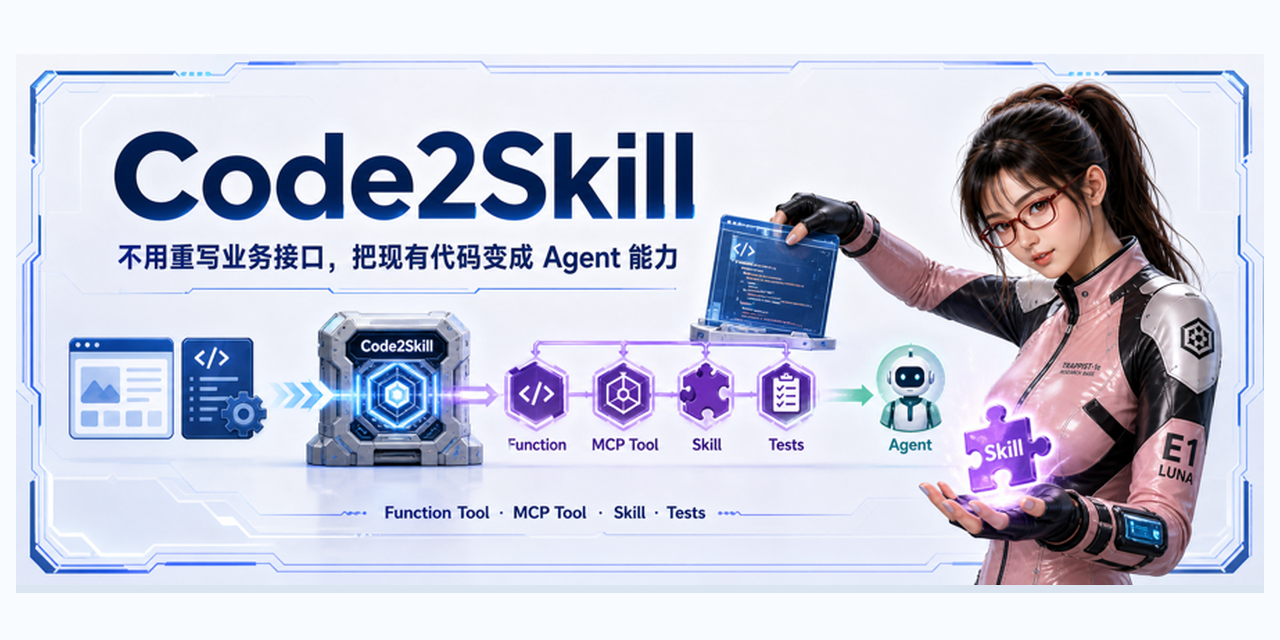
Code2Skill is a collection of installable Agent Skills that helps coding agents understand business functionality in user-authorized frontend, backend, or full-stack source code, then generate Functions, MCP tools, workflow Skills, and offline tests for other agents to use.
Current release: v1.2.0.
Existing application code
  ↓ Code2Skill
Functions + MCP Tools + Skills + Tests
  ↓
An agent gathers the required information and completes the user's goal
Functions and MCP tools provide business capabilities. Skills guide an agent in using those capabilities. The consuming agent still decides whether to call a tool, what to clarify, how to interpret a response, and what to do next.
What It Does
- Generates capabilities from business invocation points that actually exist in source code. Client-backed features start from calls made by the client or consumer; projects without a client start from user-specified public APIs, RPCs, services, messages, or task entry points and follow their public request, response, and contract types as needed.
- Identifies independently completable goals within a user-specified page, directory, feature, or public entry point.
- Places field provenance, selected-record handoffs between tools, request assembly, and deterministic transformations in Functions.
- Generates a Skill for each primary goal while reusing the necessary Functions and MCP tools.
- Defaults to offline technical validation and does not call live business APIs.
Supported Agents
You can run Code2Skill with mainstream coding agents such as Codex, Claude Code, and Kimi Code. Generated Skills can be installed in Codex, Claude Code, Cursor, OpenClaw, and other environments that support Agent Skills.
See the skills CLI compatibility list for more environments. To perform live business operations, register the generated MCP server as described in each package's MCP-SETUP.md.
Installation
Install all three Skills with the standard Agent Skills CLI:
npx skills add leechen298/Code2Skill \
  --skill code2skill-generate code2skill-review-flow code2skill-review-source \
  --agent "$AGENT_ID" \
  --global \
  --yes
code2skill-generate: generates Functions, MCP tools, workflow Skills, and offline tests.code2skill-review-flow: checks whether a user can complete the main goals through the generated workflows.code2skill-review-source: reviews request fields, transformations, and invocation chains against the authorized source code.
Routine generation only requires code2skill-generate. Run the two review Skills independently when needed. The three Skill instructions and default generated-document templates are available in English and Chinese; user-facing output follows the language of the request. The optional legacy strict-export-v1 compatibility mode still emits zh-CN documentation. See the installation guide for migration from older versions, generated-package dependencies, and MCP registration.
DeepSeek Harness
DeepSeek Harness users can install the three Skills as a Bundle in a selected profile:
dsh plugin --profile web add github:leechen298/Code2Skill#v1.2.0
See the DeepSeek Harness integration guide for installation, verification, headless profiles, and removal. Generated business MCP servers must still be registered separately according to their own MCP-SETUP.md files.
Usage Boundaries
Code2Skill produces runnable, editable first drafts of business capabilities. It does not prove that every business rule or real environment has been validated. Results depend on the generation model, source completeness, and the scope the user authorizes.
For complex writes or high-value workflows, review cross-tool data provenance, same-name field semantics, deterministic request transformations, goal-specific prerequisites, attachment uploads, and downstream bindings. Use code2skill-review-flow to check the main workflow and code2skill-review-source to inspect critical source semantics. Offline tests do not replace real API or deployment acceptance.
Quick Start
Invoke the generation Skill inside the target repository and explicitly authorize the source roots it may inspect:
Use $code2skill-generate to turn <page, directory, feature path, or public entry point>
into runnable Functions, MCP tools, and Skills.
Authorized source roots: <frontend>, <backend>, <protocol>, and <service/message/task directories>.
Use invocation points that actually exist in source code as the capability source.
Do not call live business APIs.
For independent reviews:
Use $code2skill-review-flow to review whether the primary goals in <generated package path> can be completed.

Use $code2skill-review-source to review whether <specific Skill or capability> in
<generated package path> matches the authorized source code.
Generated Package
The logical output stays consistent while file extensions, dependencies, and startup commands follow the target stack's runtime profile. The current core-export-v1 default is implemented by the node-stdio profile:
generated/code2skill/<feature-id>/
├── SKILL.md or skills/*/SKILL.md
├── function-core/index.mjs      # node-stdio profile example
├── mcp-tool/index.mjs           # node-stdio profile example
├── portable-agent-result.mjs    # helper for HTTP scenarios
├── tests/
├── package.json
├── MCP-SETUP.md
└── references/feature-context.md  # generated only when business context needs it
Each generated MCP-SETUP.md records the runtime language, dependency installation, startup command, environment variables, unmet prerequisites, and MCP registration steps. A Skill being installed, an MCP server being connected, and the live business workflow being validated are three separate states.
Generation Results
Three runs against the same anonymized, multi-goal source package:
| Generation model / configuration | Date | Generation time | Composite reference score |
|---|---|---|---|
| GPT-5.6 Sol (Ultra) | 2026-07-24 | 47m 45s | 9.4 |
| Kimi K3 (Max reasoning) | 2026-07-24 | about 93m | 8.9 |
| GPT-5.6 Sol (High) | 2026-07-24 | 20m 29s | 8.4 |
Timing ends when generation and that run's offline validation finish; it excludes later scoring, directory cleanup, installation, and deployment. See the evaluation report for the two scoring systems, methodology, and privacy boundaries.
Documentation
- Install Skills, generated dependencies, and MCP servers
- Generated package structure and design principles
- Runtime-neutral generation design
- Workflow-aware generation design
- Optional advanced validation
- Models, scoring, and anonymized evaluation results
- Full documentation index
The Skills follow the Agent Skills specification and use vercel-labs/skills for installation. Generated MCP servers use standard stdio or Streamable HTTP transport.
Links
More in this category
yjh051108/dsh-routing-suite★ 7000
One repository, three parts: a runtime injector for DSH plugin packages (inject, hot-reload, unload, promote a dev staging tool to the front, route self-heal, plus a settings-page plugin manager that lists, unloads and drags folders in to internalize), a task-aware reasoning-mode router agent preset (router-standard / router-spec / router-react), and a graded two-level task protocol whose six tools (commit_star, lock_stage, revise_do, edit_plan, mark_task, redteam_verdict) pin task state to disk. The injector implementation ships in-tree, so the install carries its own behaviour rather than a dependency list.
strukto-ai/mirage#dsh★ 3663
Swaps the filesystem and bash providers for a mirage virtual workspace: file tools and shell commands run over mounted resources (RAM, S3, Redis, Slack, Gmail, Notion, Postgres) instead of the host disk, with per-mount read/write/exec modes, per-command sandbox routing (monty, pyodide, quickjs in process; docker, e2b, daytona remote), and installed CLIs (git, gh, slack, linear, ntn, gws, or one you register) as head words in the virtual terminal.
hust-open-atom-club/oh-dsh★ 325
Community distribution: TUI, desktop, and Web UI as one bundle with layered installation.
weijiafu14/pi2dsh★ 206
Pi Host ABI compatibility engine: after one install, unmodified Pi extensions from npm mount as native DSH plugins with `dsh plugin add <pi-package>`. Verified end to end on stock DSH with pi-mcp-adapter (full MCP manager: OAuth, resources, prompts, MCP Apps, elicitation, sampling), @tintinweb/pi-subagents, pi-code, pi-hermes-memory and pi-background-tasks; `pi2dsh inspect` reports a package's compatibility before installing.
lire1131/dsh-undo-savepoint★ 165
Undo/redo & rollback system for DSH: every config change is auto-snapshotted; undo/redo/restore to any version from the WebUI or the offline CLI/GUI tools (works even when DSH fails to boot).
Fishquito7/dsh-skill-mcp-panel★ 152
Manages DSH skills and MCP servers from the web settings: skill cards with hot enable/disable, workspace scopes, groups, batch migration and drag-and-drop import, plus stdio/HTTP MCP CRUD with connection tests, secret redaction and the unified dsh-panel CLI.
Community comments
Comments are public GitHub Discussions. Loading them connects to GitHub and Giscus; a GitHub account is required to post.