Let the DSH assistant send local, web, and AI-generated images directly to users in chat, with external vision support for text-only models. On Windows it runs through PowerShell.
Install
# from npm (prebuilt)
dsh plugin --profile web add imgpost
# from GitHub (first run asks for allowBuilds approval — follow the hint, retry)
dsh plugin --profile web add github:hige6/imgpost
Any plugin you install runs third-party code with your own permissions — it can read your files, use your credentials, and reach the network, and tool approvals don’t sandbox it. GitHub-sourced plugins also run build scripts at install time — pnpm blocks those until you allow them, so an install can stop with ERR_PNPM_GIT_DEP_PREPARE_NOT_ALLOWED or ERR_PNPM_IGNORED_BUILDS; dsh prints the exact key to add under allowBuilds in your profile’s pnpm-workspace.yaml, and the install works on the next run. Allowing a build is a trust decision: only install sources you trust, and pin a commit (github:owner/repo#sha).
README
This plugin publishes its README in Chinese only.
让 DSH 助手把图片直接发到聊天里给你看,也支持生图和识图。
- 发图:DSH 助手把本地图片、网页图片直接发给你看。
- 生图:连接 OpenAI 兼容的图片生成服务。
- 识图:调用你配置的视觉服务,支持图片描述、文字识别和看图问答。
- 设置:在 DSH 的「图邮(识图)」页面管理视觉后端。
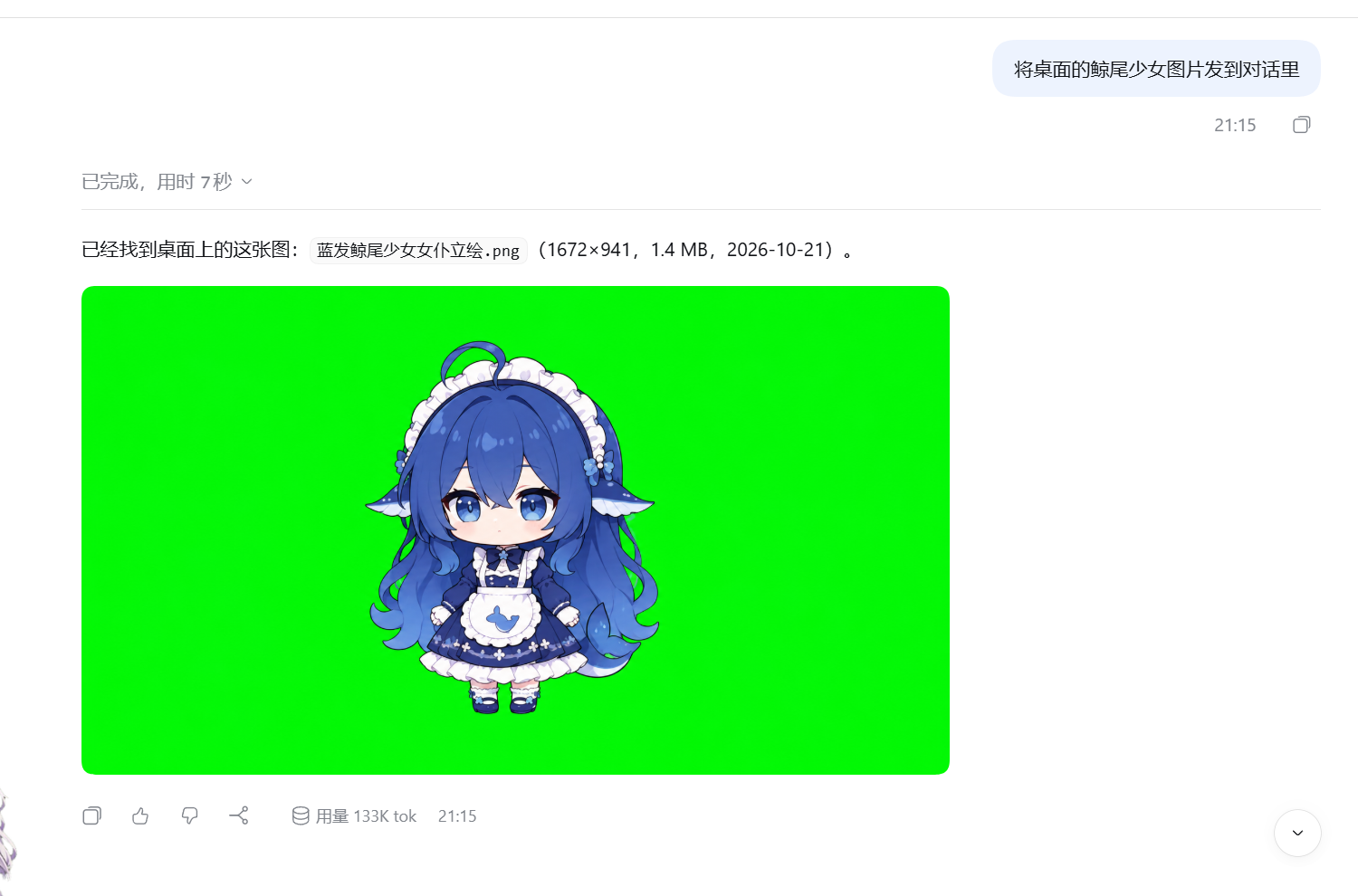
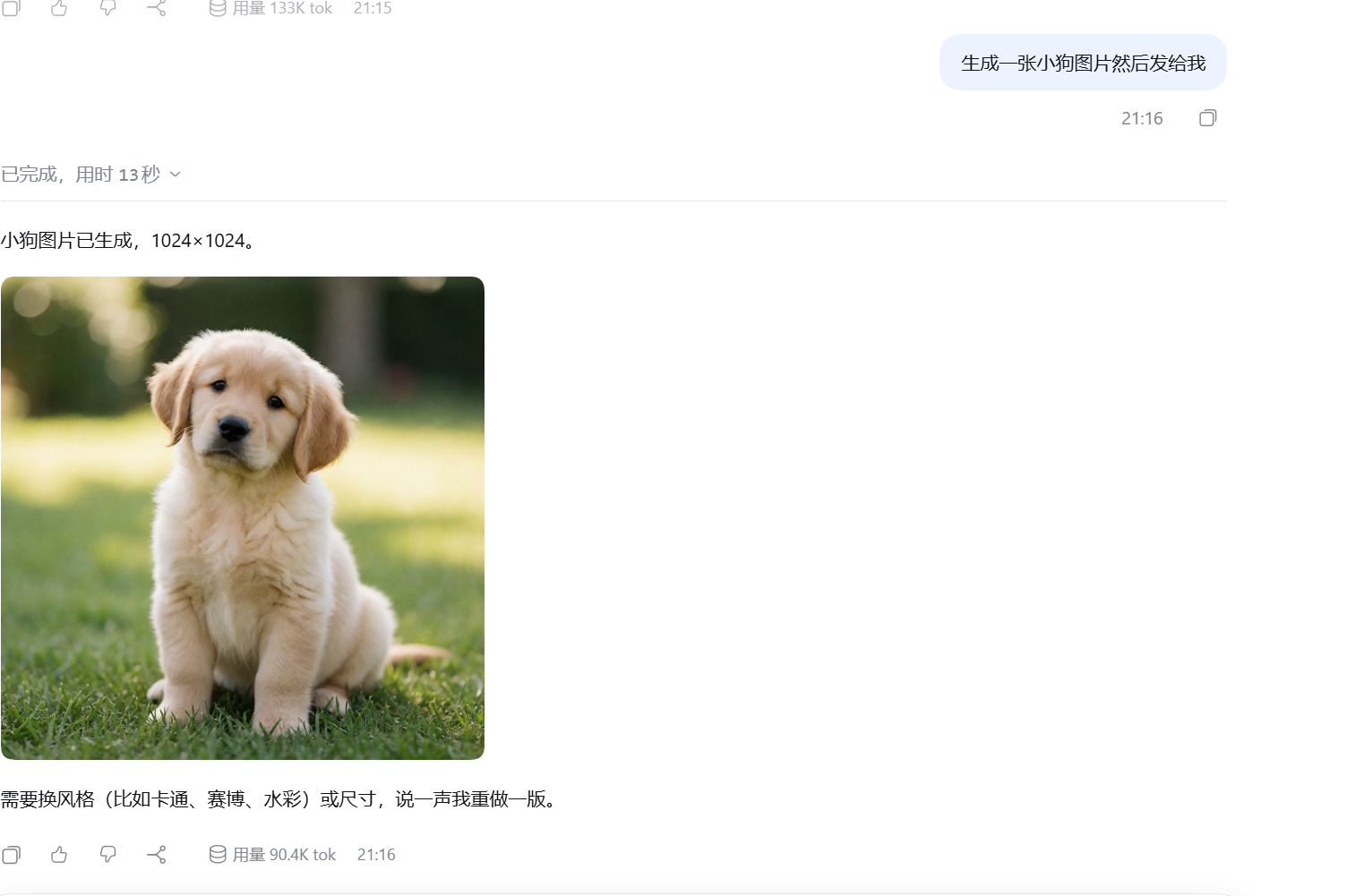
实测截图
让 DSH 助手把本地图片直接发到对话里:
让 DSH 助手生成图片,再发给你看:
安装
在 DSH 插件面板中添加 imgpost,或运行:
dsh plugin --profile desktop add imgpost
Web 版把 desktop 换成 web。安装后重启 DSH。
使用
直接在对话里提出要求,例如:
- “把这张本地图片发给我看。”
- “生成一张雨夜街景。”
- “读一下这张截图里的文字。”
发图无需配置外部 API。生图、识图需要先填写你自己的服务地址、模型和凭据:
- 识图:打开设置中的「图邮(识图)」。
- 生图:在
~/.dsh/image-sender.json中填写baseURL、model和apiKey。
DSH 原生视觉模型可以直接读图;需要继续使用文本模型时,可选择插件提供的 imgpost-<上游> 通道。
说明
- 识图会把图片发送到你配置的视觉服务,结果缓存在本机。
- 图片链接没有额外登录校验,请仅在可信环境中分享。
- 当前发图、生图流程使用 PowerShell;其他系统尚未验证。
MIT License
Links
More in this category
liustack/modlens★ 4389
Vision bridge for text-only models: paste an image, get structured JSON evidence (OCR, layout, semantics).
ysr666/dsh-vision-router★ 1163
Free vision for text-only agents: built-in keyless vision chain plus pixel tools (Q&A, grounding, crop, pixel diff, colors, OCR, SVG trace, cutout, screenshots); paste an image to use it.
Anionex/dsh-vision-toolkit★ 902
Vision for text-only models: paste an image and the model switches to a Vision Toolkit variant for image Q&A, multi-image comparison, long-screenshot OCR, screenshot-to-UI reproduction, element grounding, and pixel diff. No API key by default — images are processed by the author-hosted free service, 100 per machine per day; configurable to your own provider.
dickpy/dsh-imagegen★ 132
AI image generation for the DSH Web GUI: text-to-image and image-to-image through a configurable OpenAI-compatible endpoint (gpt-image-2 / gpt-image-1 / dall-e-3), with an api_url/api_key settings card and a sidebar split-pane generation studio.
fandc520/dsh-comfyui★ 126
Drive a local or remote ComfyUI server from DeepSeek Harness: comfyui_run / comfyui_object_info / comfyui_workflow tools generate and edit images and videos, with a workflow library (graph extraction: per component / main flow / all), a load area with resolution auto-match, a live queue, SDXL and Wan 2.1 templates, a companion skill, and a same-origin media proxy.
sunxin-ai/dsh-design-qa★ 44
Design-fidelity QA for text-only models: a `deepseek_vision` tool borrows an eye from any OpenAI-compatible vision route, so the model can judge whether an implementation matches its mock — shipped with the benchmark behind that judgement (four fixtures, 23 injected defects, raw transcripts) and the questioning discipline it depends on.
Community comments
Comments are public GitHub Discussions. Loading them connects to GitHub and Giscus; a GitHub account is required to post.