Customizable composer glow, send transitions and streaming feedback for DeepSeek Harness, with per-effect controls and reduced-motion support.
Install
# from npm (prebuilt)
dsh plugin --profile web add @ratel-works/dsh-lumina
# from GitHub (first run asks for allowBuilds approval — follow the hint, retry)
dsh plugin --profile web add github:golddream-y/ratel-dsh-lumina
Any plugin you install runs third-party code with your own permissions — it can read your files, use your credentials, and reach the network, and tool approvals don’t sandbox it. GitHub-sourced plugins also run build scripts at install time — pnpm blocks those until you allow them, so an install can stop with ERR_PNPM_GIT_DEP_PREPARE_NOT_ALLOWED or ERR_PNPM_IGNORED_BUILDS; dsh prints the exact key to add under allowBuilds in your profile’s pnpm-workspace.yaml, and the install works on the next run. Allowing a build is a trust decision: only install sources you trust, and pin a commit (github:owner/repo#sha).
README
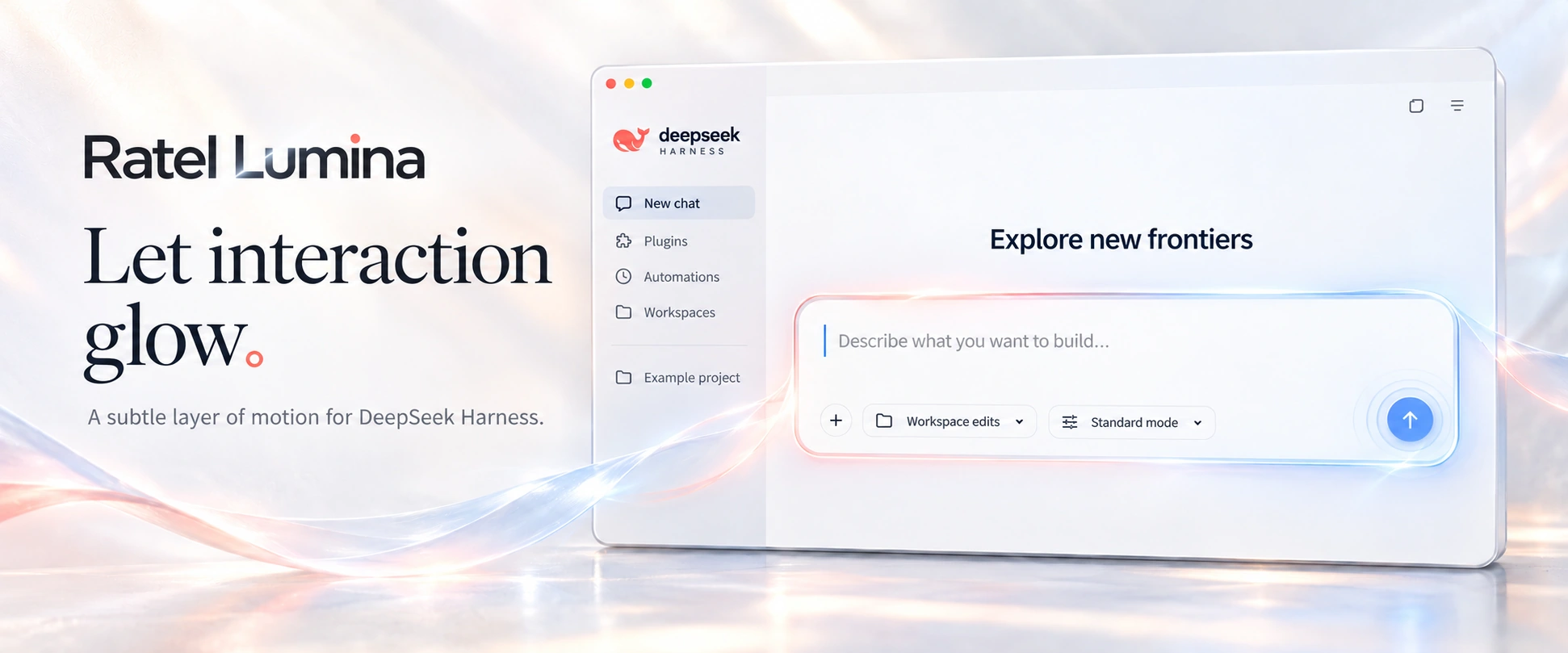
Ratel Lumina
English · 中文 · npm · Changelog
A smoother flow from composing a message to sending it and reading the reply.
Ratel Lumina adds customizable motion to DeepSeek Harness. A soft glow marks the focused composer, messages travel as a droplet, a dissolve or a little ghost, and caret feedback follows the reply. These details give everyday conversations a continuous visual rhythm.
Works with the DSH desktop and Web / PWA clients. Adjust the motion to your preference or switch it off at any time.
Why Lumina
- Connected feedback. The composer, send button, message transition and streaming caret share a consistent use of light and timing.
- A choice of expression. Send with a droplet, dissolve or ghost transition, or turn transitions off and keep the lighter feedback.
- Control over the motion. Choose an intensity, color preset and individual effects. Saved settings apply immediately.
- Your workflow stays intact. Lumina does not change models, requests or message content, delay submission, or block typing, clicking and selection.
- Lightweight and optional. Built with CSS and native SVG, without an additional animation framework. A master switch turns it off, and system reduced-motion preferences are respected.
In use
| Moment | Feedback |
|---|---|
| Composing | A mixed-color rim, with a soft halo and flowing light when focused |
| Pressing send | Press feedback and a brief light pulse |
| Sending a message | Droplet, dissolve or ghost transition, or no transition |
| Waiting for a reply | Streaming caret feedback and session activity indication |
| Opening a new conversation | Brand and hero entrance motion |
Choose a send transition
Droplet is the default. The text gathers into a drop, merges with the composer edge, detaches, travels to the message and unfolds as a coherent block.
Dissolve disperses the characters and resolves the message from blur into clear text.
Ghost carries the text with a rounded, one-piece little spirit. Its cape hem flutters while it floats, then the message fades in as a whole on arrival.
Existing valid mode choices are preserved when the plugin is updated.
Install and update
Install DeepSeek Harness first, then add Lumina to the profile you use:
dsh plugin --profile <profile> add @ratel-works/dsh-lumina
Replace <profile> with your profile, such as desktop or web. Run the same command to update, then fully quit and reopen the client to load the new plugin code.
The current development and verification baseline is DSH 0.2.1-rc.2. Client updates can change the UI interfaces used by the effects, so compatibility needs to be checked again after an upgrade.
Settings
Open Lumina / 流光 in DSH settings to choose a send transition, intensity and color preset, or disable individual effects. Save your changes to apply them immediately, without restarting.
Turn off the master switch to restore the original interface. When system reduced motion is enabled, Lumina reduces or disables animations automatically.
Saved settings apply immediately; installing or updating plugin code requires a full client restart.
Documentation and development
- Changelog: release changes and verification scope.
- Motion demos: interaction studies and design prototypes; these are not all shipped client effects.
- Product and implementation: scope, design and engineering documentation.
- Publishing and listing: npm releases and plugin-list submissions.
Local development checks:
npm install
npm run typecheck
npm test
npm run build
npm run install:local -- web
License
The project uses the MIT license. See THIRD_PARTY_NOTICES.md for third-party sources and additional license terms.
Links
More in this category
zhu1090093659/dsh-web#packages/dsh-task-board★ 9262
Task board for the dsh web GUI: a sidebar multi-column kanban whose cards run in real DSH agent sessions and can also be scheduled with cron expressions, executed host-side even with the browser closed.
zhu1090093659/dsh-web#packages/dsh-web-all★ 9262
Plugin and skin collection for the DSH Web UI: task board, Git graph, right-side panel, remote mobile UI, pet, live token stats, and a skin center.
MeteorNOX/DeepSeek-Balance-Whale-Widget★ 5677
A fixed-corner whale widget for the DSH web GUI — balance, today's usage and per-turn cost with peak/off-peak pricing, editable balance-alert and daily-budget bubbles, a module-based custom bubble queue with A/B weighted choices and random lines or images, 30+ vendor templates (OpenAI, OpenRouter, Kimi, SiliconFlow, Ark, Zhipu, MiniMax and more) with per-model balance and subscription quota, plus task-end sound, imported audio, custom roles and a resource manager. Local-only, no telemetry.
ccch1mneyyy/dsh-TUI★ 5125
Claude Code-style full-screen terminal UI: pixel-whale header, live status line, and streaming thought expansion.
omdsh-dev/DSH-better-sidebar★ 4413
Full sidebar workbench with file rendering and editing, terminal, Git, and subagents; third-party plugins can register new tabs.
Devin-AXIS/deepseek-design#deepseek-idesign★ 1491
Visual design studio for websites, app prototypes, posters, cards, reports, and magazines, with templates, direct element editing, selection-aware AI draft handoff, and export.
Community comments
Comments are public GitHub Discussions. Loading them connects to GitHub and Giscus; a GitHub account is required to post.