Displays generated images in a conversation gallery with a lightbox viewer.
Install
# from npm (prebuilt)
dsh plugin --profile web add dsh-image-conatiner
# from a prebuilt release tarball
dsh plugin --profile web add -w "https://github.com/aa2246740/dsh-image-conatiner/releases/download/v0.2.3/dsh-image-conatiner-0.2.3.tgz"
# from GitHub (first run asks for allowBuilds approval — follow the hint, retry)
dsh plugin --profile web add github:aa2246740/dsh-image-conatiner
Any plugin you install runs third-party code with your own permissions — it can read your files, use your credentials, and reach the network, and tool approvals don’t sandbox it. GitHub-sourced plugins also run build scripts at install time — pnpm blocks those until you allow them, so an install can stop with ERR_PNPM_GIT_DEP_PREPARE_NOT_ALLOWED or ERR_PNPM_IGNORED_BUILDS; dsh prints the exact key to add under allowBuilds in your profile’s pnpm-workspace.yaml, and the install works on the next run. Allowing a build is a trust decision: only install sources you trust, and pin a commit (github:owner/repo#sha).
README
dsh-image-conatiner
dsh plugin --profile web add github:aa2246740/dsh-image-conatiner
You need official dsh on PATH (or npx @deepseek-ai/dsh) and pnpm. Then restart that Host and reload the page. dsh plugin add writes the profile. It does not hot-load a running Host.
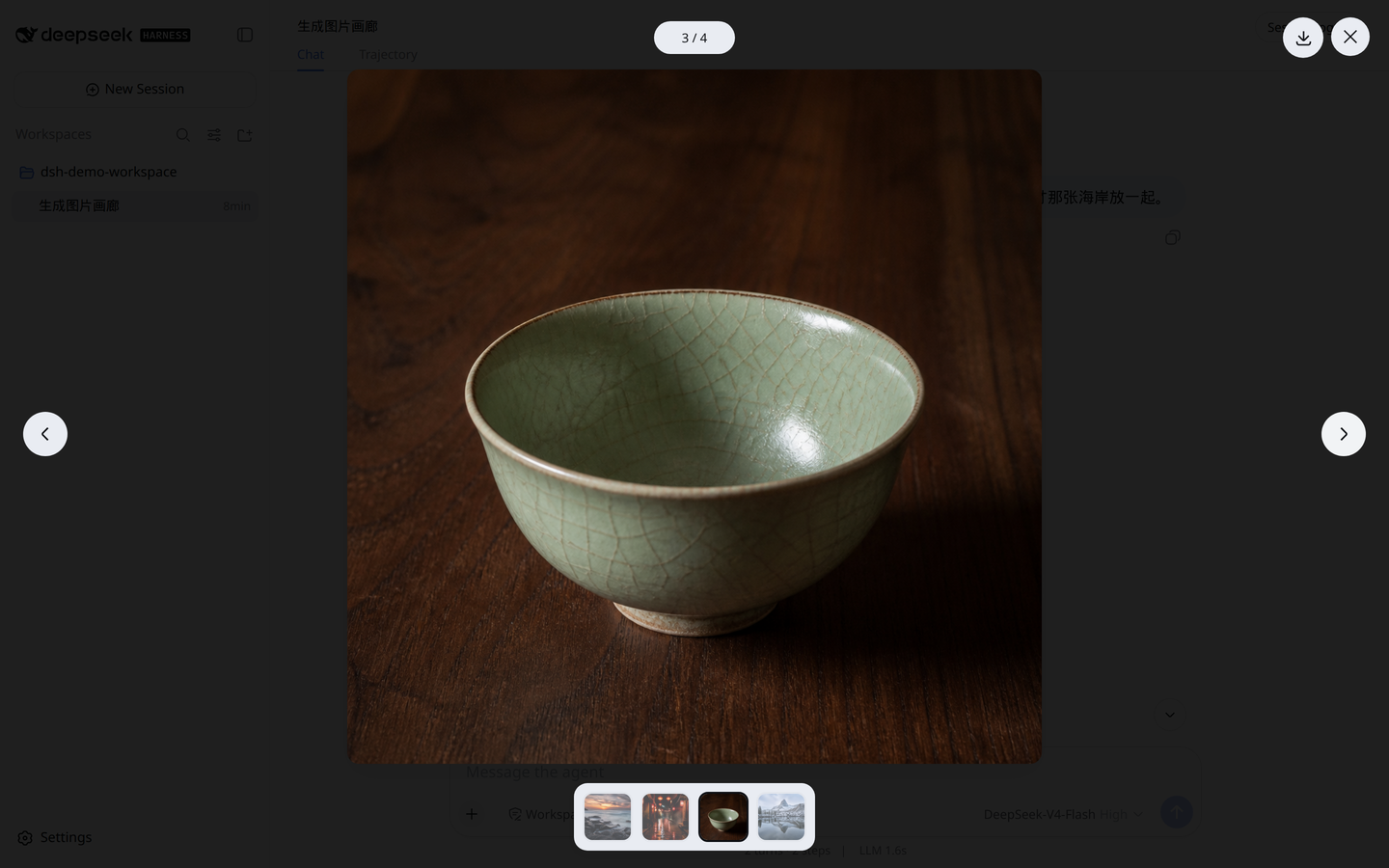
Generated images in the chat use a larger gallery: one image at its natural ratio, a few side by side, fullscreen paging on click. The conatiner spelling in the package name is intentional.
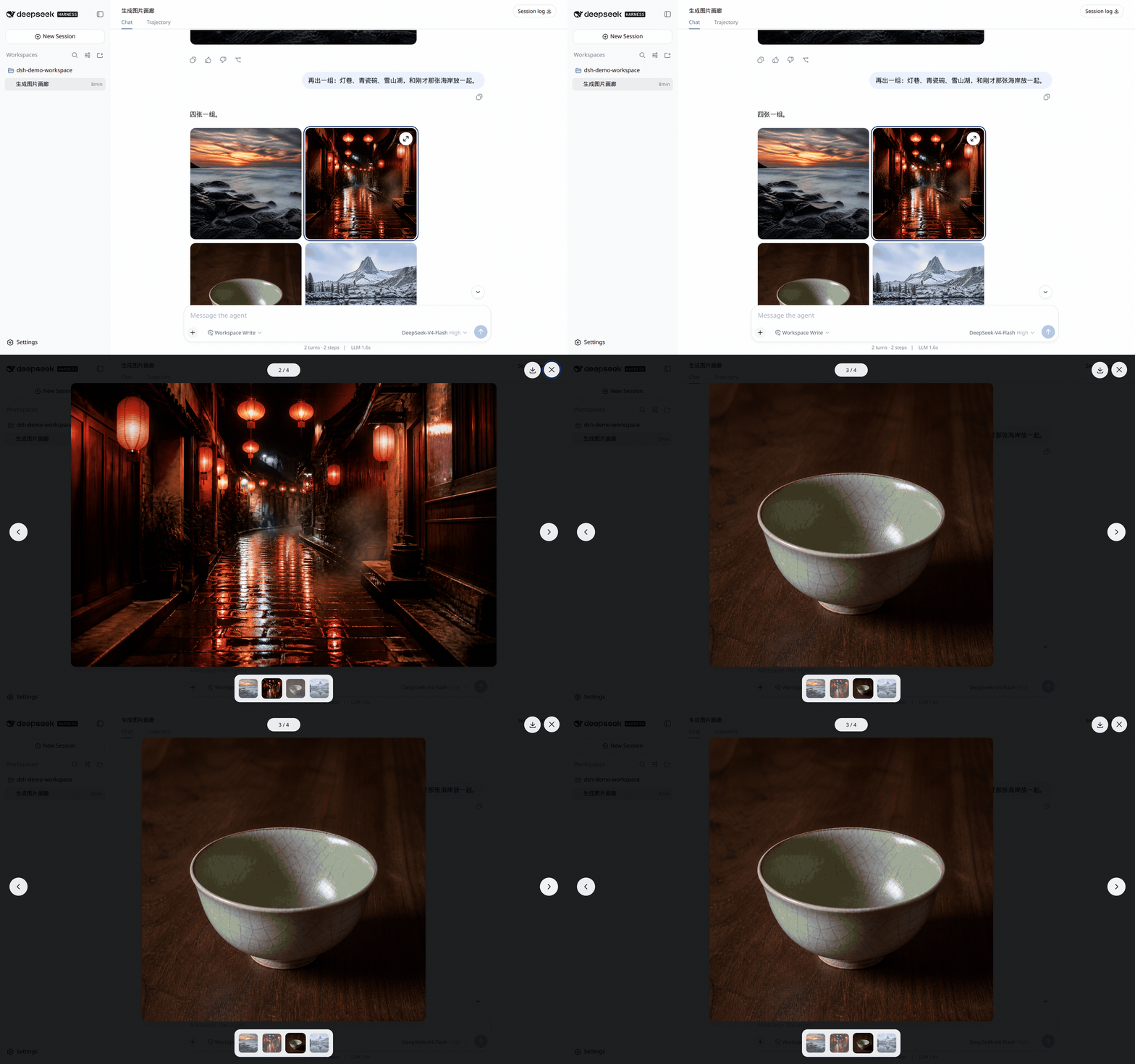
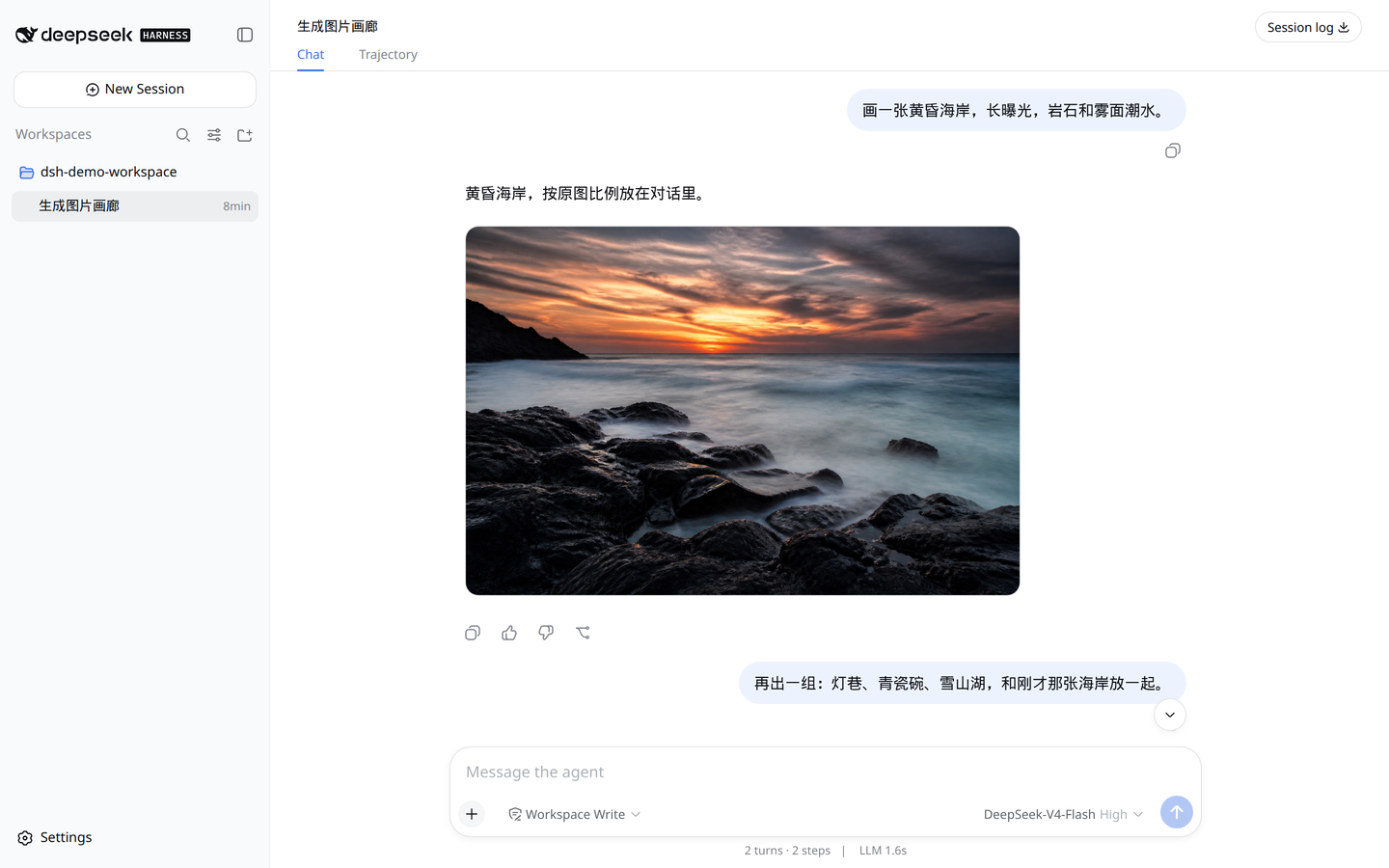
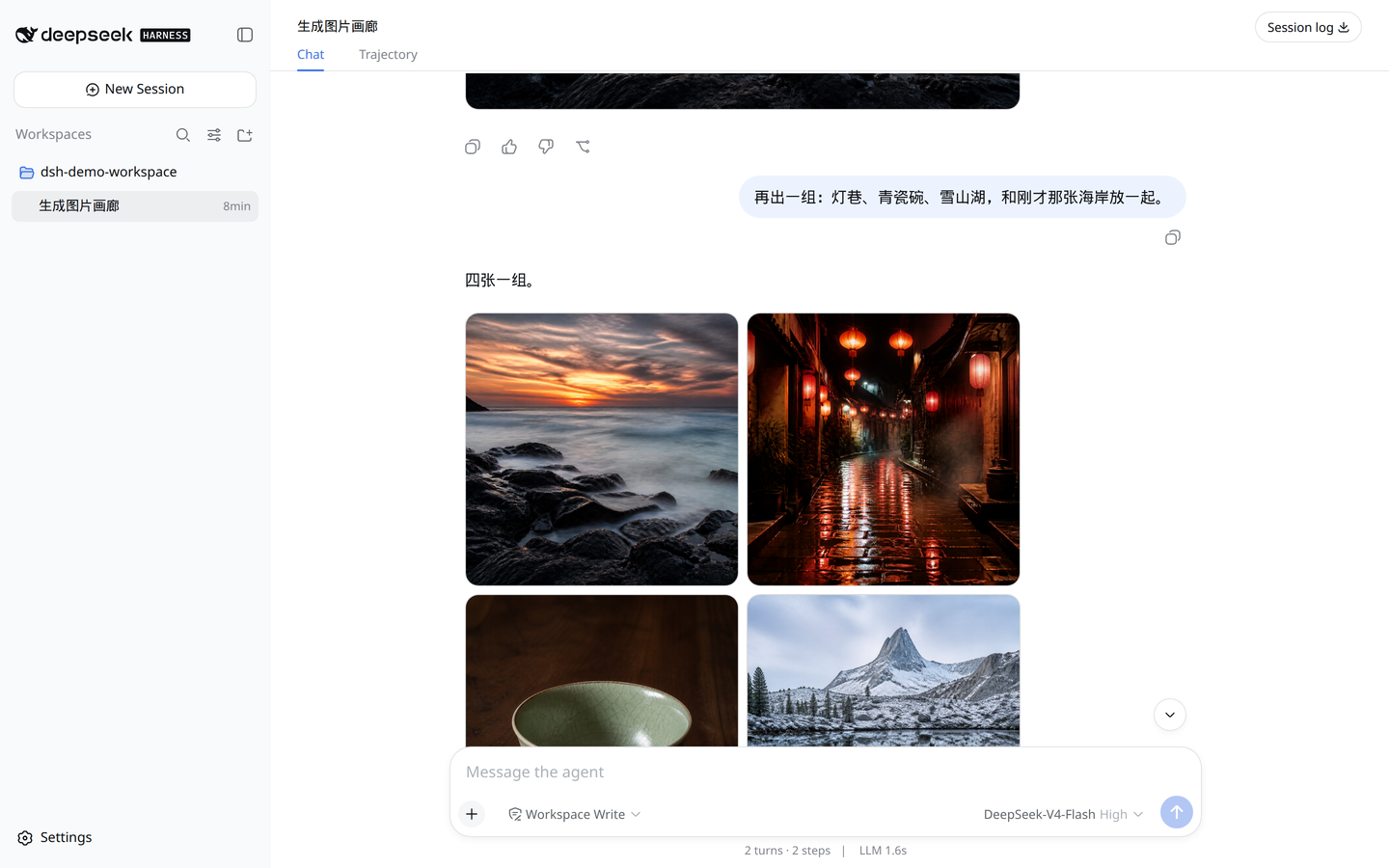
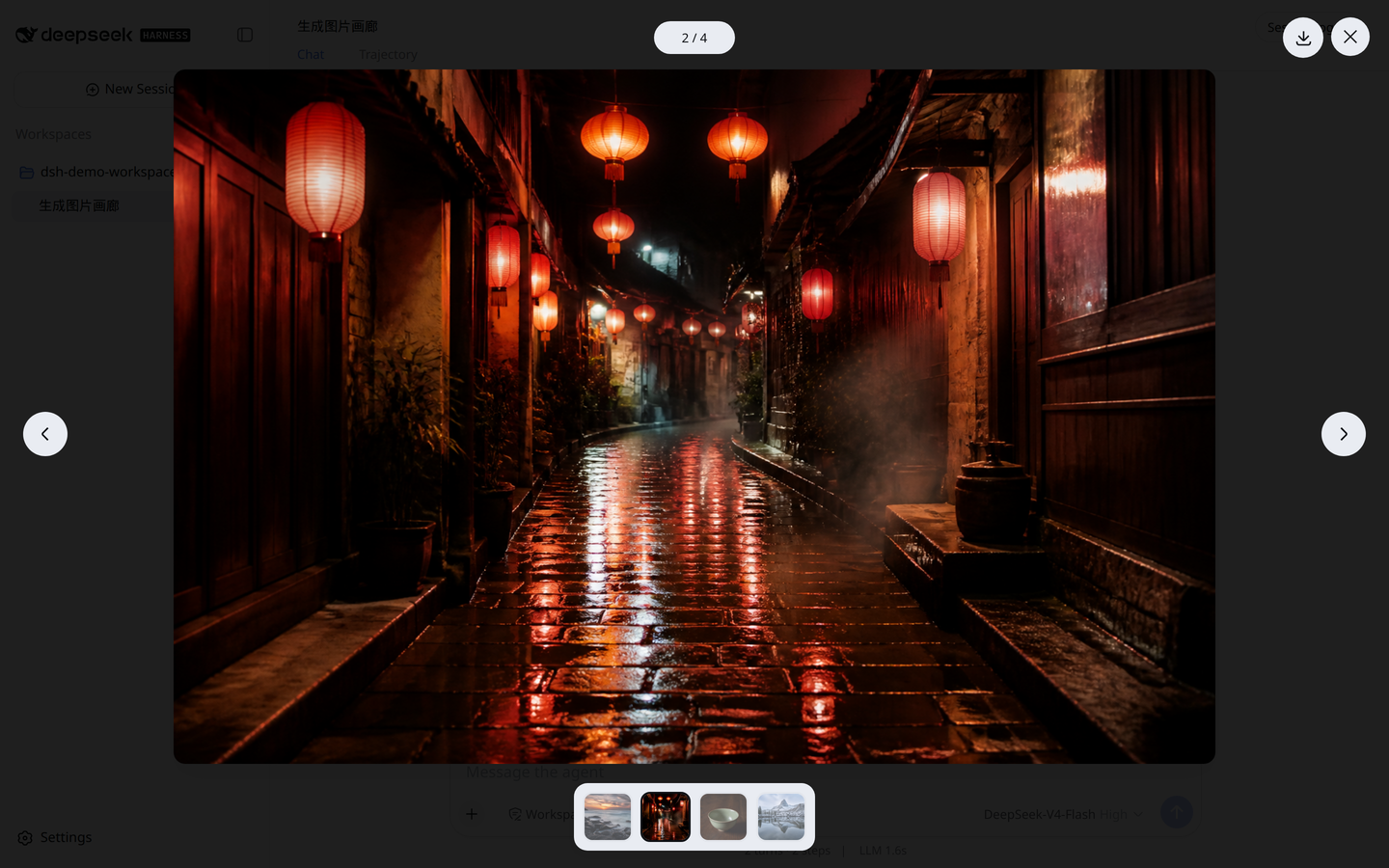
Install
That github: command works because this package declares dsh.bundle.patch and commits built lib/. Official dsh plugin add runs pnpm in $DSH_HOME/profiles/web and appends this package to dsh.profile.bundles. You do not need Creator Mode or a second toolchain.
If dsh is not on PATH:
npx @deepseek-ai/dsh plugin --profile web add github:aa2246740/dsh-image-conatiner
Or from a clone:
git clone https://github.com/aa2246740/dsh-image-conatiner.git
dsh plugin --profile web add ./dsh-image-conatiner
dsh plugin --profile web remove dsh-image-conatiner
Targets official DeepSeek Harness 0.2.0-rc.2 (tag dsh-v0.2.0-rc.2, npm @deepseek-ai/dsh@0.2.0-rc.2). It uses the public conversation.message.images slot and shadows the built-in gallery at priority -10. Peers are >=0.2.0-rc.1 <0.2.1: ^0.1.5-rc.3 does not accept 0.2.0-rc.2. Do not install it against 0.1.7 alphas. v0.2.1 remains the published 0.1.5-rc.3 release, and v0.2.0 remains the published v0.1.0-rc.8 release.
This version uses the public image slot and requires no Harness patch.
Without the plugin, chat still uses the built-in gallery. If an older install used a file: profile dependency, change it to link: pointing at this directory and restart the Web host.
Develop
pnpm install --frozen-lockfile
pnpm test
pnpm typecheck
Committed lib/ is what the official github: install loads. Rebuilding the client is in CONTRIBUTING.md. Report security issues privately via SECURITY.md.
License
MIT. The optional Harness patch is rc.7 only and edits MIT-licensed upstream source.
Links
More in this category
liustack/modlens★ 5095
Vision bridge for text-only models: paste an image, get structured JSON evidence (OCR, layout, semantics).
ysr666/dsh-vision-router★ 1307
Free vision for text-only agents: built-in keyless vision chain plus pixel tools (Q&A, grounding, crop, pixel diff, colors, OCR, SVG trace, cutout, screenshots); paste an image to use it.
Anionex/dsh-vision-toolkit★ 951
Vision for text-only models: paste an image and the model switches to a Vision Toolkit variant for image Q&A, multi-image comparison, long-screenshot OCR, screenshot-to-UI reproduction, element grounding, and pixel diff. No API key by default — images are processed by the author-hosted free service, 100 per machine per day; configurable to your own provider.
SAOS-3624/dsh-see-now★ 778
Lets a text-only agent watch a live screen or camera feed: every frame is scored by how much the picture changed, only the ones that matter are packed into one numbered sheet with an audio envelope, so the model looks at what actually changed instead of a screenshot every few seconds.
kingcharleslzy-ai/dsh-qwen-studio★ 629
Qwen Image 2.1 workspace for DSH: Apple Silicon MLX or your own NVIDIA server, native reference editing, LoRA, ControlNet, inpainting, shared presets, gallery and live agent progress. Includes verified updates and an agent setup guide.
SAOS-3624/dsh-video-storyboard★ 607
Turns a video (a local file, or a Bilibili/yt-dlp link) into one addressable storyboard grid — numbered cells with exact timestamps, per-cell transcript and an audio envelope on the same timeline — and video_zoom re-reads any window at higher resolution, so a text-only model can look at the video instead of reading a summary.
Community comments
Comments are public GitHub Discussions. Loading them connects to GitHub and Giscus; a GitHub account is required to post.