Displays the images read in the conversation (read_image results) in the DSH Web GUI: a Read image row with a default-expanded message-style image card over a PS-style transparency checkerboard, merged read-N-images rows with side-by-side frames for multi-image requests, and an in-page full-resolution lightbox (zoom buttons, mouse wheel, 1:1 original size).
Install
# from npm (prebuilt)
dsh plugin --profile web add dsh-read-image-view
# from GitHub (first run asks for allowBuilds approval — follow the hint, retry)
dsh plugin --profile web add github:Yu-tao-Li/dsh-read-image-view
Any plugin you install runs third-party code with your own permissions — it can read your files, use your credentials, and reach the network, and tool approvals don’t sandbox it. GitHub-sourced plugins also run build scripts at install time — pnpm blocks those until you allow them, so an install can stop with ERR_PNPM_GIT_DEP_PREPARE_NOT_ALLOWED or ERR_PNPM_IGNORED_BUILDS; dsh prints the exact key to add under allowBuilds in your profile’s pnpm-workspace.yaml, and the install works on the next run. Allowing a build is a trust decision: only install sources you trust, and pin a commit (github:owner/repo#sha).
README
dsh-read-image-view

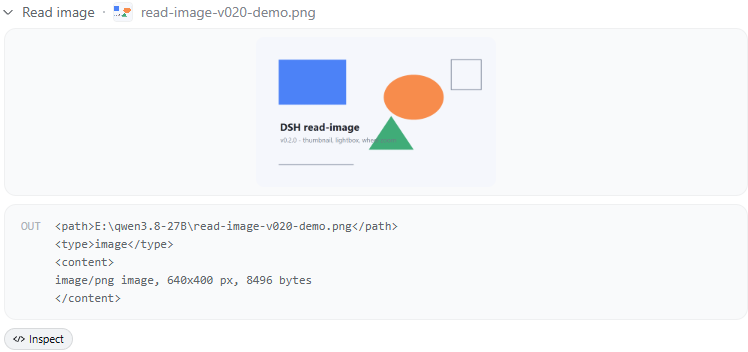
Displays the images the read_image tool read, inside the DeepSeek Harness Web GUI conversation flow. After the model calls read_image, the conversation shows a dedicated Read image row: it is expanded by default as a message-style rounded image card (240px long edge) with a PS-style gray/white transparency checkerboard, and several images read in one request are merged into a single side-by-side row (Read N images). Clicking an image opens an in-page original-image lightbox (mask + frosted backdrop) with zoom buttons, mouse-wheel zoom, and 1:1 original size — 100% means 1:1 original pixels, and zooming stays crisp (real-pixel rendering, not scale-up interpolation).
A pure client-side plugin (browser-only), zero runtime dependencies, no changes to DSH itself.
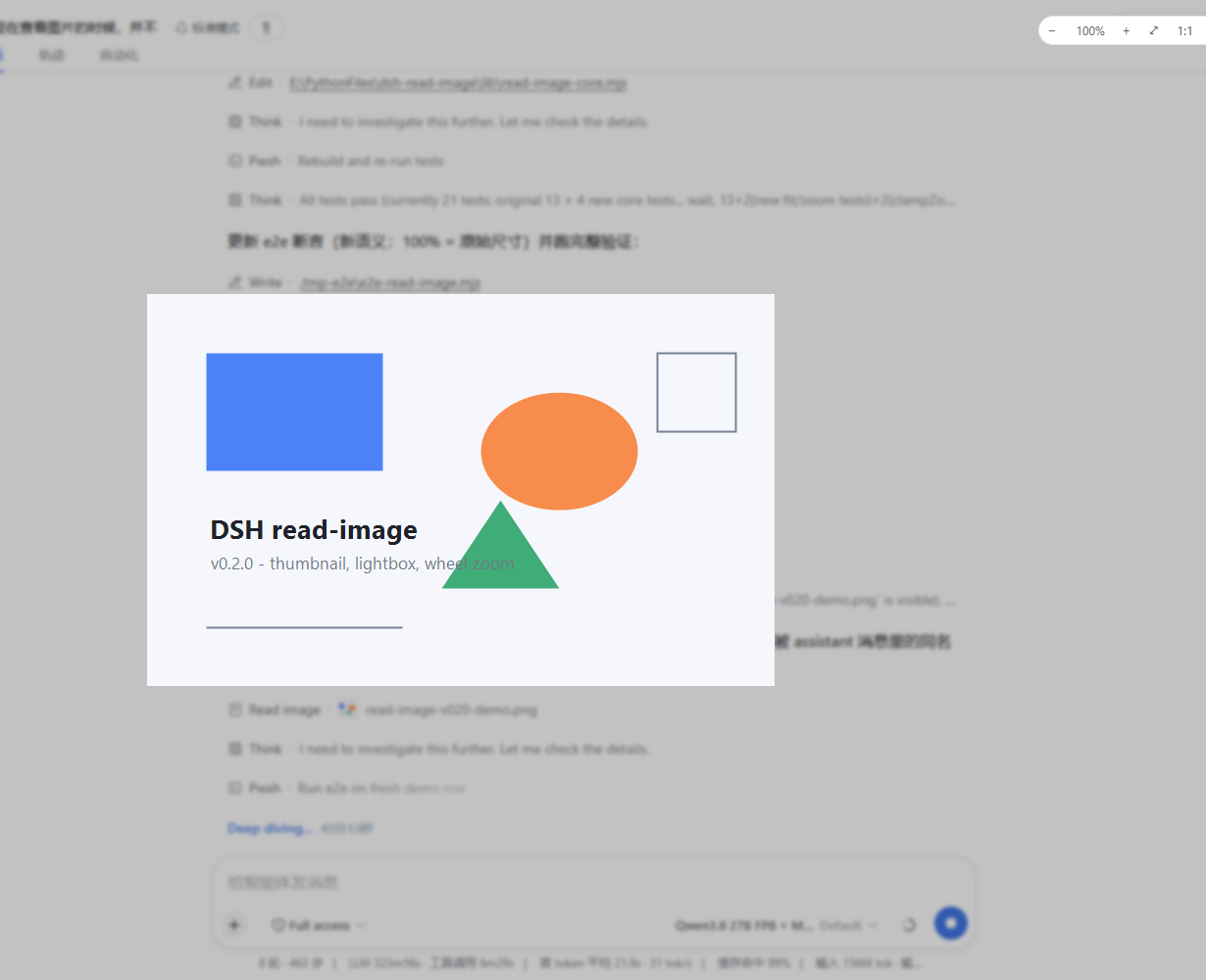
| ① Read image row: result is expanded as an image card and opens the lightbox | ② Transparency: the PS-style checkerboard shows through the image's transparent pixels only |
|---|---|
 |
 |
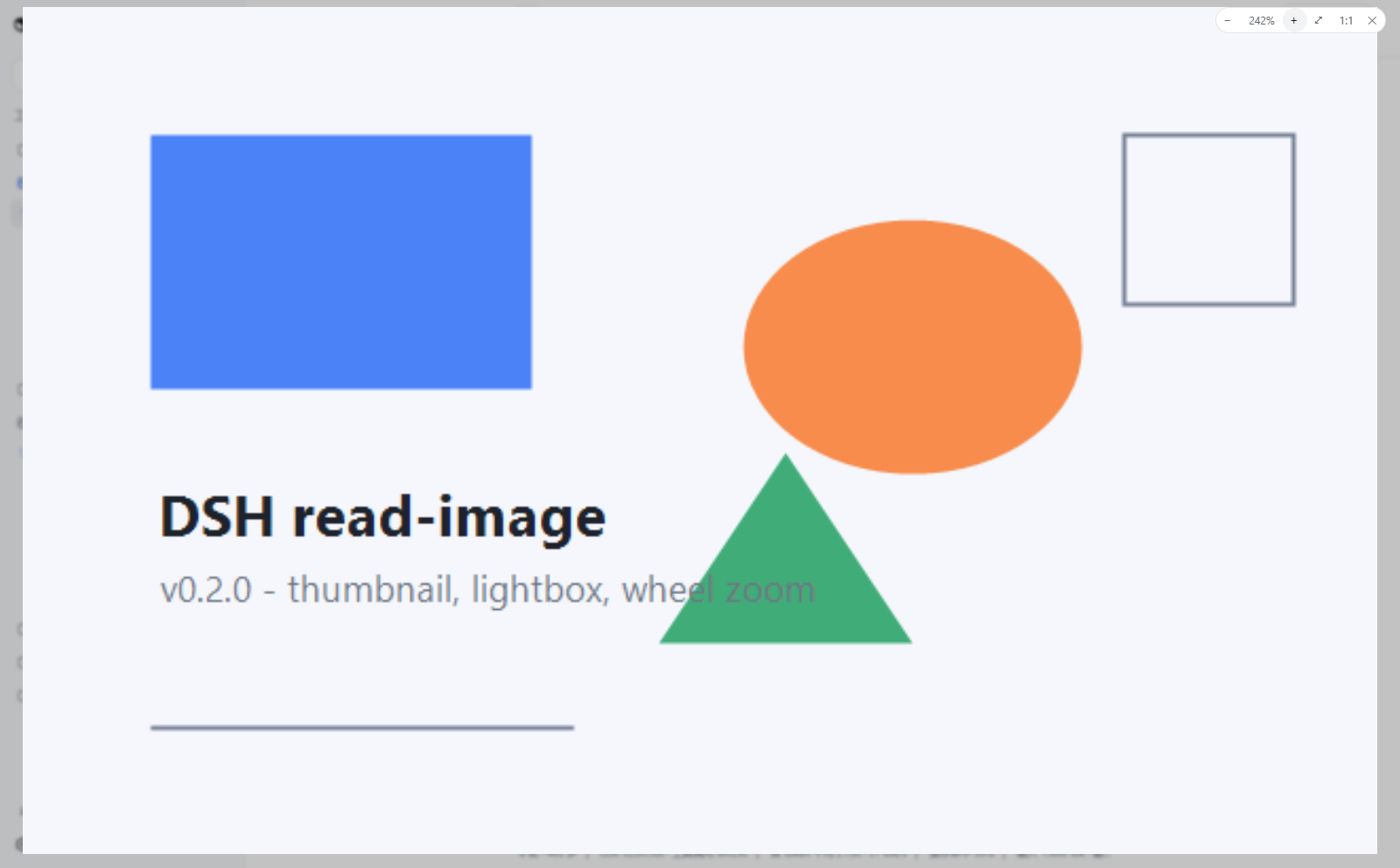
| ③ In-page lightbox: 100% = original size; control bar − / % / + / fit / 1:1 / close | ④ Collapsed state: the summary carries the group label; click any image to re-expand |
 |
 |
Background
The read_image tool persists its image into DSH's content-addressed attachment store ($DSH_HOME/attachments/v1/objects/<sha256>); the tool/result event carries only a durable sha256: reference plus metadata (mediaType/width/height/bytes/name). The Web GUI's generic tool row rendering flattened non-text content blocks to JSON — so users saw an attachment-reference JSON blob instead of the picture.
This plugin closes that gap: it extracts the attachment reference and passes it to DSH 0.2's session-authorized loadImage, then renders the image card, multi-image grid, and zoomable lightbox in the page.
DSH 0.2 compatibility
Version 0.3.3 targets the client module layout shipped by DSH 0.2.0-rc.2. It registers through the 0.2 ToolCallViewProps contract and uses the host-provided session-authorized image loader. Restart the Web GUI after upgrading so the profile rebuilds its client module graph.
Features
- Dedicated Read image row — same chrome as the built-in Read row (browse icon, state dots, running sweep, expand/collapse).
- Default-expanded image card — no click needed: a settled result renders immediately in the official message-image rule (240px long edge, ratio-clamped, never upscaled past the original) inside a 16px-rounded, thin-bordered, checkerboard-backed card. The old 20px collapsed thumbnail is gone — it showed too little, and transparent images rendered as a dead white/black square.
- Transparency checkerboard — a PS-style gray/white checker (
repeating-conic-gradient, 16px cells) as the backing of the image card and the lightbox, visible only through the image's transparent pixels: PNG transparency is obvious at a glance, opaque images are unaffected. - Merged "read N images" row — DSH 0.2's
useChatlegacy projection provides the nodes and running calls, so results within one user request merge into one row; if a snapshot is unavailable, the view safely falls back to a solo row. - In-page lightbox — a body-portal fullscreen layer: design-system mask token (
--dsw-alias-bg-mask-1) + frosted backdrop (--dsw-mask-blur, which is what makes it read as a modal in dark themes); transparent images keep the checkerboard in the lightbox; closes on Esc / empty-area click / ✕; repeatable, not one-shot (any grid frame re-opens it at any time). - Full-resolution zoom — 100% = 1:1 original pixels (not "fit to viewport"); the img is sized in real pixels, so at ≥100% the browser re-rasterizes the original bitmap (crisp zoom) and below 100% it is a high-quality downsample; on open the image is fitted to the viewport but never upscaled past 100%.
- Three ways to zoom — − / + control-bar buttons (×/÷ 1.25), the mouse wheel (smooth exponential, clamped 10%–800%), and the ⤢ fit / 1:1 buttons; drag pans while the displayed image overflows the stage.
- Metadata envelope on demand — text-only / error results still show the
<path>/<type>/<content>envelope (media type, pixel size, byte count) in the OUT section; for image results the envelope text is redundant and hidden, leaving just the picture. - Error paths unchanged — failed calls (missing file, image-incapable model, …) carry no image part: a solo row renders as an ordinary error row (red dot + error text), and a failed group member renders a compact text tile; a failed frame load shows a retry control.
- No widened trust boundary — image bytes only flow through the host's session-authorized
loadImage; the plugin performs no file I/O and adds no network endpoints. - 0.2 contract — follows
ToolCallViewPropsacrosspreparing/start/result, shadows the built-in priority-0 row at priority-1, and uses the host's session-authorizedloadImageloader.
Install
# From GitHub (--profile selects the profile; use web for the Web GUI)
dsh plugin --profile web add github:Yu-tao-Li/dsh-read-image-view
# Or a local directory
dsh plugin --profile web add file:\<path>\dsh-read-image-view
Restart dsh web (profile plugin sets assemble at boot). From then on, every model read_image shows its picture directly in the conversation — and a multi-image request renders as one merged row.
How it works
DSH Web GUI (browser)
  │  tool.call.toolview key "read_image" → this plugin's ImageRow
  │  │
  │  ├─ ToolCallViewProps: preparing / start / result stage blocks
  │  ├─ useChat(s => s.legacy): read_image results in one request merge into Read image · Read N images
  │  ├─ result row: Read image · <path> (default-expanded) + one ImageFrame
  │  └─ imageless / error results: OUT metadata envelope
  │        │  loadImage(attachment) → DSH 0.2 session-authorized loader
  │        ▼
  │      gateway → attachment store (sha256 content-addressed)
  │        → { value:{ attachment, data(base64) } }
  │        │  base64 → Blob URL (original bytes, page-lifetime cache per (session, attachment))
  │        ▼
  │      ImageFrame / ZoomLightbox (react-dom portal to body,
  │      real-pixel sizing + mask/blur tokens + zoom control bar)
  ▼
shell-built-in modules: react / react-dom / dsh-client-ui-primitives (icons & state dots only)
The core logic (lib/read-image-core.mjs) is pure: DSH 0.2 result-shape validation, RPC compatibility tests, zoom/fit clamping (clampZoomPct/fitZoomPct), and locale-key resolution. The browser bundle (lib/client.js) is generated by scripts/build-client.mjs, which inlines the core into src/client-src.js; CI checks the bundle stays in sync with its sources.
Security and limitations
- Read-only rendering — the plugin only fetches and renders; no writes, no new network endpoints.
- Session-authorized —
loadImageis supplied by DSH for the current session; the plugin does not construct attachment URLs itself. - Memory — Blob URLs are cached per (session, attachment) for the page lifetime (content-addressed, so repeated references fetch once); a page refresh releases them. Refresh to reclaim memory after very many large images.
- Web GUI only — the TUI and other surfaces are unaffected (tool-result data itself is unchanged).
- Depends on shell-built-in
react/react-dom/dsh-client-ui-primitives, theimage.*locale keys, and the DSH 0.2ToolCallViewProps/loadImagecontract; if upstream changes the tool-view slot or module-loader table, this needs a matching adaptation. - Full-resolution semantics: 100% always means 1:1 original pixels; >100% is the browser upscaling the original bitmap (interpolated), as expected.
Development
lib/read-image-core.mjs   core pure logic (unit-testable in Node)
src/client-src.js         browser bundle template (/*__READ_IMAGE_CORE__*/ placeholder)
scripts/build-client.mjs  build / --check (CI bundle-sync gate)
lib/client.js             built artifact (committed; no build authorization needed at install)
lib/index.js              no-op host half (loader entry)
cordis.patch.yml          profile patch layer (registers the loader entry)
test/read-image-core.test.mjs   unit tests (node --test)
test/e2e-read-image.mjs         real-browser e2e (headless Edge; writes e2e-shots/ screenshots)
docs/dev-notes.md         design decisions, debug notes
npm run build    # regenerate lib/client.js
npm run check    # verify the bundle is in sync with src/ + core
npm test         # node --test (core + 0.2 contract regression)
npm run e2e      # needs a running dsh web + playwright-core (devDependency) + system Edge
CI (.github/workflows/ci.yml) runs the bundle-sync check plus the unit tests on every push/PR; the e2e needs a live GUI, so it is a local regression script instead (the README screenshots were produced by it).
License
MIT, see LICENSE.
Links
More in this category
zhu1090093659/dsh-web#packages/dsh-task-board★ 8334
Task board for the dsh web GUI: a sidebar multi-column kanban whose cards run in real DSH agent sessions and can also be scheduled with cron expressions, executed host-side even with the browser closed.
zhu1090093659/dsh-web#packages/dsh-web-all★ 8334
Plugin and skin collection for the DSH Web UI: task board, Git graph, right-side panel, remote mobile UI, pet, live token stats, and a skin center.
ccch1mneyyy/dsh-TUI★ 3989
Claude Code-style full-screen terminal UI: pixel-whale header, live status line, and streaming thought expansion.
omdsh-dev/DSH-better-sidebar★ 3981
Full sidebar workbench with file rendering and editing, terminal, Git, and subagents; third-party plugins can register new tabs.
MeteorNOX/DeepSeek-Balance-Whale-Widget★ 3944
A fixed-corner whale widget for the DSH web GUI — balance, today's usage and per-turn cost with peak/off-peak pricing, editable balance-alert and daily-budget bubbles, a module-based custom bubble queue with A/B weighted choices and random lines or images, 30+ vendor templates (OpenAI, OpenRouter, Kimi, SiliconFlow, Ark, Zhipu, MiniMax and more) with per-model balance and subscription quota, plus task-end sound, imported audio, custom roles and a resource manager. Local-only, no telemetry.
Devin-AXIS/deepseek-design#deepseek-idesign★ 1412
Visual design studio for websites, app prototypes, posters, cards, reports, and magazines, with templates, direct element editing, selection-aware AI draft handoff, and export.
Community comments
Comments are public GitHub Discussions. Loading them connects to GitHub and Giscus; a GitHub account is required to post.