Text-to-video and image-to-video generation with workspace saving and a persistent video gallery. Its HTTP routes have no DSH access check, so a web page open in your browser could call them.
Install
# from npm (prebuilt)
dsh plugin --profile web add dsh-video-gen
# from GitHub (first run asks for allowBuilds approval — follow the hint, retry)
dsh plugin --profile web add github:Yang-wudi/dsh-video-gen
Any plugin you install runs third-party code with your own permissions — it can read your files, use your credentials, and reach the network, and tool approvals don’t sandbox it. GitHub-sourced plugins also run build scripts at install time — pnpm blocks those until you allow them, so an install can stop with ERR_PNPM_GIT_DEP_PREPARE_NOT_ALLOWED or ERR_PNPM_IGNORED_BUILDS; dsh prints the exact key to add under allowBuilds in your profile’s pnpm-workspace.yaml, and the install works on the next run. Allowing a build is a trust decision: only install sources you trust, and pin a commit (github:owner/repo#sha).
README
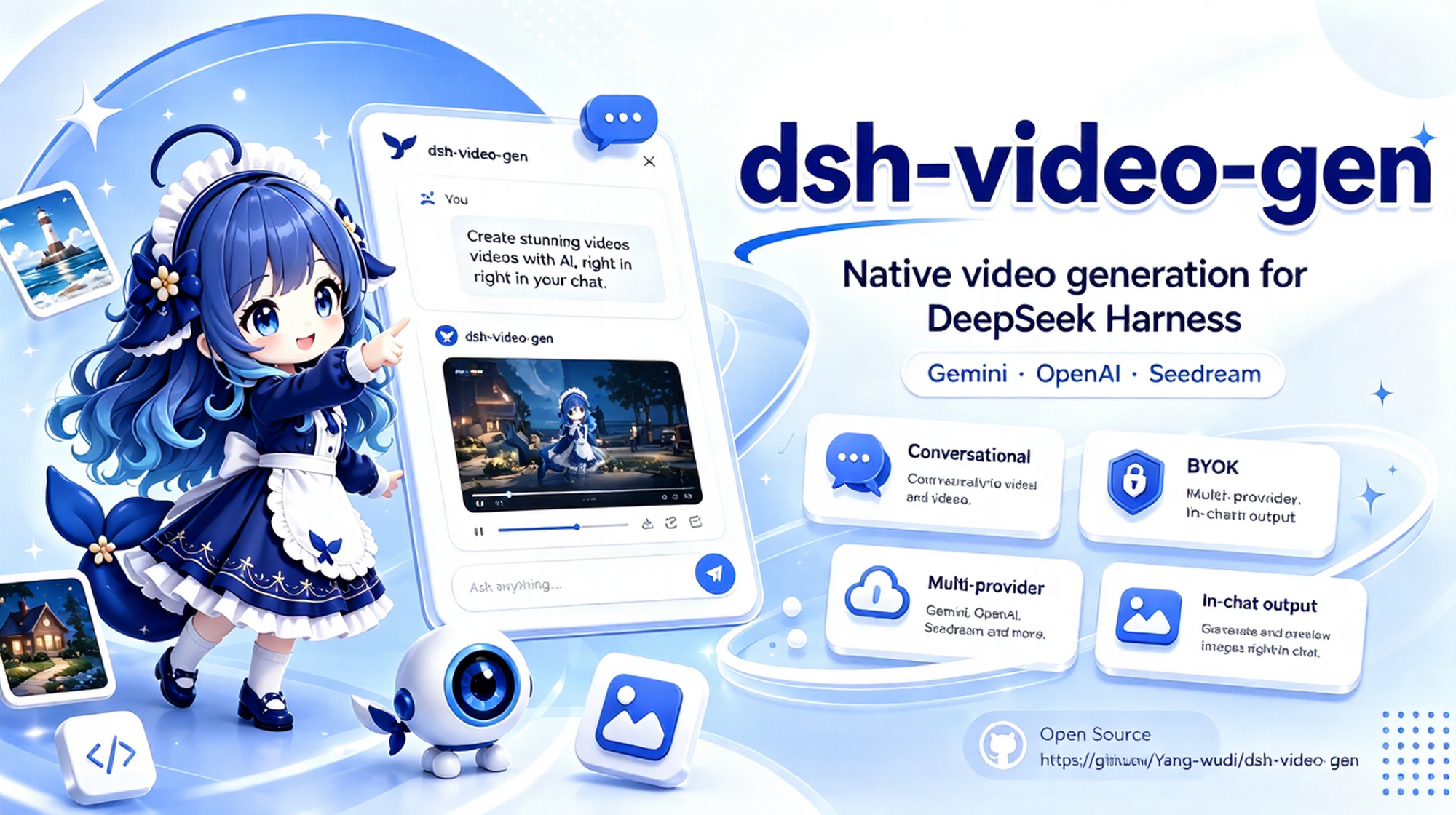
Bring text-to-video and image-to-video generation to DeepSeek Harness — supports Aliyun Wanx, Volcengine/Doubao Seedance, Google Veo, OpenAI Sora, and compatible relays.
English | 简体中文
💡 What Does It Solve?
dsh-video-gen is an open-source video generation plugin built for DeepSeek Harness (DSH).
DeepSeek Harness already enables agents to call various tools to complete tasks. This plugin adds native text-to-video and image-to-video generation:
- ✅ Multi-provider support: Aliyun DashScope (Wanx), Volcengine/Doubao Seedance, Google Veo, OpenAI Sora, and compatible relays
- ✅ Two tools:
generate_video(text-to-video) andanimate_image(image-to-video) - ✅ In-conversation playback: Generated videos are displayed directly in the conversation flow
- ✅ Auto-save to workspace: Videos are saved to the agent's workspace for later use
- ✅ Video gallery: A session tab that collects every generated video — search, filter, preview, download, delete
- ✅ Web settings UI: Configure API keys, endpoints, and models visually in DSH Settings
🚀 Quick Start
1. Install the Plugin
Run in your DeepSeek Harness project root:
# Recommended: install from local directory
pnpm dsh plugin --profile web add ./dsh-video-gen

# Or install from npm (after publishing)
pnpm dsh plugin --profile web add dsh-video-gen@latest
2. Configure API Key
Open the DSH Web UI (default http://localhost:3080):
- Go to Settings → Plugins → Video generation
- Select a provider (Aliyun / Volcengine / OpenAI / Google)
- Fill in the corresponding API key and click Save
Credential environment variable names:
- Aliyun DashScope:
DASHSCOPE_API_KEY - Volcengine Ark:
ARK_API_KEY - OpenAI / Relay:
OPENAI_API_KEY - Google Gemini:
GEMINI_API_KEY
You can also set these environment variables in the shell that starts DSH.
3. Generate Videos
Simply tell the agent:
Generate a 5-second video: a cyberpunk cat running through a rainy neon street at night, camera following.
Or animate an existing image:
Animate this image: the cat slowly blinks and its tail swishes, with rain falling in the background.
The agent will automatically call the generate_video or animate_image tool, generate the video, and display it in the conversation.
📖 Supported Providers
| Provider | Example Model | Endpoint | Image-to-Video |
|---|---|---|---|
| Aliyun DashScope | wanx2.1-t2v-turbo |
https://dashscope.aliyuncs.com/api/v1 |
✅ |
| Volcengine / Doubao | doubao-seedance-1-0-pro-250528 |
https://ark.cn-beijing.volces.com/api/v3 |
✅ |
| Google Veo | veo-3.0-generate-preview |
https://generativelanguage.googleapis.com/v1beta/interactions |
✅ |
| OpenAI Sora | sora-2 |
https://api.openai.com/v1 |
❌ |
🛠️ Tools
generate_video (text-to-video)
prompt(required): Complete video description (subject, action, camera, setting, style)size: Resolution or aspect ratio, e.g.1280*720(DashScope) or16:9(Seedance/Sora)duration: Clip length in seconds, e.g.5or10(provider-dependent)
animate_image (image-to-video)
prompt(required): Describe the motion and animation to apply to the source imagesource_path: Absolute or workspace-relative path of a source image filesource_attachment_id: Attachment id of an image already in the conversationsize: Resolution or aspect ratioduration: Clip length in seconds
🖼️ Video Gallery
Every video the agent generates is automatically collected into the Video Gallery — a native session tab next to the conversation (same UX as the dsh-image-gen gallery):
- Grid overview with hover-to-play previews, provider/model tags, an image-to-video badge, file size, requested duration, and generation date
- Search by prompt keywords or model, and filter by provider
- Lightbox preview: click a card to play full-screen with controls
- Card & lightbox actions: download the file, copy the prompt, delete from the gallery (chat history is untouched; tombstones prevent re-collection)
- Durable playback: the gallery does not depend on the in-memory cache. Items re-fetch the video from the workspace file — through the HTTP route's persistence fallback and a co-located marker index — so videos keep playing after the 24-entry LRU eviction and after a DSH host restart (as long as "Save to workspace" is enabled, the default)
📝 How It Works
- Async tasks: Video generation is asynchronous (submit → poll → download). The plugin handles polling automatically.
- In-memory cache: Generated video bytes are cached in memory and streamed to the client via
GET /plugins/dsh-video-gen/video?id=…for immediate playback. - Durable fallback:
POST /plugins/dsh-video-gen/videowith theattachmentreference (videoId+savedTo) re-serves the video from the workspace file when the cache has evicted it or the host restarted. A.dsh-video-gen-index.jsonmarker next to the saved videos authorizes post-restart reads; reads are always confined to that video folder, and the client falls back to the cached route when the file is gone. - Workspace persistence: By default, videos are saved to the agent's workspace under the
dsh-video-gensubfolder. The file path is returned in thesavedTofield.
⚙️ Configuration
Available in Settings → Plugins → Video generation:
- Provider: Choose provider (Aliyun / Volcengine / OpenAI / Google)
- Model: Model name
- Endpoint / Base URL: API endpoint (with reset button to restore defaults)
- API Key: Credential (write-only, not echoed)
- Save to Workspace: Save videos to workspace (default: on)
- Workspace Folder: Subfolder name (default:
dsh-video-gen) - Poll Interval: Polling interval in ms (default: 5000)
- Wait Timeout: Max wait time in ms (default: 600000)
📦 Development & Build
This project is written in pure ES modules (no TypeScript build step). The client code is pre-wrapped in the __ModuleLoader__.load format. src/index.ts mirrors lib/index.js as the public type surface — do not run tsc build, it would overwrite the hand-maintained bundles.
# Syntax check
npm run check

# Type check (src as the public type surface)
npm run typecheck

# Tests (node:test, no extra dependencies)
npm test

# Install to web profile
pnpm dsh plugin --profile web add ./dsh-video-gen
📄 License
MIT © Yang-wudi
Portions of this software are adapted from dsh-image-gen (MIT © dsh-image-gen contributors); see LICENSE.
🙏 Acknowledgments
This project is adapted from dsh-image-gen by shanliuling (MIT): the gallery, settings card, in-conversation result cards, and multi-provider architecture derive from its design and code. Thanks to shanliuling for the excellent groundwork.
Links
More in this category
liustack/modlens★ 5104
Vision bridge for text-only models: paste an image, get structured JSON evidence (OCR, layout, semantics).
ysr666/dsh-vision-router★ 1305
Free vision for text-only agents: built-in keyless vision chain plus pixel tools (Q&A, grounding, crop, pixel diff, colors, OCR, SVG trace, cutout, screenshots); paste an image to use it.
Anionex/dsh-vision-toolkit★ 949
Vision for text-only models: paste an image and the model switches to a Vision Toolkit variant for image Q&A, multi-image comparison, long-screenshot OCR, screenshot-to-UI reproduction, element grounding, and pixel diff. No API key by default — images are processed by the author-hosted free service, 100 per machine per day; configurable to your own provider.
SAOS-3624/dsh-see-now★ 789
Lets a text-only agent watch a live screen or camera feed: every frame is scored by how much the picture changed, only the ones that matter are packed into one numbered sheet with an audio envelope, so the model looks at what actually changed instead of a screenshot every few seconds.
kingcharleslzy-ai/dsh-qwen-studio★ 652
Qwen Image 2.1 workspace for DSH: Apple Silicon MLX or your own NVIDIA server, native reference editing, LoRA, ControlNet, inpainting, shared presets, gallery and live agent progress. Includes verified updates and an agent setup guide.
SAOS-3624/dsh-video-storyboard★ 608
Turns a video (a local file, or a Bilibili/yt-dlp link) into one addressable storyboard grid — numbered cells with exact timestamps, per-cell transcript and an audio envelope on the same timeline — and video_zoom re-reads any window at higher resolution, so a text-only model can look at the video instead of reading a summary.
Community comments
Comments are public GitHub Discussions. Loading them connects to GitHub and Giscus; a GitHub account is required to post.