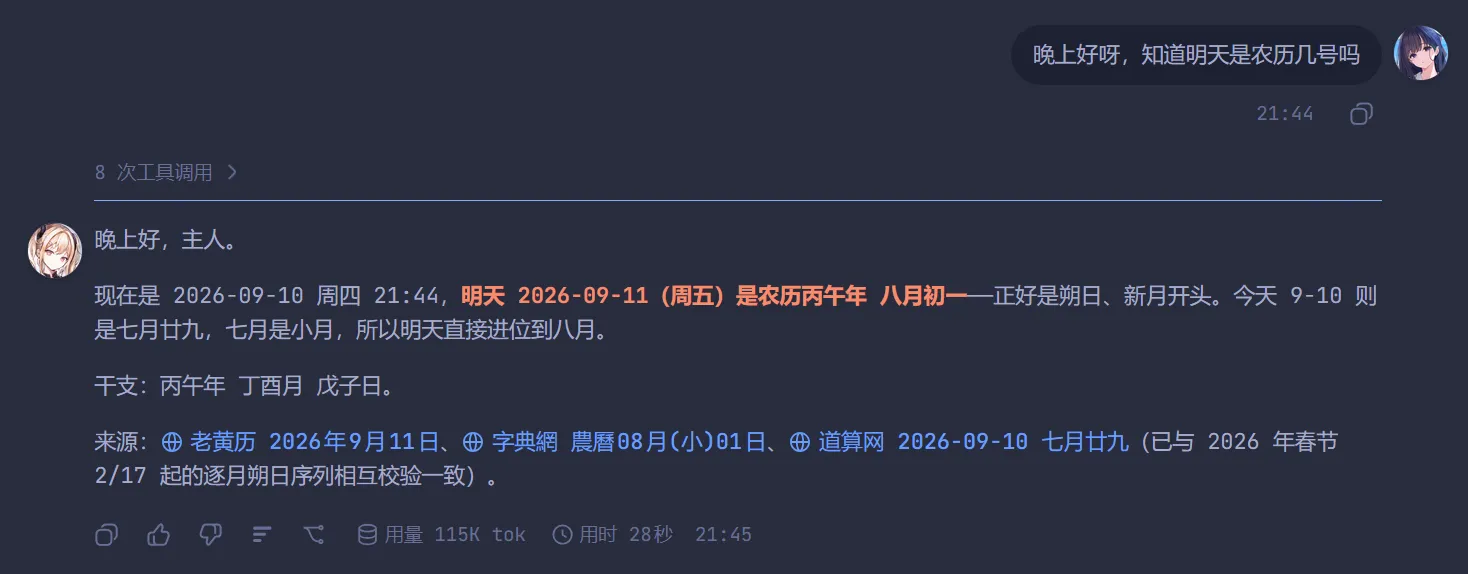
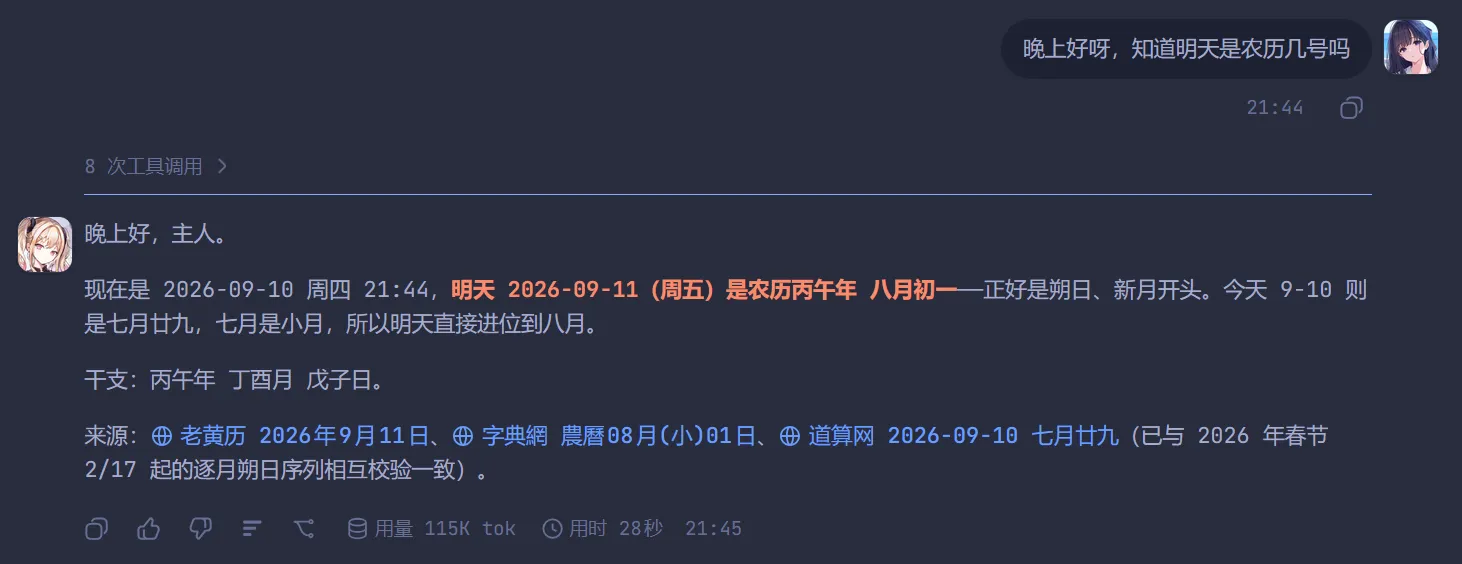
Adds an avatar to the left of each turn's final AI reply and to the right of each user message; upload your own image and set its size and circle or square frame.
Install
# from npm (prebuilt)
dsh plugin --profile web add dsh-chat-avatar
# from a prebuilt release tarball
dsh plugin --profile web add "https://github.com/Rabbit-bot-No-002/dsh-chat-avatar/releases/latest/download/dsh-chat-avatar.tgz"
# from GitHub (first run asks for allowBuilds approval — follow the hint, retry)
dsh plugin --profile web add github:Rabbit-bot-No-002/dsh-chat-avatar
Any plugin you install runs third-party code with your own permissions — it can read your files, use your credentials, and reach the network, and tool approvals don’t sandbox it. GitHub-sourced plugins also run build scripts at install time — pnpm blocks those until you allow them, so an install can stop with ERR_PNPM_GIT_DEP_PREPARE_NOT_ALLOWED or ERR_PNPM_IGNORED_BUILDS; dsh prints the exact key to add under allowBuilds in your profile’s pnpm-workspace.yaml, and the install works on the next run. Allowing a build is a trust decision: only install sources you trust, and pin a commit (github:owner/repo#sha).
README
This plugin publishes its README in Chinese only.
给 DeepSeek Harness(dsh)的 Web 界面加头像:每轮 AI 回复左侧一个、你的每条输入右侧一个,两侧各自可自定义。
An avatar plugin for the DeepSeek Harness Web UI: one avatar on the left of each turn's final AI reply, one on the right of each of your messages.
功能 / Features
- AI 头像 —— 每轮最终 AI 回复左侧,贴该条消息第一行的左上角。一轮只有一个:轮次开始时挂在第一条助手步骤上,出现更靠后的步骤就移过去,整轮结束停在最终回答上。
- 用户头像 —— 每条输入(含运行期追问)右侧,贴第一行右上角。
- 两侧各自可配:显示 / 隐藏、上传图片(PNG / JPG / WebP / GIF,动态图会动,≤ 20MB)、尺寸 16–128 px、头像框形状(圆形 / 方形,默认圆形)。
- 没上传就不显示:不会出现空头像框,也没有内置默认图。
- 设置入口:设置 → 左侧边栏 →「头像」。
- 不依赖任何
@deepseek-ai/*包(客户端只用slots,宿主只用webServer),没有 peer 版本耦合问题。
安装 / Install
# 从 npm 安装(推荐:包已预构建,免 allowBuilds 授权)
dsh plugin --profile web add dsh-chat-avatar

# 从 GitHub 安装(源码安装,会本地跑一次构建)
dsh plugin --profile web add github:Rabbit-bot-No-002/dsh-chat-avatar

# 从本地目录
dsh plugin --profile web add link:/path/to/dsh-chat-avatar
npm 包页面:https://www.npmjs.com/package/dsh-chat-avatar
装好后刷新页面;如果是从 GitHub 源码安装且 pnpm 拦了构建脚本,按提示把该包加入 profile 的 allowBuilds 再重跑安装。
License
MIT
Links
More in this category
zhu1090093659/dsh-web#packages/dsh-task-board★ 9673
Task board for the dsh web GUI: a sidebar multi-column kanban whose cards run in real DSH agent sessions and can also be scheduled with cron expressions, executed host-side even with the browser closed.
zhu1090093659/dsh-web#packages/dsh-web-all★ 9673
Plugin and skin collection for the DSH Web UI: task board, Git graph, right-side panel, remote mobile UI, pet, live token stats, and a skin center.
MeteorNOX/DeepSeek-Balance-Whale-Widget★ 6324
A fixed-corner whale widget for the DSH web GUI — balance, today's usage and per-turn cost with peak/off-peak pricing, editable balance-alert and daily-budget bubbles, a module-based custom bubble queue with A/B weighted choices and random lines or images, 30+ vendor templates (OpenAI, OpenRouter, Kimi, SiliconFlow, Ark, Zhipu, MiniMax and more) with per-model balance and subscription quota, plus task-end sound, imported audio, custom roles and a resource manager. Local-only, no telemetry.
ccch1mneyyy/dsh-TUI★ 6018
Claude Code-style full-screen terminal UI: pixel-whale header, live status line, and streaming thought expansion.
omdsh-dev/DSH-better-sidebar★ 4645
Full sidebar workbench with file rendering and editing, terminal, Git, and subagents; third-party plugins can register new tabs.
Devin-AXIS/deepseek-design#deepseek-idesign★ 1607
Visual design studio for websites, app prototypes, posters, cards, reports, and magazines, with templates, direct element editing, selection-aware AI draft handoff, and export.
Community comments
Comments are public GitHub Discussions. Loading them connects to GitHub and Giscus; a GitHub account is required to post.