In-conversation generative UI: the model renders interactive HTML cards into the chat stream, with streaming preview and sandboxed rendering.
Install
# from npm (prebuilt)
dsh plugin --profile web add @nagi-ovo/dsh-visualize
# from GitHub (first run asks for allowBuilds approval — follow the hint, retry)
dsh plugin --profile web add github:Nagi-ovo/dsh-visualize
Any plugin you install runs third-party code with your own permissions — it can read your files, use your credentials, and reach the network, and tool approvals don’t sandbox it. GitHub-sourced plugins also run build scripts at install time — pnpm blocks those until you allow them, so an install can stop with ERR_PNPM_GIT_DEP_PREPARE_NOT_ALLOWED or ERR_PNPM_IGNORED_BUILDS; dsh prints the exact key to add under allowBuilds in your profile’s pnpm-workspace.yaml, and the install works on the next run. Allowing a build is a trust decision: only install sources you trust, and pin a commit (github:owner/repo#sha).
README
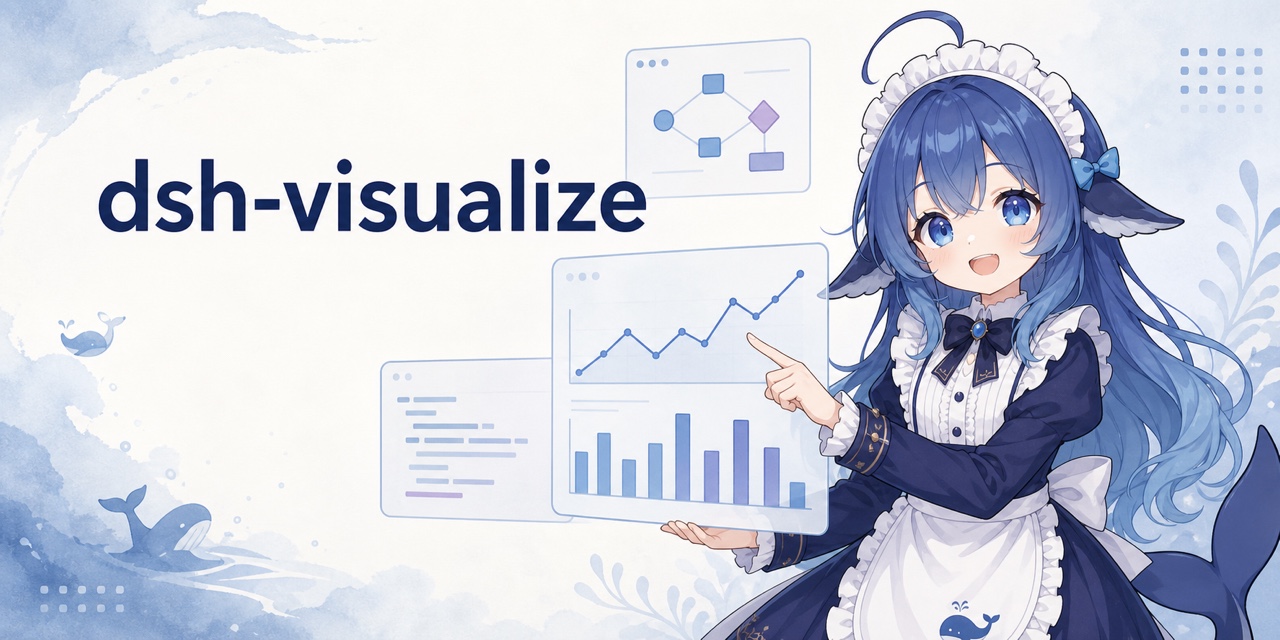

DSH does not have to answer with text alone. When the model calls visualize, the Web UI renders an interactive card inside the conversation for simulators, charts, comparison panels, and UI mockups.
Install
Install from npm into DSH's web profile:
dsh plugin --profile web add @nagi-ovo/dsh-visualize
# If dsh web is running, restart it and refresh the page.
GitHub also works: dsh plugin --profile web add github:Nagi-ovo/dsh-visualize. Run dsh --profile web --dump-config to confirm that the plugin is present in the final configuration. For local development, clone the repository and run dsh plugin --profile web add . from its root; committed build output means no separate build step is required. Users of the community plugin-registry can also install it from Settings → Plugins.
Compatible with DSH 0.1.1-rc.2 through 0.1.7-rc.2.
Use it
Tell the model what you want to explore, for example, “make an adjustable visualization of a sorting algorithm.” The model writes an HTML fragment, then calls visualize(path, title?, mode?) to place it in the conversation. Side-by-side comparisons can use mode: "wide".
Cards follow the DSH light or dark theme and whale-blue palette. Session replay restores them from the persistent tool result, so the original fragment file does not need to remain on disk.
By default DSH folds a finished turn's tool process. While it does, the turn's cards also appear under the final answer, so you see them without opening the process; with Work details set to Verbose they stay in place only.
Security
Each card runs in a sandboxed iframe with an opaque origin and cannot access the host page. Its CSP blocks network requests, nested pages, and form submissions, while allowing static assets from a fixed set of CDNs. Fragments are limited to 1000000 bytes by default; change maxFragmentBytes to use a different limit.
Limitations
Interactive cards currently render only in the Web UI. TUI and headless clients show the standard tool result instead. Buttons inside a card cannot yet send follow-up messages to the conversation.
Inspired by /visualize in the Codex desktop app. The layered skill references and Chart.js-first approach draw from himself65/finance-skills.
Links
More in this category
zhu1090093659/dsh-web#packages/dsh-task-board★ 8076
Task board for the dsh web GUI: a sidebar multi-column kanban whose cards run in real DSH agent sessions and can also be scheduled with cron expressions, executed host-side even with the browser closed.
zhu1090093659/dsh-web#packages/dsh-web-all★ 8076
Plugin and skin collection for the DSH Web UI: task board, Git graph, right-side panel, remote mobile UI, pet, live token stats, and a skin center.
omdsh-dev/DSH-better-sidebar★ 3828
Full sidebar workbench with file rendering and editing, terminal, Git, and subagents; third-party plugins can register new tabs.
ccch1mneyyy/dsh-TUI★ 3661
Claude Code-style full-screen terminal UI: pixel-whale header, live status line, and streaming thought expansion.
MeteorNOX/DeepSeek-Balance-Whale-Widget★ 3277
A fixed-corner whale widget for the DSH web GUI — balance, today's usage and per-turn cost with peak/off-peak pricing, editable balance-alert and daily-budget bubbles, a module-based custom bubble queue with A/B weighted choices and random lines or images, 30+ vendor templates (OpenAI, OpenRouter, Kimi, SiliconFlow, Ark, Zhipu, MiniMax and more) with per-model balance and subscription quota, plus task-end sound, imported audio, custom roles and a resource manager. Local-only, no telemetry.
Devin-AXIS/deepseek-design#deepseek-idesign★ 1628
Visual design studio for websites, app prototypes, posters, cards, reports, and magazines, with templates, direct element editing, selection-aware AI draft handoff, and export.
Community comments
Comments are public GitHub Discussions. Loading them connects to GitHub and Giscus; a GitHub account is required to post.