Cross-session memory for DeepSeek Harness via the official storage domain: memories persist through ctx.storage (storageDomain table) and are injected into the system prompt through a registered section (memory:recall), with memory_save / memory_forget tools so the agent reads and writes its own memory (maxMemories configurable).
Install
# from GitHub (first run asks for allowBuilds approval — follow the hint, retry)
dsh plugin --profile web add github:988hj7tczd-oss/harness-desktop#path:/plugins/harness-memory
Any plugin you install runs third-party code with your own permissions — it can read your files, use your credentials, and reach the network, and tool approvals don’t sandbox it. GitHub-sourced plugins also run build scripts at install time — pnpm blocks those until you allow them, so an install can stop with ERR_PNPM_GIT_DEP_PREPARE_NOT_ALLOWED or ERR_PNPM_IGNORED_BUILDS; dsh prints the exact key to add under allowBuilds in your profile’s pnpm-workspace.yaml, and the install works on the next run. Allowing a build is a trust decision: only install sources you trust, and pin a commit (github:owner/repo#sha).
README
Download, install, double-click, and chat — no terminal, no environment setup. The official DeepSeek Harness Web UI, wrapped in a native desktop shell for macOS, Windows, and Linux.
Colorful appearance · make it yours
Paint this workbench your way: dark / light / follow-system themes × DeepSeek blue / green / purple / orange accent colors, plus font size and message density — all applied live and persisted across restarts, so every day of Harness gets its own look.
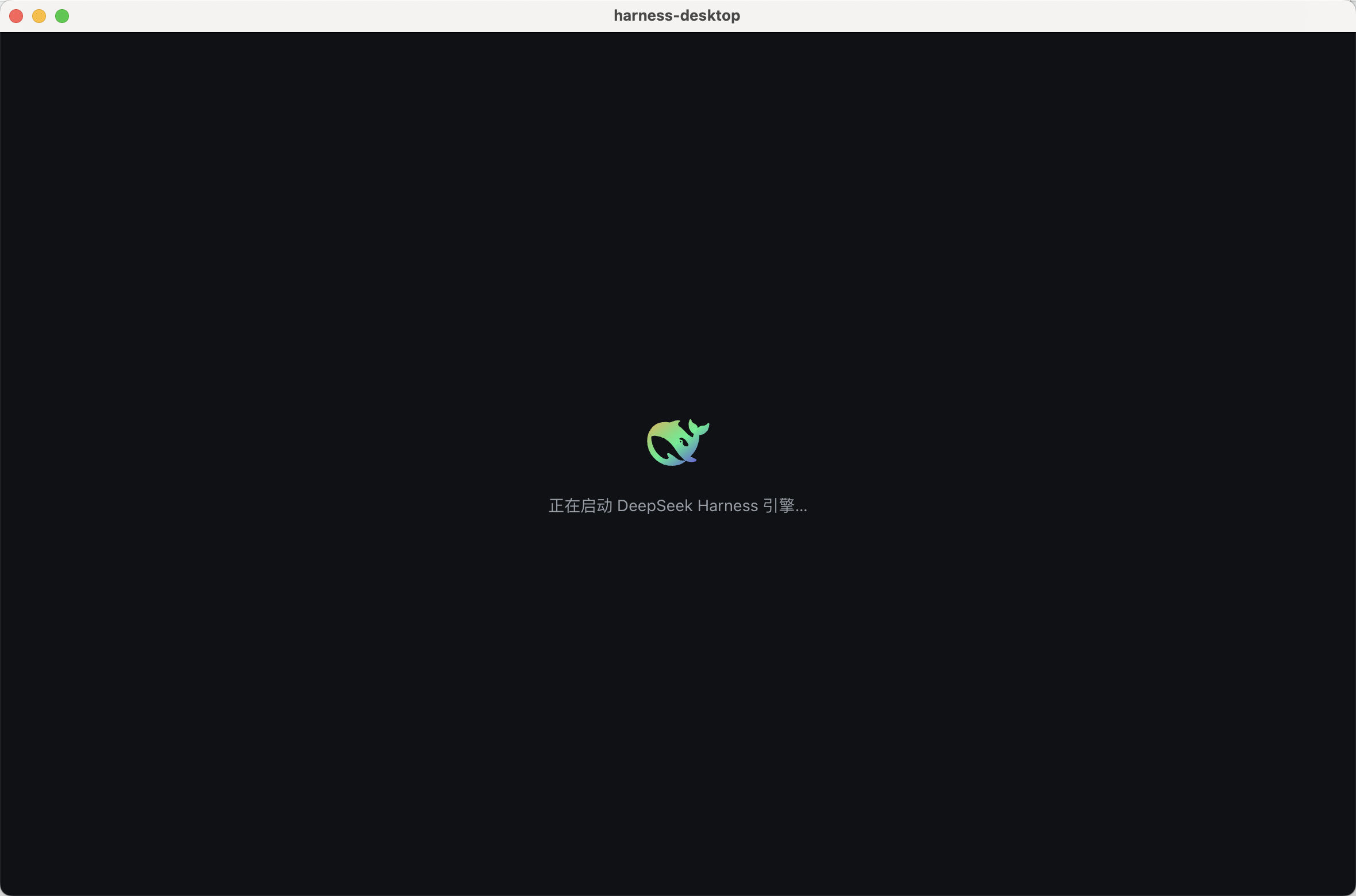
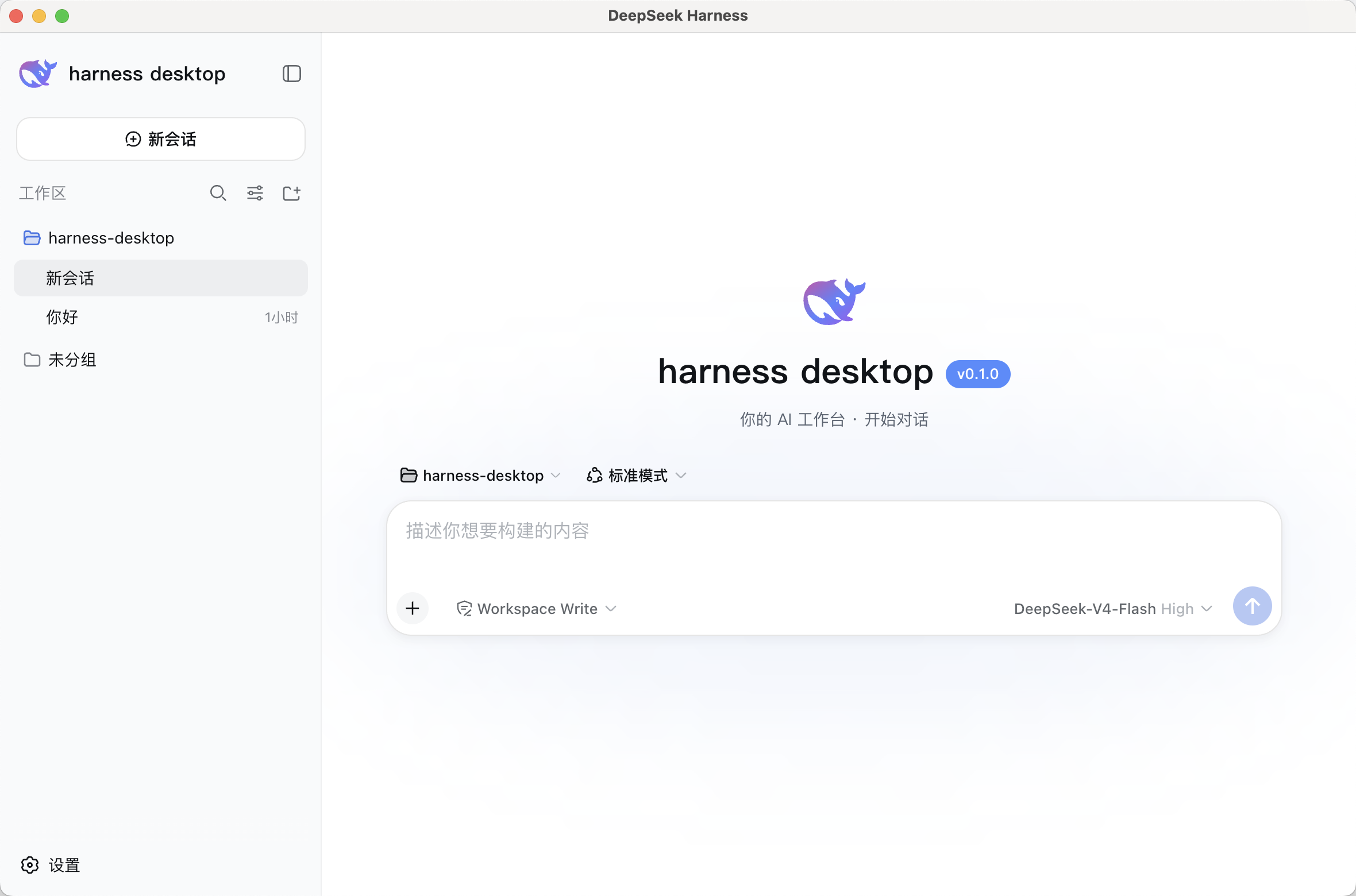
Screenshots
Splash / startup (dark)
Main UI (light · official DeepSeek Harness Web UI integrated, with brand)
Features
- Out-of-the-box: built-in DeepSeek Harness engine — install and chat. First-run wizard gets you started in 3 minutes
- Official UI, deeply integrated: the window loads the engine's own Web UI (same-origin, not an iframe) — chat, sessions, trajectory, and settings are all the official experience. No second UI to maintain
- Official homepage-grade background: the WebGL2 fluid-glow hero background from the DeepSeek Harness site (dark/light recipes, mouse-interactive glow, graceful fallback to a static gradient on weak GPUs), with the official sidebar/composer surfaces re-skinned to match
- One-click updates: an in-app Update button in the sidebar auto-detects new releases — silent background download, live progress, one-click restart-and-install. No updates, no interruption
- Streaming chat: typewriter output + thinking visualization
- Task panel: task tracking / auto-review / failure retry
- Agent evolution: memory auto-persists (preferences / project conventions / success patterns) + skills auto-distilled from repeated tasks
- Security: strict CSP / single-instance lock / attachment limits / safeStorage-encrypted credentials
- System tray: minimize to tray and keep running in background
- 3 platforms, native builds: GitHub Actions matrix builds each platform on its own native runner
Quick start
Install (all platforms)
Installers: grab the installer for your platform from GitHub Releases (dmg / exe / AppImage / deb).
npm (one command, auto-downloads the platform installer):
npm install -g harness-desktop
# npm may block install scripts by default; use this to auto-download:
npm install -g --allow-scripts=harness-desktop harness-desktop
harness-desktop        # launch the installer
Homebrew (macOS):
brew tap 988hj7tczd-oss/harness-desktop
brew install harness-desktop
Direct download:
| Platform | Installer |
|---|---|
| macOS Apple Silicon | harness-desktop-0.1.4-arm64.dmg |
| macOS Intel | harness-desktop-0.1.4.dmg |
| Windows x64 | harness-desktop.Setup.0.1.4.exe |
| Linux x64 | harness-desktop-0.1.4.AppImage / harness-desktop_0.1.4_amd64.deb |
China mirror (Gitee): https://gitee.com/jerryweizhihao/harness-desktop
First run
Run → 4-step wizard (welcome → API Key → workspace → done) → start chatting.
Get your API Key at platform.deepseek.com.
No installer? Run from source:
pnpm install
pnpm dev
CLI usage
# Install (auto-downloads the platform installer)
npm install -g harness-desktop
# npm may block install scripts by default; use this to auto-download:
npm install -g --allow-scripts=harness-desktop harness-desktop

# Launch the installer (opens the downloaded dmg/exe/AppImage)
harness-desktop

# Check download status
harness-desktop --check
Direct download via curl:
# macOS (Apple Silicon)
curl -L -o harness-desktop.dmg "https://github.com/988hj7tczd-oss/harness-desktop/releases/download/v0.1.4/harness-desktop-0.1.4-arm64.dmg"
# Windows
curl -L -o harness-desktop.exe "https://github.com/988hj7tczd-oss/harness-desktop/releases/download/v0.1.4/harness-desktop.Setup.0.1.4.exe"
# Linux
curl -L -o harness-desktop.AppImage "https://github.com/988hj7tczd-oss/harness-desktop/releases/download/v0.1.4/harness-desktop-0.1.4.AppImage"
chmod +x harness-desktop.AppImage && ./harness-desktop.AppImage
Development
pnpm install      # install dependencies
pnpm dev          # dev mode: vite + electron (HMR)
pnpm build        # build renderer + main
pnpm test         # run unit tests (Vitest)
pnpm typecheck    # TS type check
pnpm dist         # package macOS dmg + Windows exe (output to out/)
pnpm dist:mac     # macOS only
pnpm dist:win     # Windows only
macOS signing & notarization: docs/SIGNING.md
Tech stack
- Engine: DeepSeek Harness
@deepseek-ai/dsh@0.1.1-rc.2(tracks official latest) - Shell: Electron 43 + electron-builder
- Frontend: React 18 + TypeScript + Vite (hand-written CSS +
--dsw-*tokens, no heavy UI libs) - Isolation layer:
adapter/encapsulates the dsh API — upstream changes only touch the adapter, the renderer never sees raw dsh fields
DSH ecosystem
- 📦 awesome-dsh-plugin — curated list of DeepSeek Harness plugins (this project is featured under "Desktop Clients")
- 🖱️ dsh-computer-use — Computer Use plugin: gives harness-desktop human-like virtual mouse control
- 🌐 Website: aibunkhouse.com · Tools: aibunkhouse.com/tools
Known limitations (honest notes)
- Unsigned: current builds are not code-signed/notarized — installers may show "unidentified developer" warnings. macOS in-app auto-updates depend on code signing (silently skipped when unsigned — manually download from GitHub Releases); see docs/SIGNING.md
- Size: installers ~130-230MB (bundled dsh engine + Electron)
- 3 platforms: macOS / Windows / Linux built natively via GitHub Actions matrix; Windows verified on real hardware
- dsh engine: preview (rc), tracks official latest
0.1.1-rc.2
License
Not an official DeepSeek product, not affiliated with DeepSeek; DeepSeek Harness is an open-source project by DeepSeek AI.
Links
More in this category
vectorize-io/hindsight#coding-agents★ 46361
Hindsight, agent memory that learns: long-term project memory with auto recall and retain, knowledge pages, deep reflection, and per-repo memory banks.
volcengine/OpenViking#examples/dsh-memory-plugin★ 39324
OpenViking memory and context bundle for DeepSeek Harness: pre-step auto-recall and profile injection, session capture, `viking://` URI guarding, and recall/write memory tools backed by an OpenViking server.
agentscope-ai/ReMe#dsh★ 3555
Connects DeepSeek Harness to ReMe's local-first, self-evolving personal knowledge base: automatically captures completed main-agent conversations as user-owned Markdown memory, searches conversations and source material through reme_search with BM25, optional embeddings, and wikilink expansion, and schedules daily memory consolidation.
zilliztech/memsearch#MemSearch★ 2722
Shared Markdown memory for DSH and other coding agents, with automatic capture, pre-step context injection, searchable recall, and memory-to-skill self-evolution through a review panel.
vshulcz/deja-vu#extensions/dsh★ 1139
Reads the session files thirty-three other coding agents on this machine already wrote — Claude Code, Codex, Cursor, VS Code Copilot Chat, opencode, OpenClaw, Hermes, Kimi, Cline, Zed and more — including sessions from before it was installed: six tools (deja_recall, deja_session, deja_blame, deja_fix, deja_how, deja_remember), a /deja command, and optional automatic recall added to the runtime context. Local BM25 index, no LLM, no embeddings, no network (dsh plugin --profile web add dsh-deja).
adoresever/graph-memory★ 637
Traceable, searchable cross-session memory for DeepSeek Harness — conversation knowledge as typed graph nodes (TASK/SKILL/EVENT) and typed edges.
Community comments
Comments are public GitHub Discussions. Loading them connects to GitHub and Giscus; a GitHub account is required to post.